
Birdie Screen Recording is the #8 ranked video app on Zendesk, with a 5.0 average rating from 8 reviews, with a free plan available, as of Sep 3, 2026.
Birdie Screen Recording is a Zendesk Marketplace app by Birdie Team. With a rating of 5.0★ from 8 reviews, it currently ranks #8 in the Video category.
AppRanks data: Birdie Screen Recording ranks #8 in Video on Zendesk Marketplace, placing it in the top 9% of that category.
AppRanks verdict
Generated from live marketplace data — refreshed daily
Birdie Screen Recording is a category-leading Zendesk app with a limited review volume. It is listed in the Video category on Zendesk Marketplace, which AppRanks treats as the canonical taxonomy node for ranking and competitor comparison. 8 reviews put it in the early-traction tier — useful for early-stage stores willing to be on the leading edge. Early-traction review counts are sensitive to single launch periods or feature events, so a 30-day re-check before bigger commitments often resolves whether the trend is sustained. The free tier lets you trial the entry feature set without committing a payment method. AppRanks tracks rating, review count, pricing tier, and category position daily — the figures on this page reflect the most recent scrape from the canonical Zendesk Marketplace listing.
Pros
- +High average rating (5.0★) signals consistent merchant satisfaction
- +Free tier available — no card required to evaluate
- +Published by Birdie Team — established developer track record
Cons
- −Limited review base (8) — ratings can shift significantly with new feedback
Looking to switch from Birdie Screen Recording?
See Birdie Screen Recording's alternatives ranked by audit score, rating, and review velocity.
About Birdie Screen Recording
How Birdie Screen Recording works
Show full descriptionShow less
Birdie is trusted by 2,500+ leading support teams.
Help customers show their issues instead of explaining them - and empower your team to resolve complex tickets 7x faster. Here is how:
SCREEN RECORDING
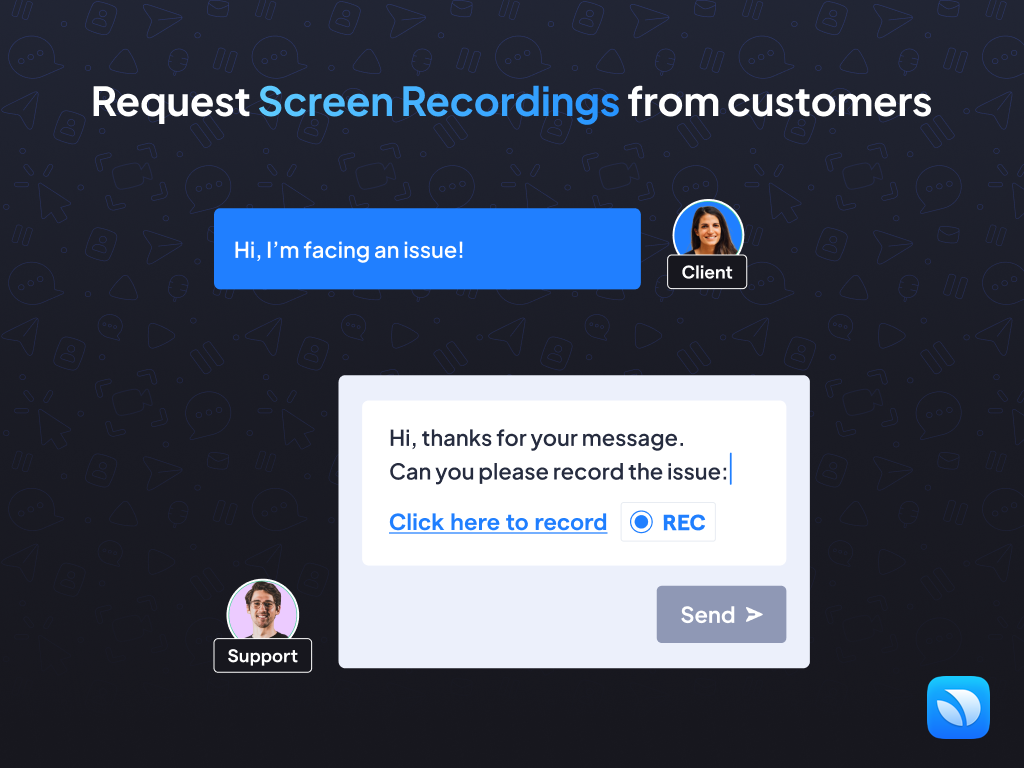
Request Screen Recordings from Customers
Skip the back-and-forth. Enable customers to record their screens to show issues instead of explaining them via text or live calls.
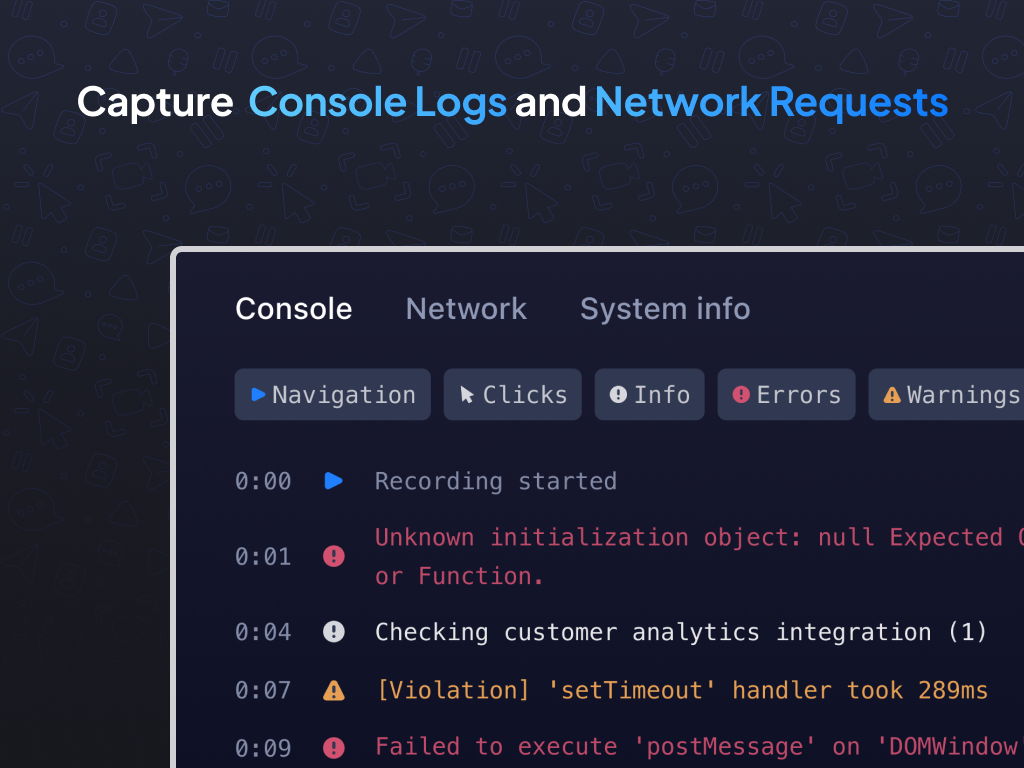
Capture Console Logs and Network Requests
Automatically collect console logs, network activity, device details, and session metadata to equip your developers and Level 2 agents with the insights they need for faster troubleshooting.
Integrate Birdie into every Zendesk Workflow
From ticket forms to auto-replies, agent signatures, macros, and AI agents - Birdie integrates seamlessly into every Zendesk workflow.
Send Screen Recordings to Customers
Deliver crystal-clear guidance by sharing screen recordings with your customers.
Birdie SDK
Embed Birdie recorder seamlessly into your product through any button, link, or element, and receive recordings directly in Zendesk.
WHY TEAMS LOVE BIRDIE
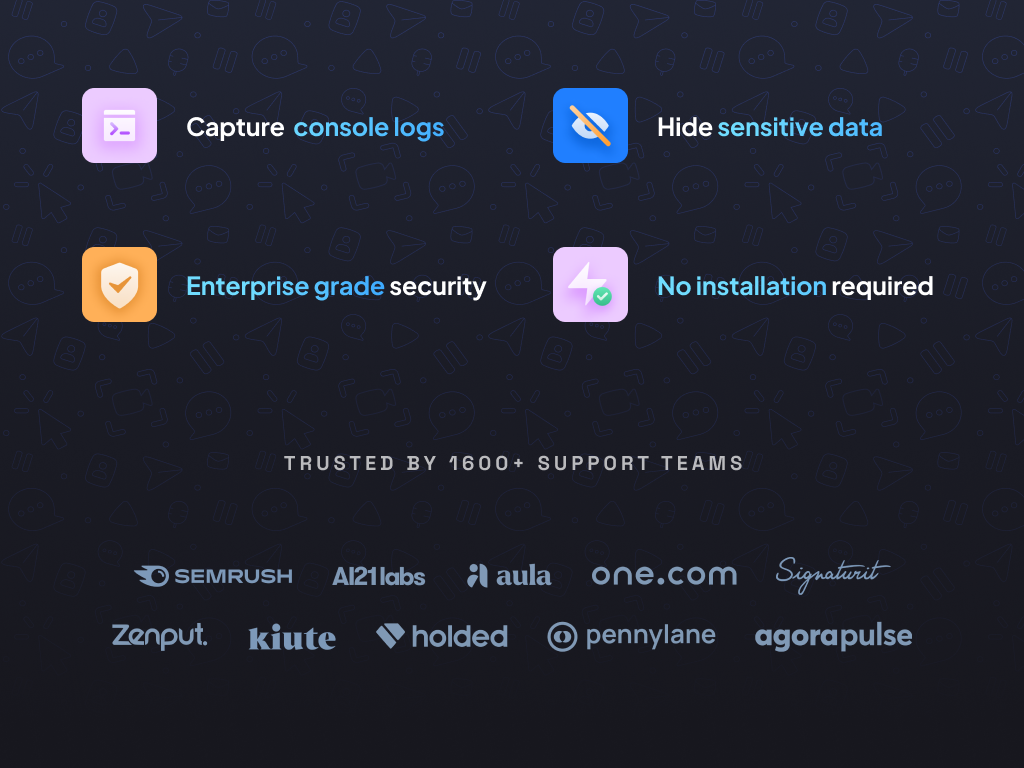
No Downloads Required: Customers record instantly - no installs, no hassle.
Custom Branding: Ensure a polished, branded experience.
Hide Sensitive Data: Automatically blur sensitive information for compliance and trust.
Enterprise-Grade Security: Includes SAML SSO, on-premise options, and customizable data retention policies.
Proven Results: +60% faster resolutions, -35% escalations, and +20% Customer Effort Score.
PRIVACY & DATA HANDLING
Birdie is designed with security and privacy in mind.
Data Collected
Birdie collects ticket identifiers, customer name and email, and agent name and email, as well as screen recordings, console logs, network requests, and technical metadata (such as browser, device, and session information).
Purpose of Processing
This data is used solely to associate recordings with the correct Zendesk ticket and participants, and to help support and engineering teams diagnose and resolve issues faster.
Access & Security
Data is only accessible to authorized users within your organization. Birdie implements industry-standard security measures including encryption in transit and at rest.
Data Control
You retain full control over your data, including the ability to manage retention policies and delete recordings when needed.
For more information, please review our Privacy Policy: https://www.birdie.so/legal#PrivacyPolicy
Birdie makes ticket resolution easier, faster, and more efficient for both customers and agents.
Learn more at https://birdie.so.
For support, visit our Help Center: https://docs.birdie.so/birdie-docs/helpdesk/zendesk/flows or email [email protected].
Screenshots
Category rankings
As of Sep 4, 2026- Video#8of 90Top 9%
- AI and Bots#23of 377Top 7%
See 90-day rank history for each category
Track daily rank changes, category shifts, and position volatility.
Keyword rankings
Birdie Screen Recording ranks for 1 keywords across Zendesk Marketplace. Here are the top 1:
- Rank #2
Competitors & alternatives
Birdie Screen Recording doesn't have curated competitor matchups yet. Other tracked video apps on Zendesk:



 Compare

Where Birdie Screen Recording stands in the Video category
Birdie Screen Recording ranks #8 of 90 apps in the Video category, placing it in the top 9% of the listing.
Frequently asked questions
What is Birdie Screen Recording?
Birdie Screen Recording is an app for Zendesk. It currently holds a 5.0-star rating from 8 merchant reviews, and AppRanks has been tracking its public marketplace data on the refresh cadence published in our methodology. It is listed under the Video category on AppRanks, where you can see its current category position, review-velocity trend, and how it compares against the top alternatives in the same space. Developed by Birdie Team.
Who uses Birdie Screen Recording?
Birdie Screen Recording is actively installed across Zendesk stores tracked by AppRanks. Its review base is still building, which usually maps to early-stage merchants and stores piloting a new workflow. It is part of the Video category on Zendesk.
Where does Birdie Screen Recording rank on Zendesk?
Birdie Screen Recording currently sits at position #8 in the Video category on Zendesk. That places it in the top 9% of 90 apps tracked in the same category. Category positions are read from the live marketplace ranking and refresh on each scrape, so the number you see here reflects the most recent crawl rather than a long-running average.