- Category rank
- #119 in CRM and Marketing
- Listing audit
- 65/100
Larkwell is a Zendesk Marketplace app by Great Work LLC.
Larkwell is the #119 ranked CRM and Marketing app on Zendesk, as of Nov 20, 2026.
AppRanks verdict
Generated from marketplace data as of Nov 20, 2026
Larkwell ranks #119 of 252 in CRM and Marketing on Zendesk. It has no reviews on Zendesk yet.
Pros
- No standout positives in the measured data.
Cons
- −No reviews yet — fit and reliability are unverified by other merchants
About Larkwell
How Larkwell works
Show full descriptionShow less
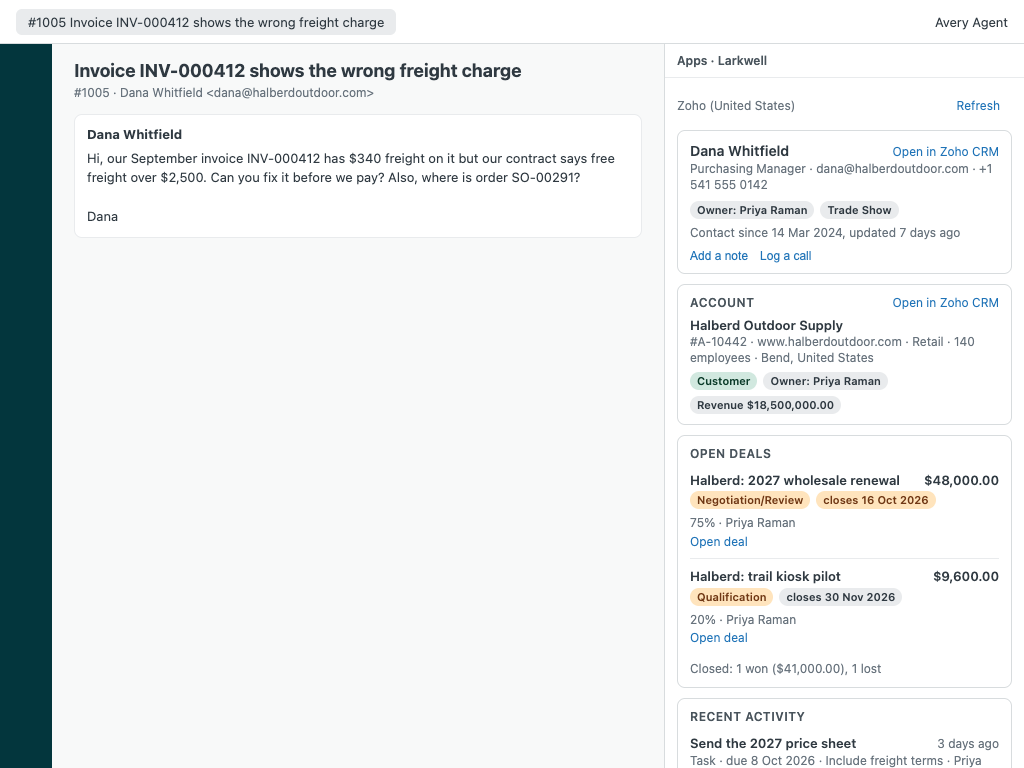
Larkwell puts your customer's Zoho records next to every Zendesk ticket: Zoho CRM, Zoho Books, Zoho Billing and Zoho Inventory in one panel, read live from your own Zoho account.
What your agents see
Zoho CRM: the requester's contact, matched by every email address they use, with title, phone and owner; their account; open deals with amount, stage, probability and close date (overdue close dates stand out); won and lost totals; recent tasks, meetings, calls and notes. When the requester has no contact yet, the account that uses their email domain.
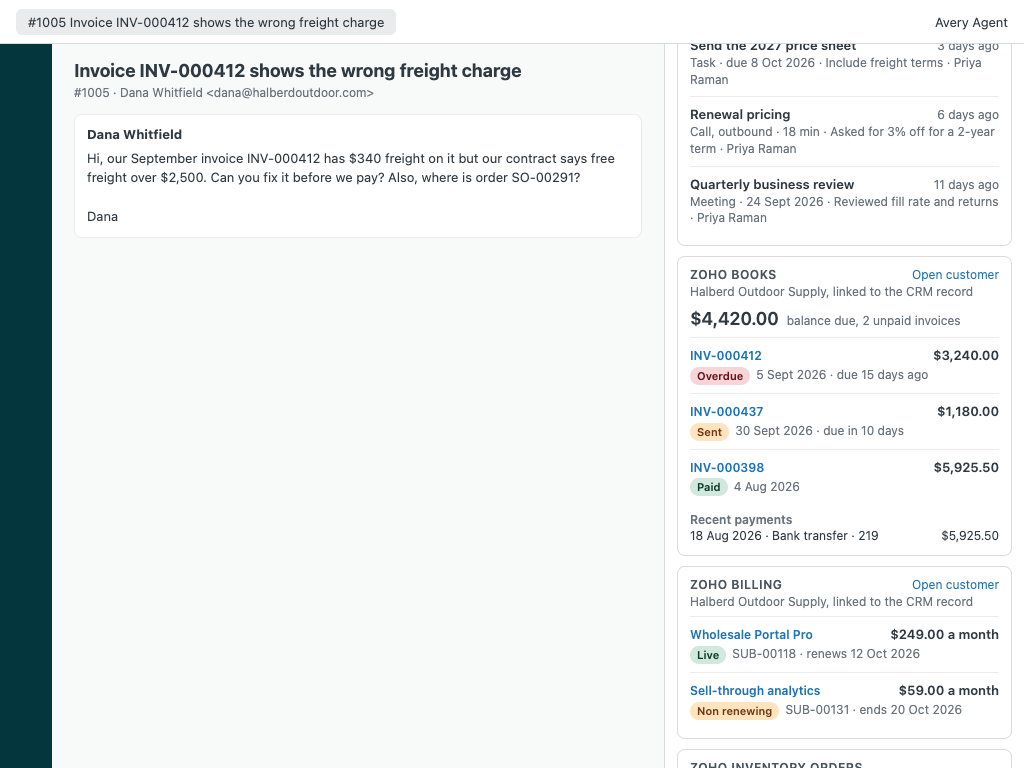
Zoho Books: balance due, unpaid invoices first with due dates, recent invoices and payments, each linked to Zoho Books.
Zoho Billing: subscriptions with plan, amount, status (live, trial, non renewing, unpaid, dunning) and the next renewal date.
Zoho Inventory: recent sales orders with status, shipments, carrier and tracking number.
The organization profile shows the matching account. A lookup box finds any contact or account by email, record id or Zoho CRM link.
Each product is optional. Larkwell detects which ones your Zoho account and token reach and shows only those, so a CRM-only or Books-only team gets a clean panel.
What your agents can do
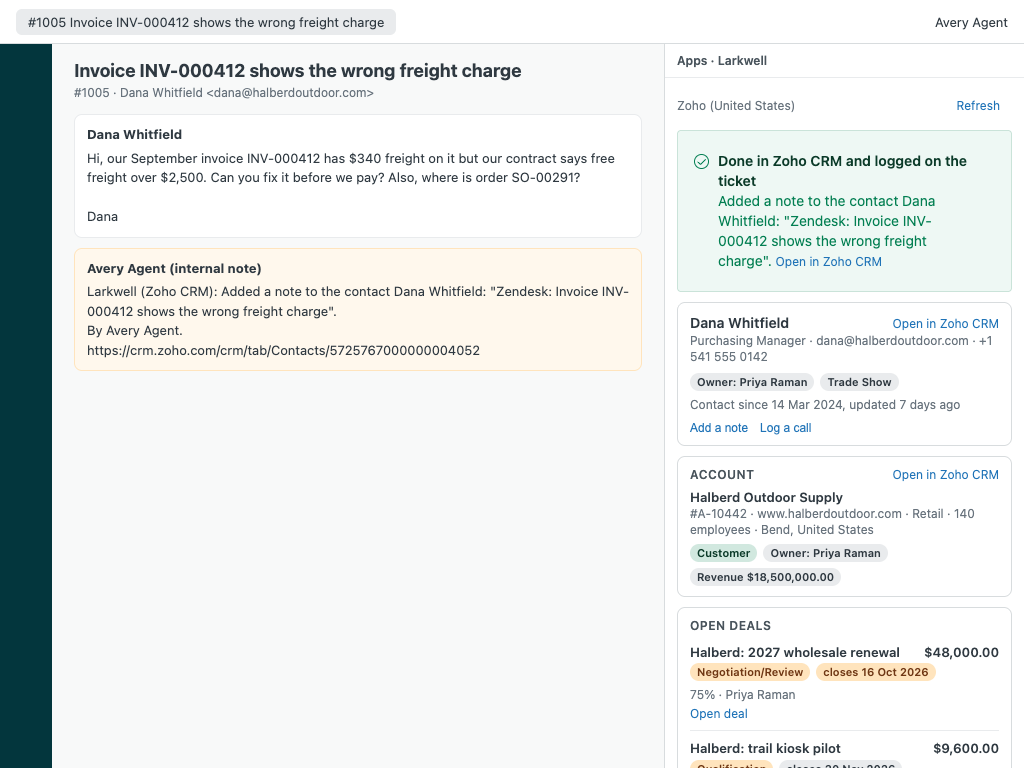
Create a Zoho CRM contact for a new requester (linked to the matched account), add a note to the contact or account, and log a call. Each action shows exactly what will happen and waits for a confirmation, is sent once (never retried behind the agent's back), and is logged on the ticket as an internal note with a tag. Admins choose who may act (all agents, admins, roles or groups) and which actions exist.