- Category rank
- #72 in Video
- Listing audit
- 66/100
TeamViewer Enterprise for Support is a Zendesk Marketplace app by TeamViewer GmbH.
TeamViewer Enterprise for Support is the #72 ranked Video app on Zendesk, free to install, with charges billed separately, as of Nov 17, 2026.
AppRanks verdict
Generated from marketplace data as of Nov 17, 2026
TeamViewer Enterprise for Support ranks #72 of 95 in Video on Zendesk. It has no reviews on Zendesk yet. It is free to install, with charges billed separately — check the plans below.
Pros
- No standout positives in the measured data.
Cons
- −No reviews yet — fit and reliability are unverified by other merchants
About TeamViewer Enterprise for Support
How TeamViewer Enterprise for Support works
Show full descriptionShow less
In 2005, TeamViewer started in Goeppingen, Germany, with software to connect to computers from anywhere to eliminate travel and enhance productivity. It rapidly became the de facto standard for remote access and support and the preferred solution for hundreds of millions of users across the world to help others with IT issues. Today, more than 635,000 customers across industries rely on TeamViewer to optimize their digital workplaces—from small to medium sized businesses to the world’s largest enterprises—empowering both desk-based employees and frontline workers. Organizations use TeamViewer’s solutions to prevent and resolve disruptions with digital endpoints of any kind, securely manage complex IT and industrial device landscapes, and enhance processes with augmented reality powered workflows and assistance—leveraging AI and integrating seamlessly with leading tech partners. Against the backdrop of global digital transformation and challenges like shortage of skilled labor, hybrid working, accelerated data analysis, and the rise of new technologies, TeamViewer’s solutions offer a clear value add by increasing productivity, reducing machine downtime, speeding up talent onboarding, and improving customer and employee satisfaction.
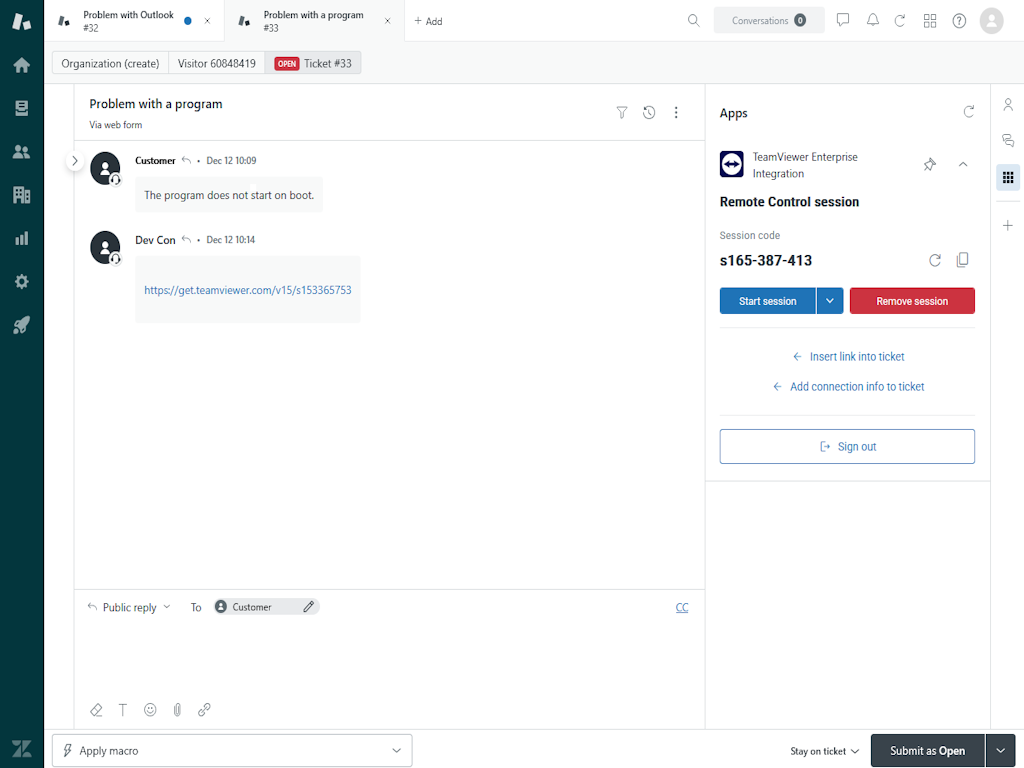
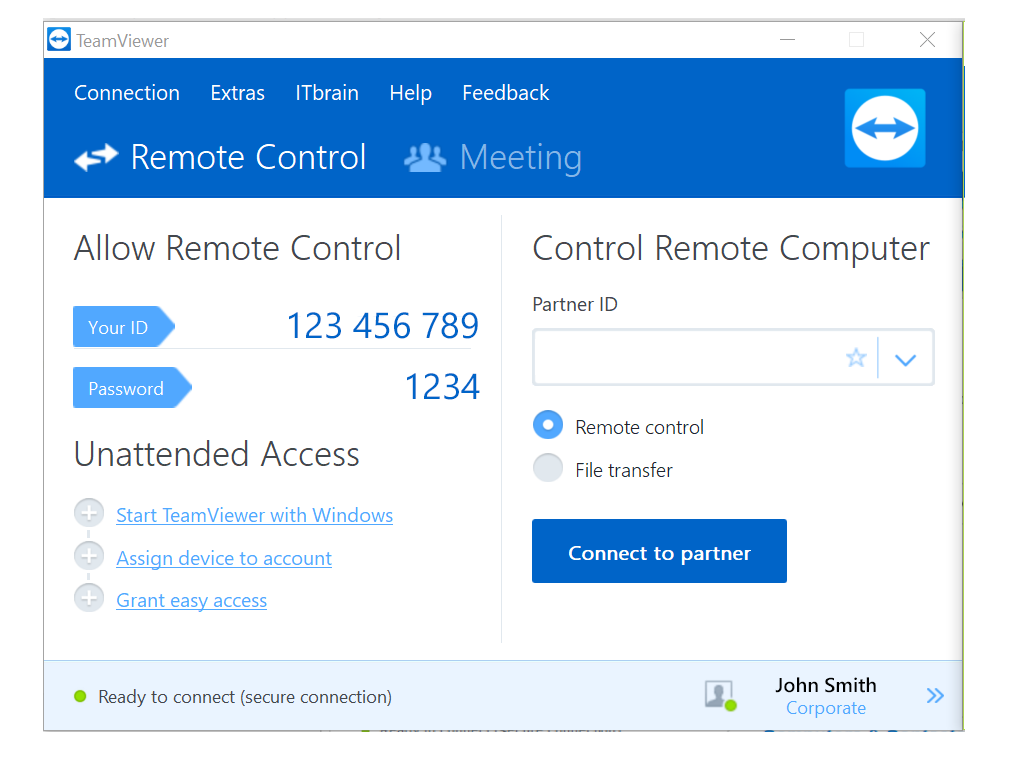
With TeamViewer you can easily create a remote support session directly from your ticket in Zendesk to Windows, Mac, Linux and mobile devices Simply insert the created link into the ticket and send it to your customer. Once the customer goes online, he will appear in your TeamViewer service queue and you can instantly connect with a single click to his device For more information about using TeamViewer within Zendesk and a free trial please visit: https://www.teamviewer.com/en/integrations/Zendesk/
TeamViewer benefits at a glance
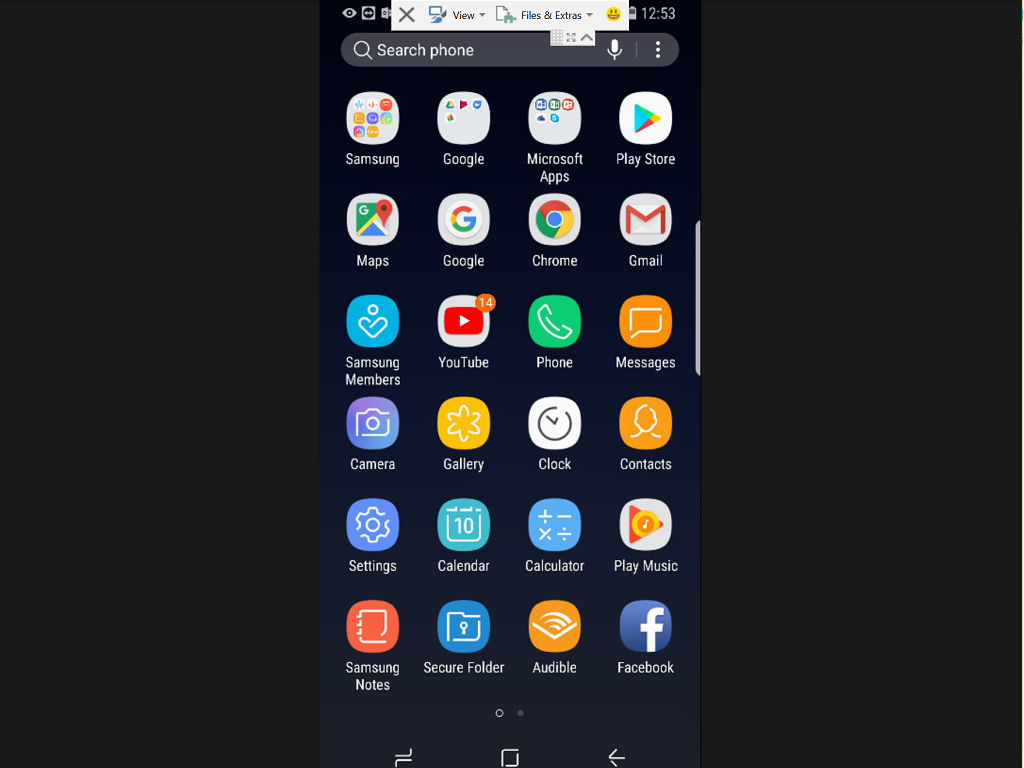
*Multi Platform: *Support for Windows, Mac, Linux, Android, iOS, Chrome, and Blackberry.