Teqtivity IT Asset Management for Zendesk
- Category rank
- #51 in IT and HR
- Listing audit
- 66/100
Teqtivity IT Asset Management is a Zendesk Marketplace app by Teqtivity Support. With a rating of 1.0★ from 1 reviews, it currently ranks #51 in the IT and HR category.
Teqtivity IT Asset Management is the #51 ranked IT and HR app on Zendesk, with a 1.0 average rating from 1 review, free to install, with charges billed separately, as of Nov 17, 2026.
AppRanks verdict
Generated from marketplace data as of Nov 17, 2026
Teqtivity IT Asset Management ranks #51 of 151 in IT and HR on Zendesk. It holds a 1.0★ average from 1 review on Zendesk. It is free to install, with charges billed separately — check the plans below.
Pros
- No standout positives in the measured data.
Cons
- −Average rating below 4.0 (1.0★) — read recent low-star reviews before committing
- −Only 1 review — the average can still move with a few new ratings
About Teqtivity IT Asset Management
How Teqtivity IT Asset Management works
Show full descriptionShow less
About Teqtivity
Teqtivity is an IT Asset Management platform that helps organizations maintain accurate, real-time visibility into their devices across the full asset lifecycle. IT teams use Teqtivity to track ownership, manage assignments, and maintain reliable inventory records as environments grow and change.
What the integration does
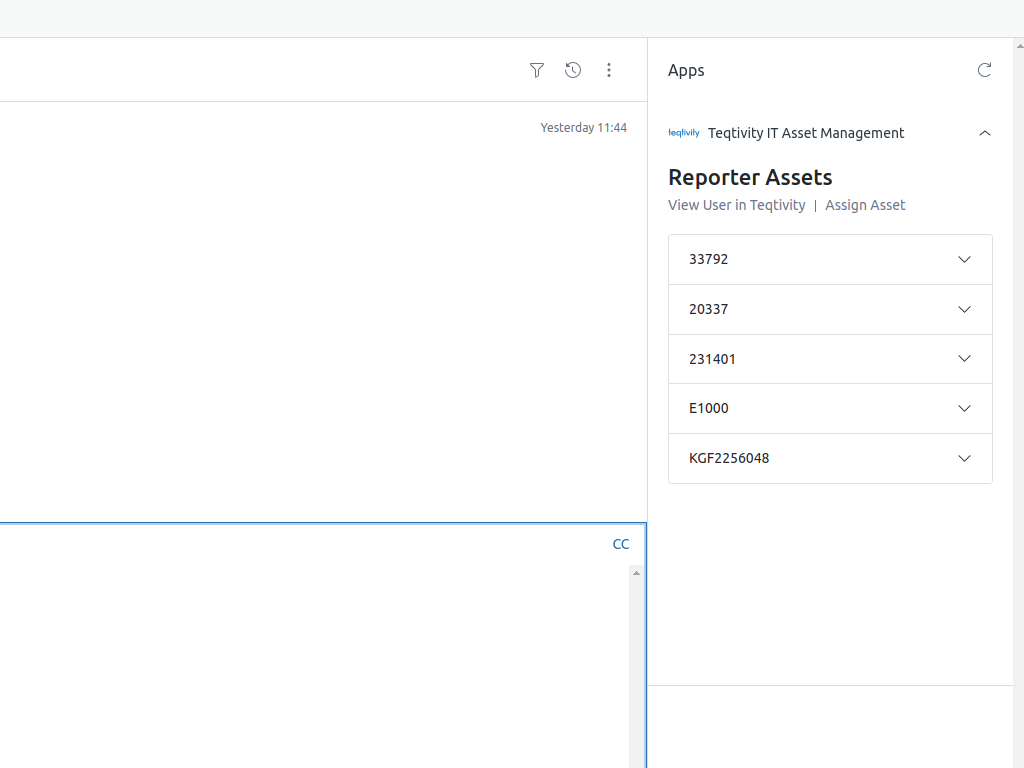
The Teqtivity Zendesk integration brings asset visibility directly into the Zendesk ticket interface. When a ticket is opened, support agents can immediately view the assets assigned or loaned to the requester.
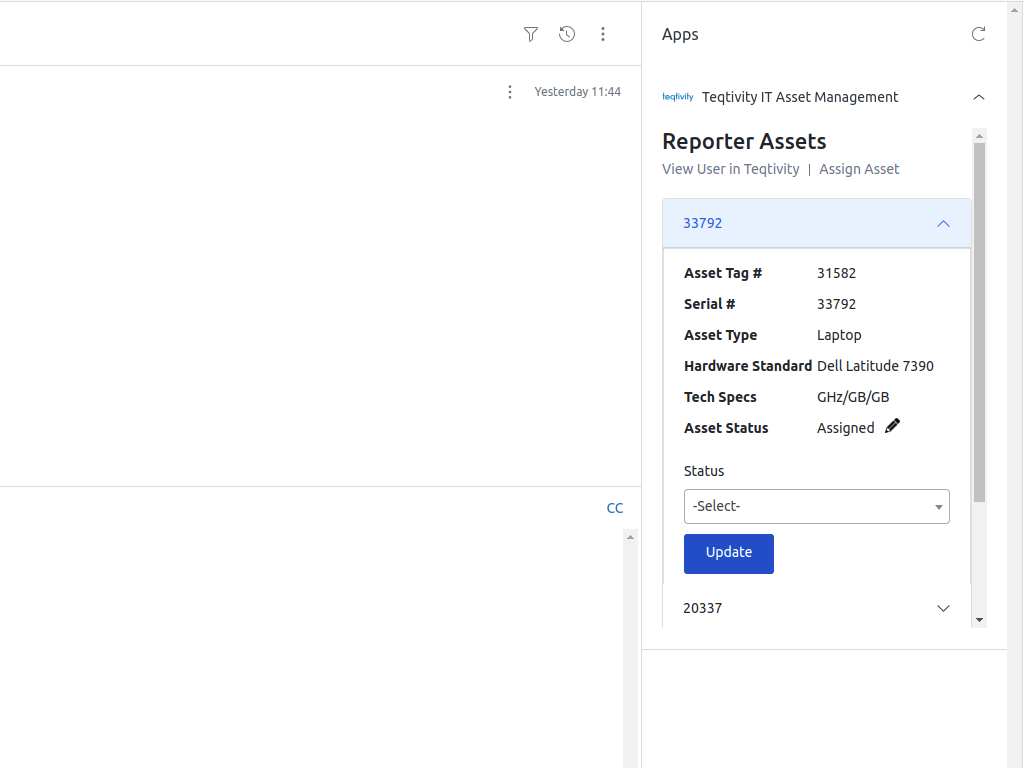
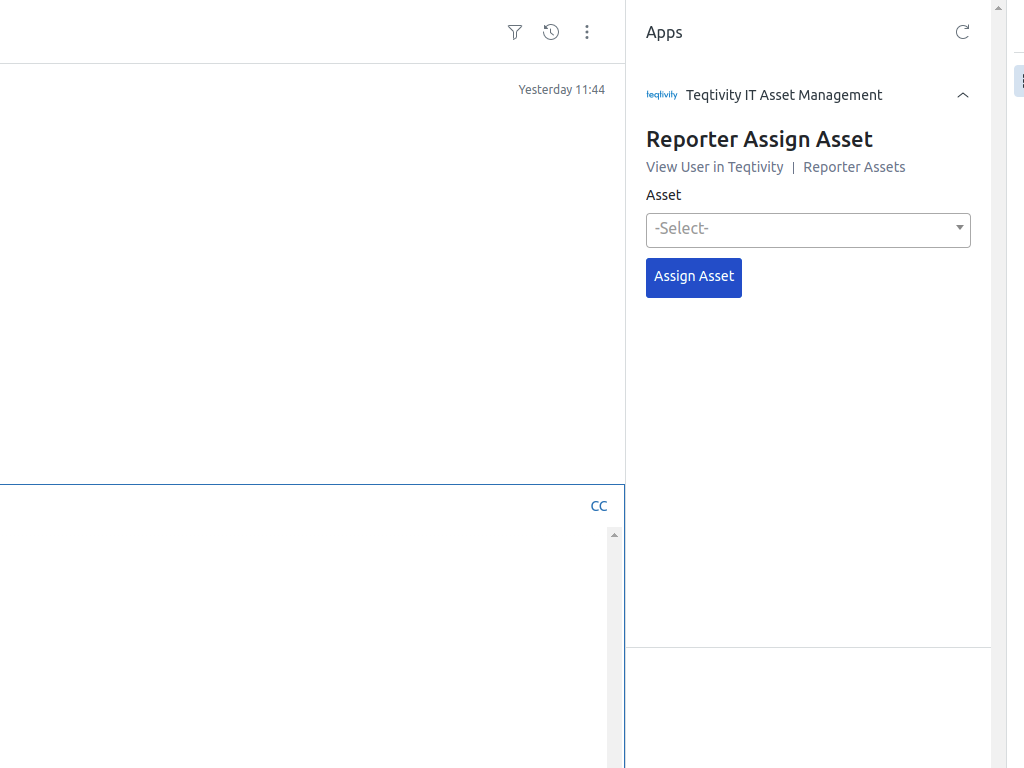
Agents can perform key asset actions without leaving Zendesk:
View assets assigned or loaned to the ticket requester
Update asset status directly from the ticket
Assign assets using a serial number or asset tag
Open the requester’s full profile in Teqtivity for additional details
This allows IT teams to keep asset records accurate while resolving support requests, without switching between systems.
Data and privacy notice
The integration uses the ticket reporter’s email address to retrieve asset information associated with that user from the Teqtivity platform. Asset data is displayed within the Zendesk ticket to provide context for support agents and enable asset updates from the ticket interface.