- Category rank
- #217 in eComm and Payments
- Listing audit
- 63/100
Shopware 6 Connector by MorfDev is a Zendesk Marketplace app by MorfDev.
Shopware 6 Connector by MorfDev is the #217 ranked eComm and Payments app on Zendesk, free to install, with charges billed separately, as of Nov 17, 2026.
AppRanks verdict
Generated from marketplace data as of Nov 17, 2026
Shopware 6 Connector by MorfDev ranks #217 of 243 in eComm and Payments on Zendesk. It has no reviews on Zendesk yet. It is free to install, with charges billed separately — check the plans below.
Pros
- No standout positives in the measured data.
Cons
- −No reviews yet — fit and reliability are unverified by other merchants
About Shopware 6 Connector by MorfDev
How Shopware 6 Connector by MorfDev works
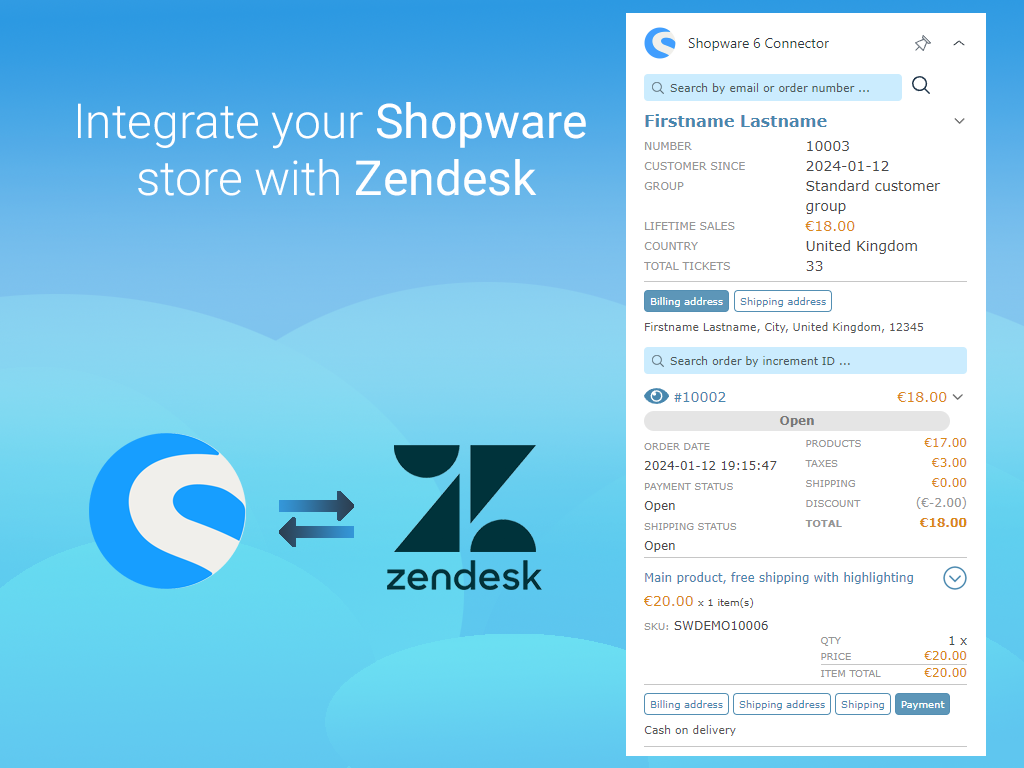
The Shopware 6 Connector for Zendesk Support and Chat will allow you to connect your Shopware 6 stores and display customer information on the Zendesk side.
This will help to better search and verify information, as well as provide more effective support.
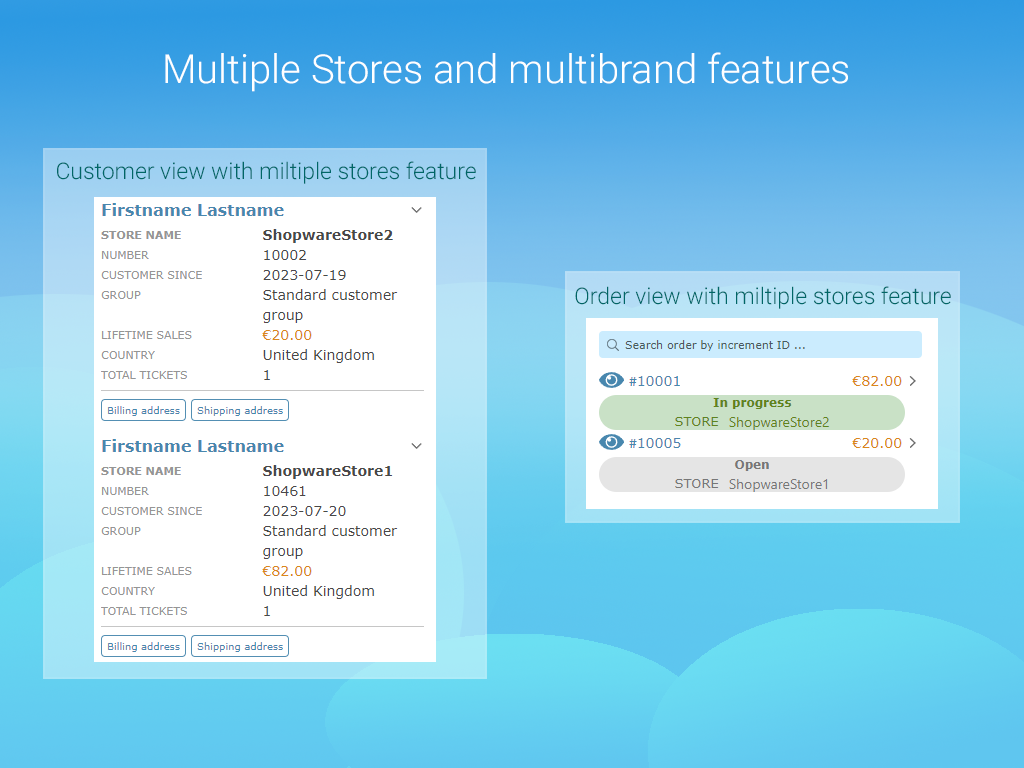
The application by default uses the ticket requester email for searching and looks for information on the Shopware 6 store. Found information is divided into detailed data about the customer and all orders associated with this customer. In addition, the application can connect several Shopware 6 stores at the same time and display information for each store.
Main features of the application:
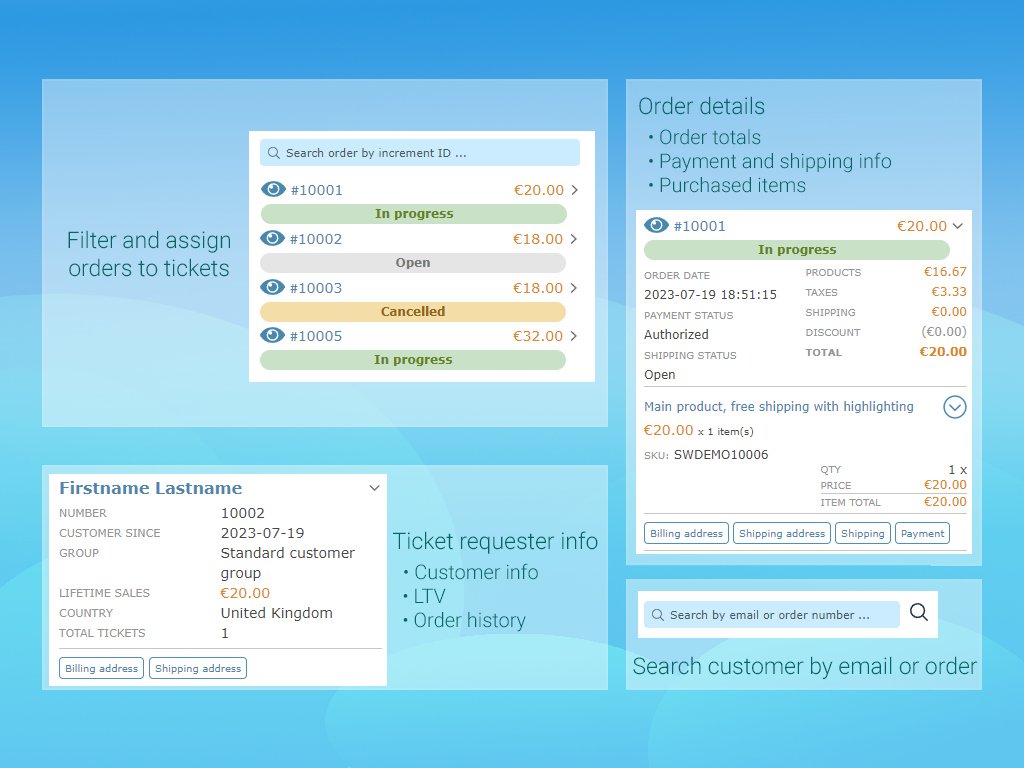
1.Providing information about the customer and orders directly in the ticket page
2.Ability to connect multiple stores at the same time and search across all stores (by request, need 'Upload Private App' ability)
3.Additional search by email or order number. Used if the customer is not found by ticket requester email or if you want to find data by other email/order
4.Filtering orders. Helps to find the right order if there are too many of them.
Links to the customer, order and product pages on your Shopware 6 admin panel (you should be authenticated).
'Watch Order' feature. You can pin order to ticket and see order info in additional block.
Screenshots