- Category rank
- #2 in Messaging
- Listing audit
- 62/100
SendSafely is a Zendesk Marketplace app by SendSafely.com. With a rating of 4.0★ from 64 reviews, it currently ranks #2 in the Messaging category.
SendSafely is the #2 ranked Messaging app on Zendesk, with a 4.0 average rating from 64 reviews, free to install, with charges billed separately, as of Nov 7, 2026.
AppRanks verdict
Generated from marketplace data as of Nov 7, 2026
SendSafely is a category-leading Messaging app on Zendesk, ranked #2 of 200 in the category. It holds a 4.0★ average from 64 reviews on Zendesk. It is free to install, with charges billed separately — check the plans below.
Pros
- +#2 of 200 in Messaging
Cons
- −Only 64 reviews — the average can still move with a few new ratings
About SendSafely
How SendSafely works
Show full descriptionShow less
Secure Data Exchange Made Simple
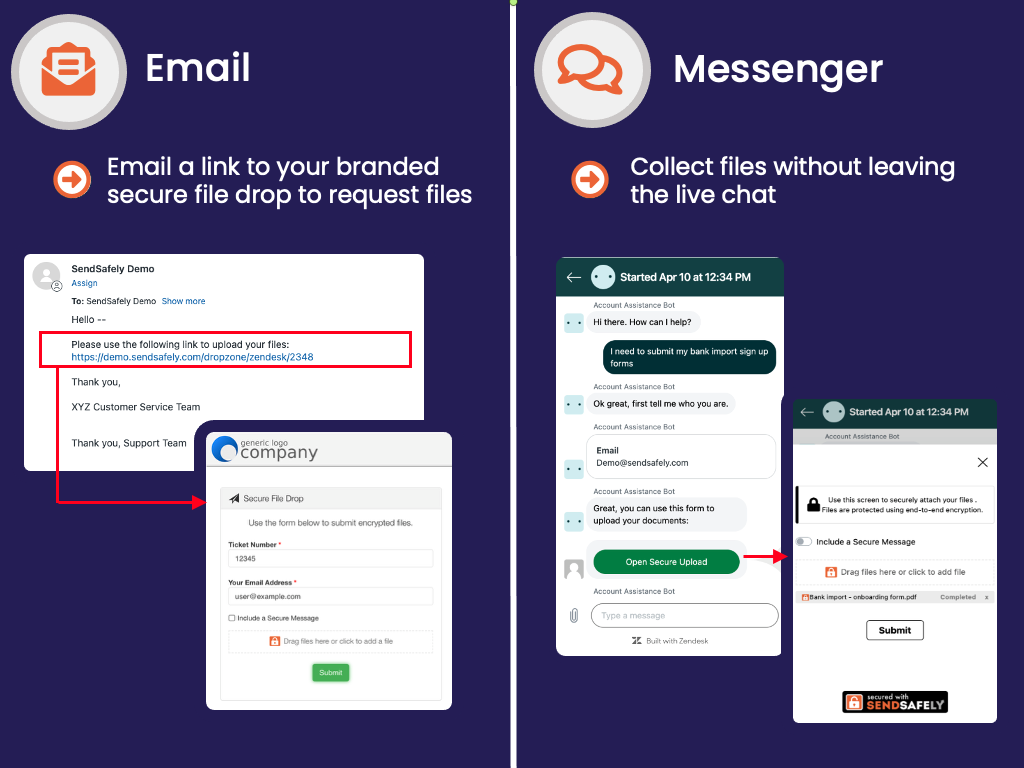
SendSafely allows your support team, and AI agents to securely send, receive, and store sensitive files and messages within Zendesk using end-to-end encryption, ensuring compliance and enhancing customer trust. Manage encrypted attachments effortlessly with seamless integration across both the Agent Workspace and Zendesk Messenger, including automated secure data collection initiated by AI agents.
End-to-End Encryption: All files and messages are encrypted before upload and decrypted only by authorized recipients. Sensitive data never touches Zendesk servers, meaning neither Zendesk, SendSafely, or anyone else has access.
Customizable Security Settings: Configure authentication, access controls, and automated data expiration and deletion to match your organization's policies.
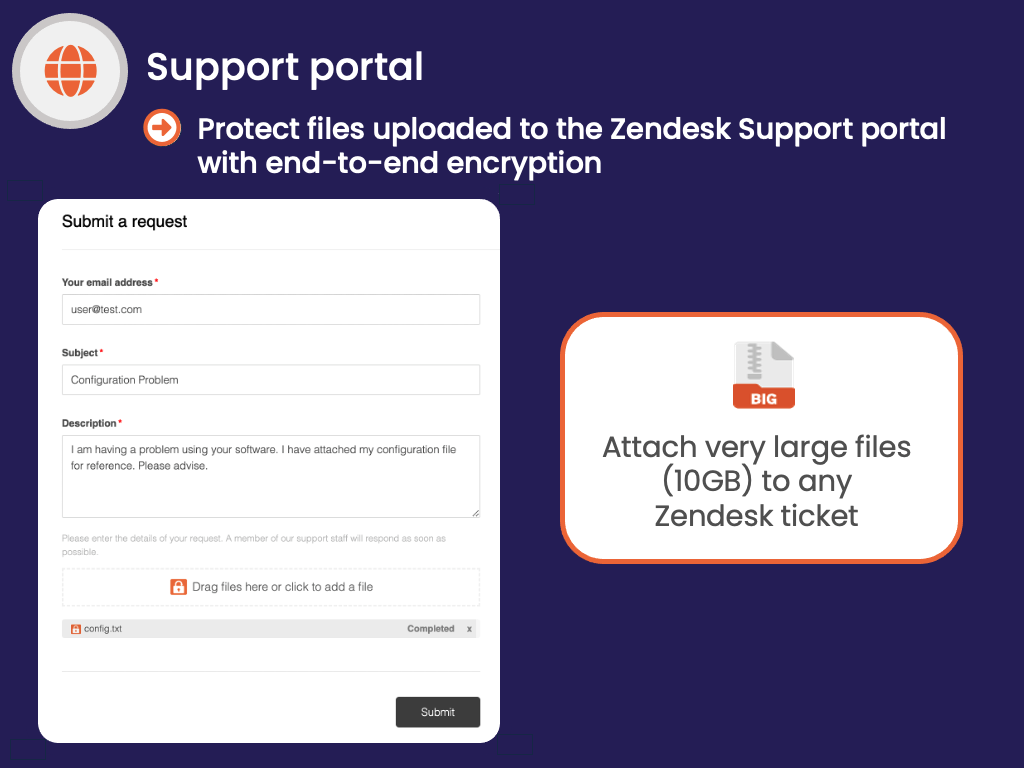
Large File Support: Send and receive files up to 10GB, far exceeding Zendesk's standard limits.
Key Features
Secure Customer Uploads
Let customers submit sensitive files via the Zendesk Support Portal using the SendSafely Portal Widget, with full encryption and no size caps.
Seamless Agent Experience
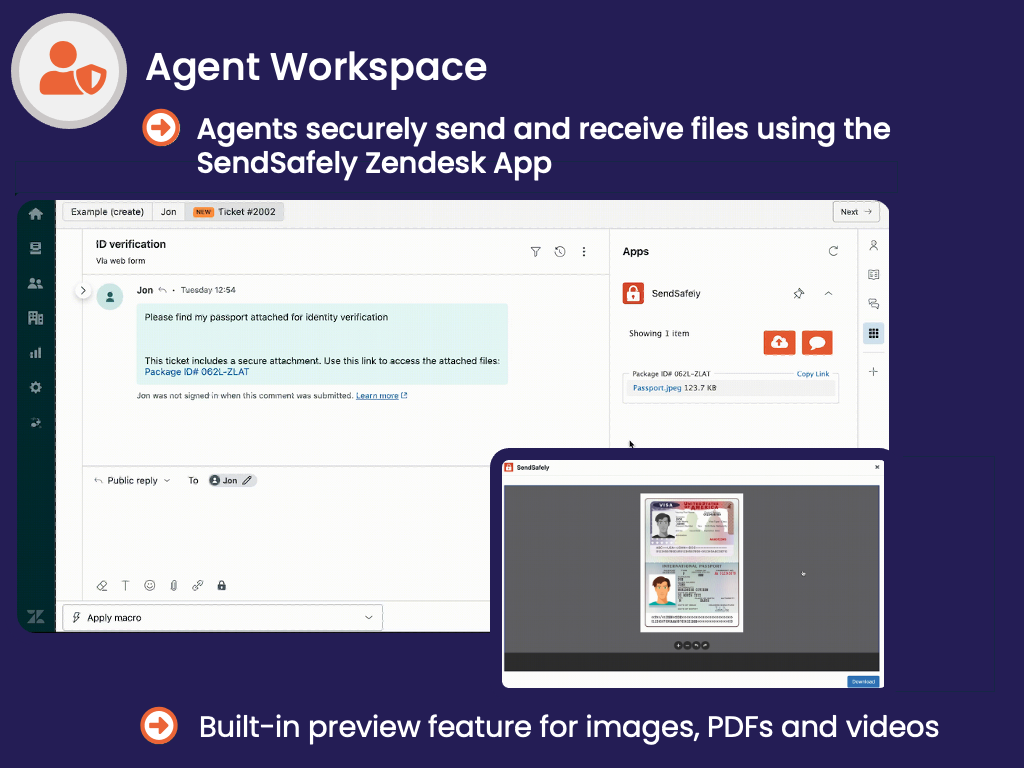
Manage sending and receiving encrypted files directly from the Zendesk Agent Workspace sidebar—no switching between tools.