- Category rank
- #91 in Messaging
- Listing audit
- 62/100
Orbina is a Zendesk Marketplace app by Orbina.
Orbina is the #91 ranked Messaging app on Zendesk, free to install, with charges billed separately, as of Nov 17, 2026.
AppRanks verdict
Generated from marketplace data as of Nov 17, 2026
Orbina ranks #91 of 202 in Messaging on Zendesk. It has no reviews on Zendesk yet. It is free to install, with charges billed separately — check the plans below.
Pros
- No standout positives in the measured data.
Cons
- −No reviews yet — fit and reliability are unverified by other merchants
About Orbina
How Orbina works
Show full descriptionShow less
Orbina is an AI customer-support platform. Businesses deploy an Orbina agent in their own website or mobile-app chat, where it answers customers from the business's own knowledge base and the tools the business enables.
What the integration does
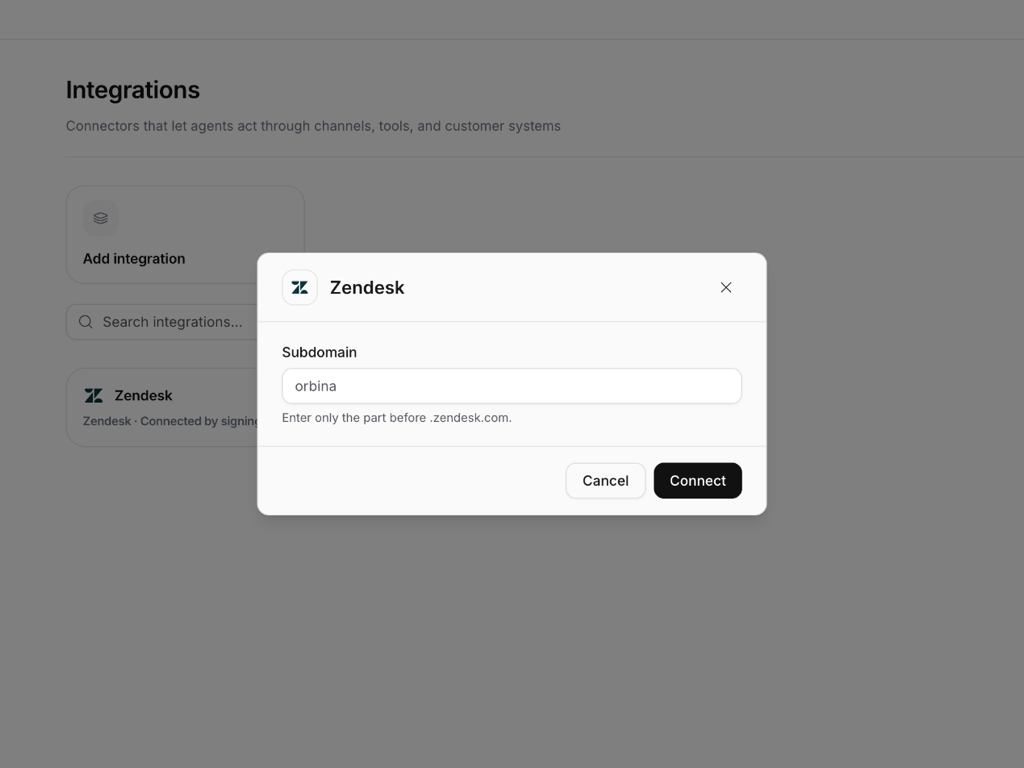
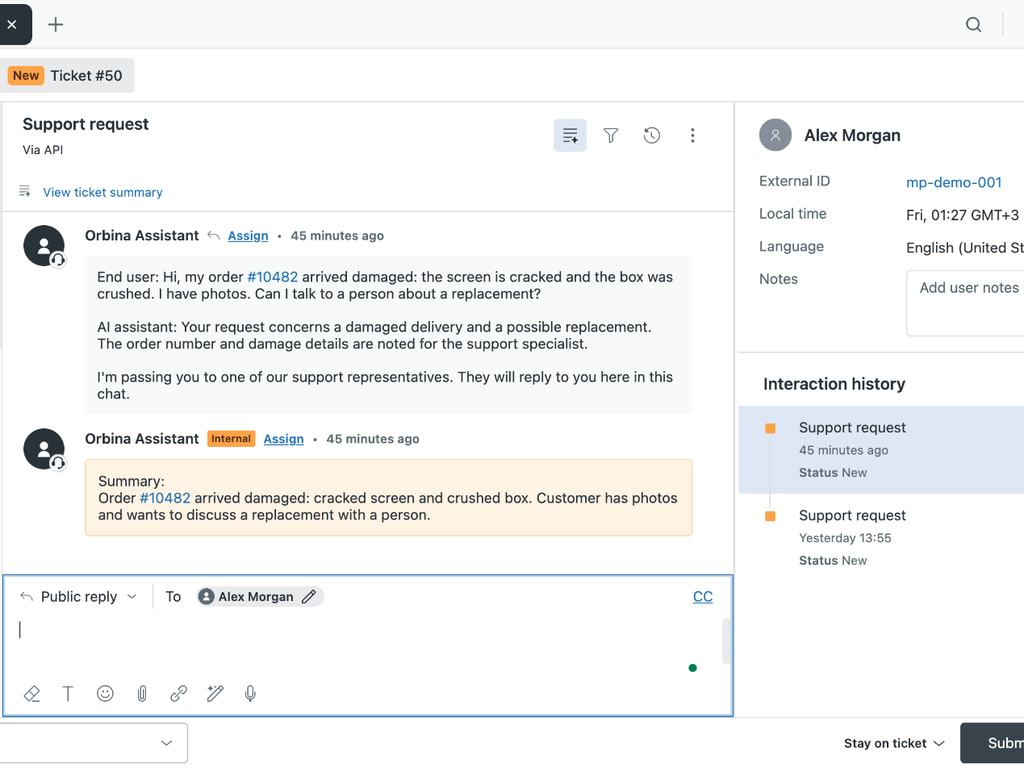
When a customer whose identity the business has verified asks for a person, the Orbina agent opens a Zendesk Support ticket with the conversation so far and adds a short summary as an internal note. If that customer has no Zendesk user yet, Orbina creates one as the requester.
Your agents work the ticket in Zendesk as usual. Their public replies are delivered to the customer in the same Orbina chat, and solving the ticket ends the chat.
Orbina creates one signed webhook in your account for ticket comment and status-change events. Zendesk sends these events for every ticket in the account. Orbina verifies each signature, ignores events for tickets it did not create, and does not store them. Orbina also checks the status of its own open tickets, so a missed event cannot leave a chat open.
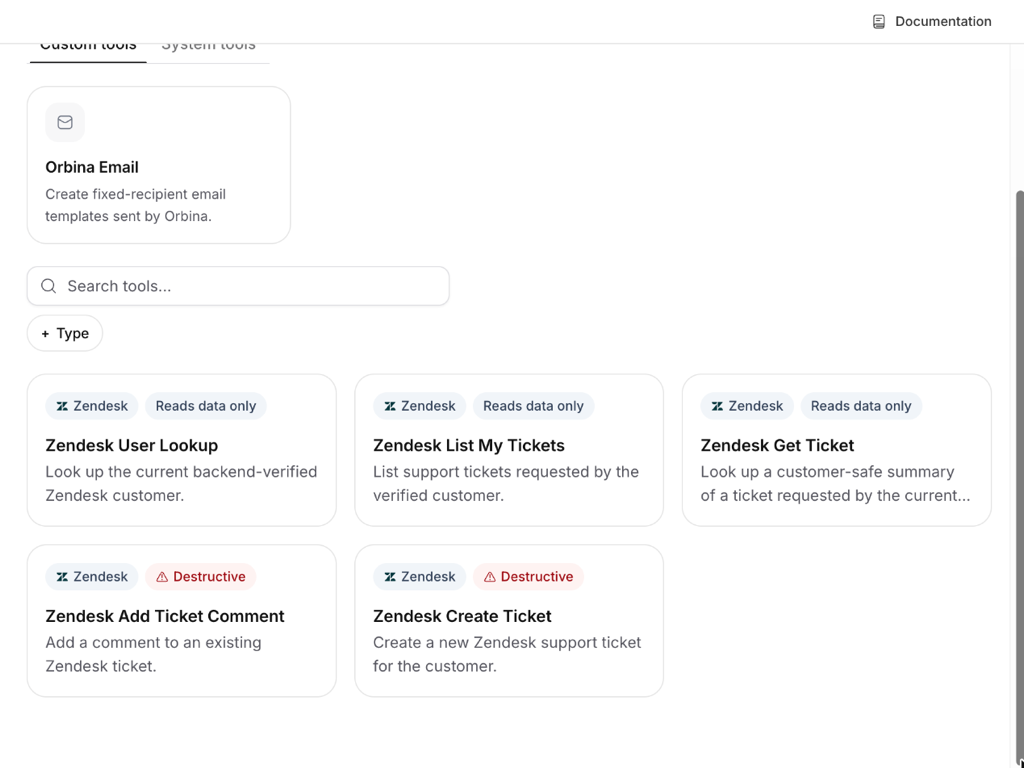
Optional agent tools, enabled per agent by the business and available only for a customer whose email the business has verified: look up that customer's Zendesk user, list and summarize the tickets that customer requested (subject, status, priority and dates; no comments), create a ticket for that customer, and add a public comment to that customer's own ticket. Creating a ticket and adding a comment require approval by default.
Data disclosure
Orbina connects with Zendesk OAuth and requests these scopes: tickets:read, tickets:write, users:read, users:write, webhooks:read and webhooks:write. Orbina uses them only for the actions above: creating and updating its own tickets, reading the tickets and user record of the verified customer in the conversation, and managing the one webhook it creates. Orbina makes no API calls to search, read or export other users or tickets.