- Category rank
- #121 in Product and Project Management
- Listing audit
- 62/100
SLA Watchtower is a Zendesk Marketplace app by Wild Theory Extensions.
SLA Watchtower is the #121 ranked Product and Project Management app on Zendesk, as of Nov 13, 2026.
AppRanks verdict
Generated from marketplace data as of Nov 13, 2026
SLA Watchtower ranks #121 of 204 in Product and Project Management on Zendesk. It has no reviews on Zendesk yet.
Pros
- No standout positives in the measured data.
Cons
- −No reviews yet — fit and reliability are unverified by other merchants
About SLA Watchtower
How SLA Watchtower works
Show full descriptionShow less
Wild Theory Extensions builds focused tools that help support teams inspect their configuration and make informed decisions. SLA Watchtower gives Zendesk administrators a manual, read-only view of SLA policy matching.
What SLA Watchtower does
Review SLA policies in matching order, including conditions and configured targets.
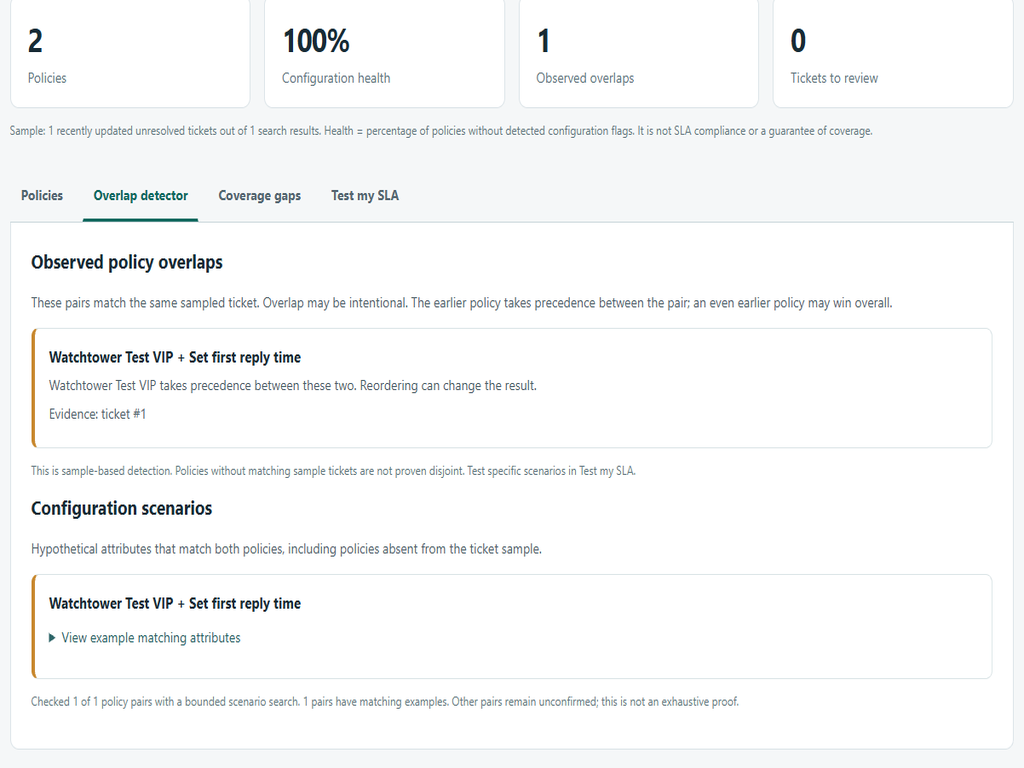
Identify policies that overlap on sampled tickets and explore bounded hypothetical overlap scenarios.
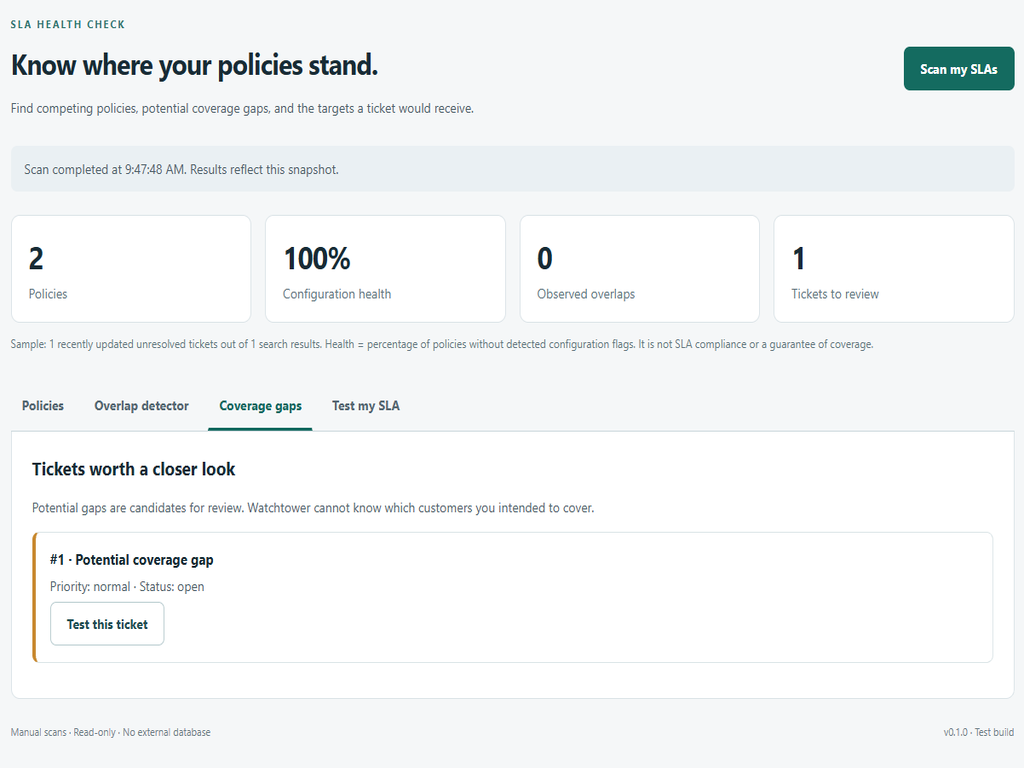
Flag potential coverage gaps in up to 100 recently updated unresolved tickets.
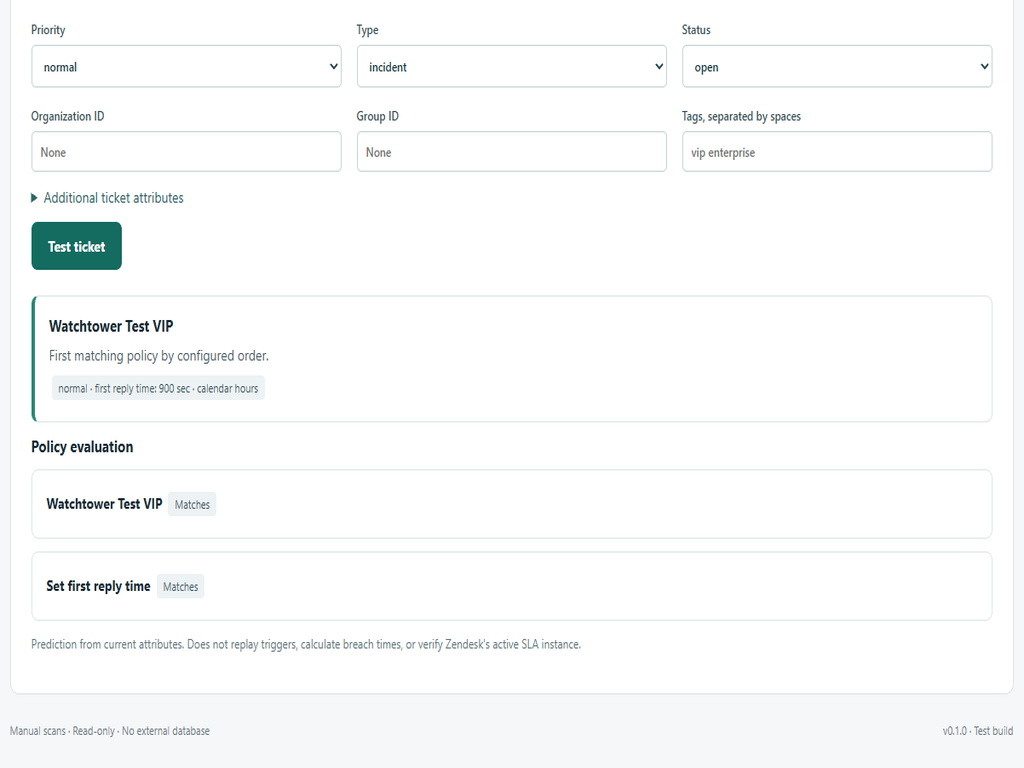
Load a ticket or enter hypothetical attributes in Test my SLA to predict the first matching policy and its targets.
Requirements and limits
An SLA-enabled Zendesk Support plan and administrator access to SLA policies are required. Scans run only when requested. Results are snapshots, not a guarantee of coverage or compliance. Unsupported conditions are marked unknown. The app does not modify tickets or policies, enforce SLAs, replay triggers, calculate active breach timers, or monitor continuously.
Data disclosure
The app uses your current Zendesk session to read SLA policies, account subdomain, a sample of unresolved ticket records, and an individual ticket when you load its ID. API ticket responses may contain customer information, including subject, description, user and organization IDs, tags, and custom fields. These records are used only for policy analysis and ticket simulation in the app. Loaded ticket attributes are visible in the simulator.