- Category rank
- #241 in Workflows
- Listing audit
- 65/100
Remove Attachments is a Zendesk Marketplace app by Knots.
Remove Attachments is the #241 ranked Workflows app on Zendesk, free to install, with charges billed separately, as of Nov 17, 2026.
AppRanks verdict
Generated from marketplace data as of Nov 17, 2026
Remove Attachments ranks #241 of 355 in Workflows on Zendesk. It has no reviews on Zendesk yet. It is free to install, with charges billed separately — check the plans below.
Pros
- No standout positives in the measured data.
Cons
- −No reviews yet — fit and reliability are unverified by other merchants
About Remove Attachments
How Remove Attachments works
Show full descriptionShow less
Remove Attachments
Auto-delete attachments from open and closed tickets via search
Keep Zendesk lean – remove the files you no longer need
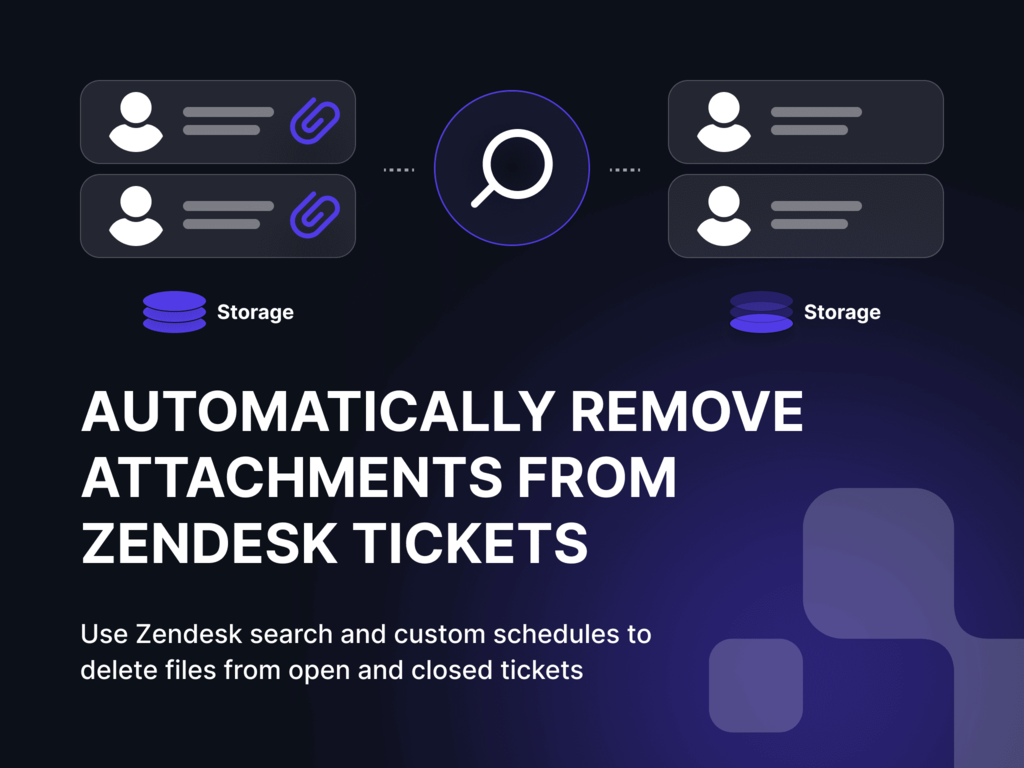
Attachments in Zendesk can quickly pile up — old PDFs, screenshots, and files that bloat storage and increase costs. Many of these sit in closed tickets, where triggers can’t reach them, and manual cleanup is no longer practical.
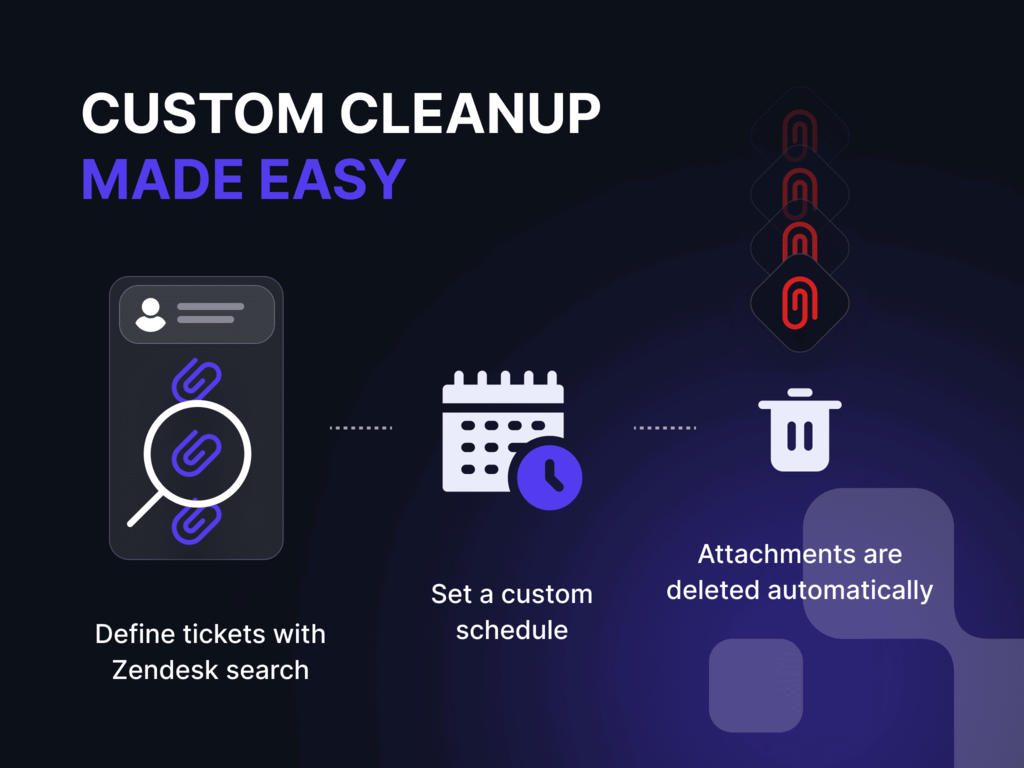
Remove Attachments by Knots gives you that option. Use Zendesk’s built-in search to find the tickets you want to clean and automatically redact and delete attachments from them. Whether it’s a one-time cleanup or a recurring job, you stay in control of your data footprint — no manual effort, no custom scripts.
Benefits uf using Remove Attachments
Clean up old files, automatically: Delete attachments from tickets that are no longer relevant — even those long since closed.
Reduce Zendesk storage costs: File attachments can take up considerable space. Free it up with scheduled redaction.
Stay in control of your data: Define exactly what gets removed and when — using the search logic you already know.
Automate without triggers: Unlike trigger-based workflows (like in Redact Attachments, this app is ideal for archived or historic tickets.
Key Features
Search-based removal: Define which tickets to clean up using Zendesk search queries — by creation date, status, or tags.