- Category rank
- #149 in Product and Project Management
- Listing audit
- 62/100
Process DOCX is a Zendesk Marketplace app by Knots.
Process DOCX is the #149 ranked Product and Project Management app on Zendesk, free to install, with charges billed separately, as of Nov 27, 2026.
AppRanks verdict
Generated from marketplace data as of Nov 27, 2026
Process DOCX ranks #149 of 168 in Product and Project Management on Zendesk. It has no reviews on Zendesk yet. It is free to install, with charges billed separately — check the plans below.
Pros
- No standout positives in the measured data.
Cons
- −No reviews yet — fit and reliability are unverified by other merchants
About Process DOCX
How Process DOCX works
Show full descriptionShow less
Process DOCX
Automatically extract and use data from DOC and DOCX files
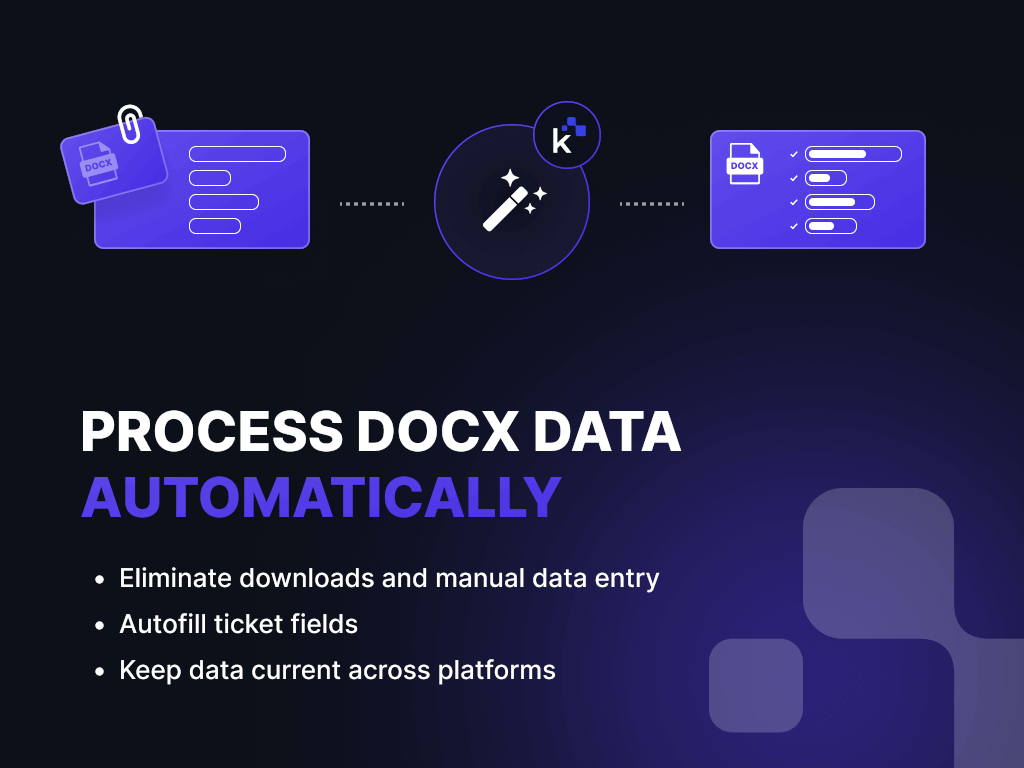
Almost every business deals with MS Word documents (DOC or DOCX), but Zendesk has no native way to process them. When customers attach Microsoft Word documents, agents must download them, open them manually, and copy-paste information into Zendesk or other systems, making information retrieval slow and inefficient.
Process DOCX eliminates this manual effort by automatically extracting content from Microsoft Word files – from written and formatted text to images and tables. The extracted information is added to the ticket and can be used to automatically update ticket fields, trigger other automation workflows, or integrate with third-party systems.
💡 Good to know: All knots solutions are designed with the highest data security in mind: We are GDPR and HIPAA compliant and NEVER store customer data.
Key Features
Extract MS Word document data: Read, analyze, structure and process DOC and DOCX files automatically.
Automate ticket updates: Populate Zendesk ticket fields with extracted data from text or tables.
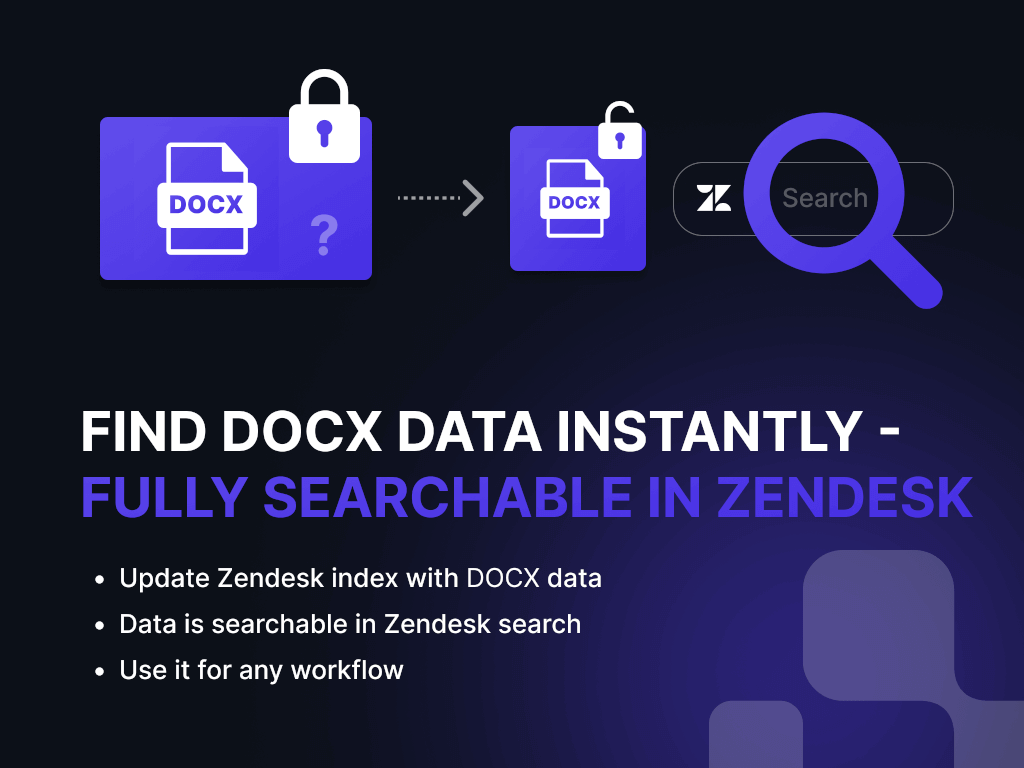
Make Word documents searchable: Index DOC and DOCX file contents so agents can find relevant information using Zendesk's native search.
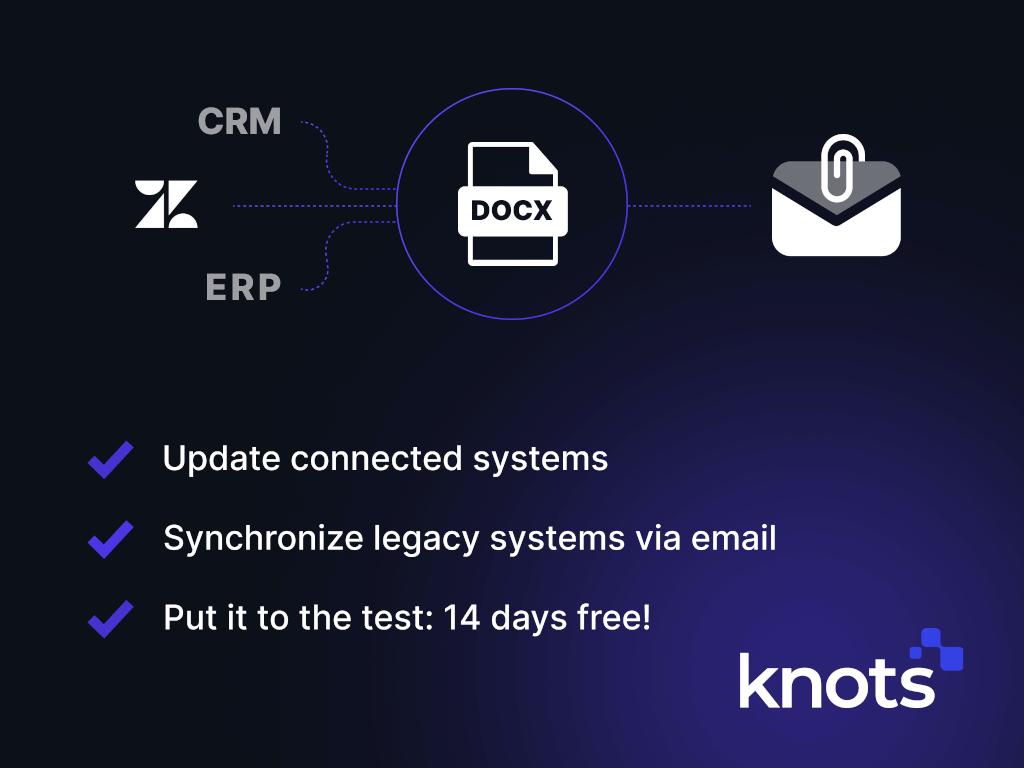
Sync with third-party systems: Ensure consistent data across platforms by automatically updating external databases.
Synchronize with legacy systems: Process MS Word attachments received via email to bridge the gap between disconnected systems.