- Category rank
- #153 in Product and Project Management
- Listing audit
- 65/100
Process CSV is a Zendesk Marketplace app by Knots.
Process CSV is the #153 ranked Product and Project Management app on Zendesk, free to install, with charges billed separately, as of Nov 26, 2026.
AppRanks verdict
Generated from marketplace data as of Nov 26, 2026
Process CSV ranks #153 of 168 in Product and Project Management on Zendesk. It has no reviews on Zendesk yet. It is free to install, with charges billed separately — check the plans below.
Pros
- No standout positives in the measured data.
Cons
- −No reviews yet — fit and reliability are unverified by other merchants
About Process CSV
How Process CSV works
Show full descriptionShow less
Process CSV
Use and process CSV data, update Zendesk and 3rd party systems
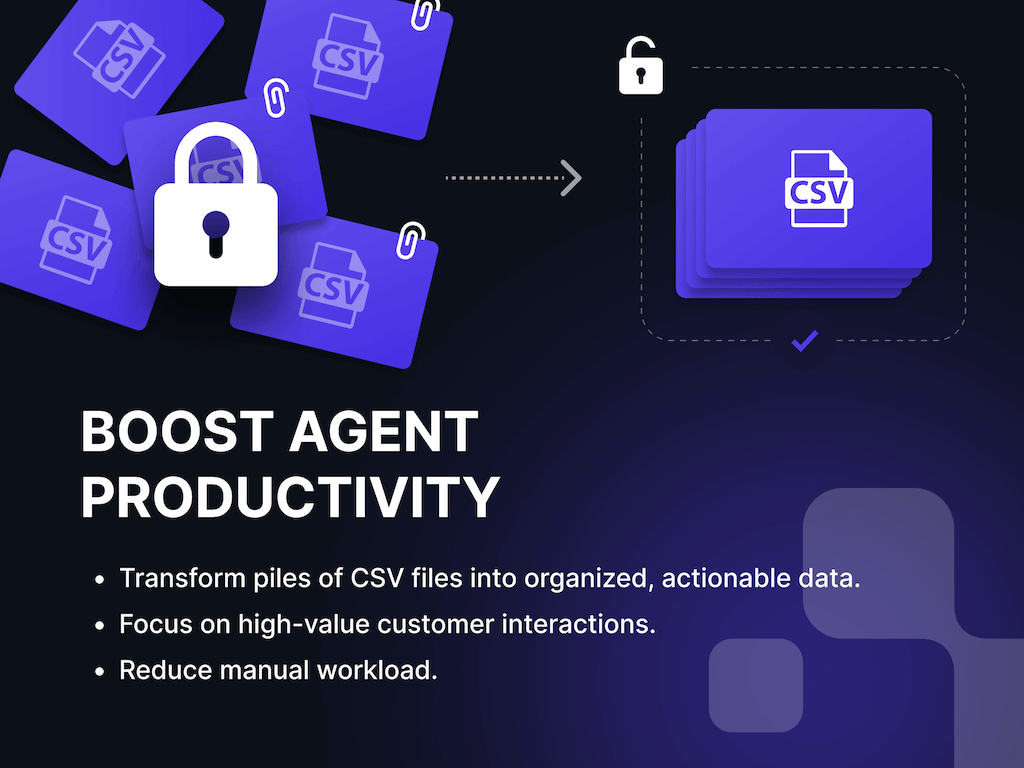
While CSV is a common format for exporting and sharing data, e.g. from Excel spreadsheets, Zendesk's native tools don't support processing these files. As a result, agents must download the attachment and manually extract the data by copying and pasting.
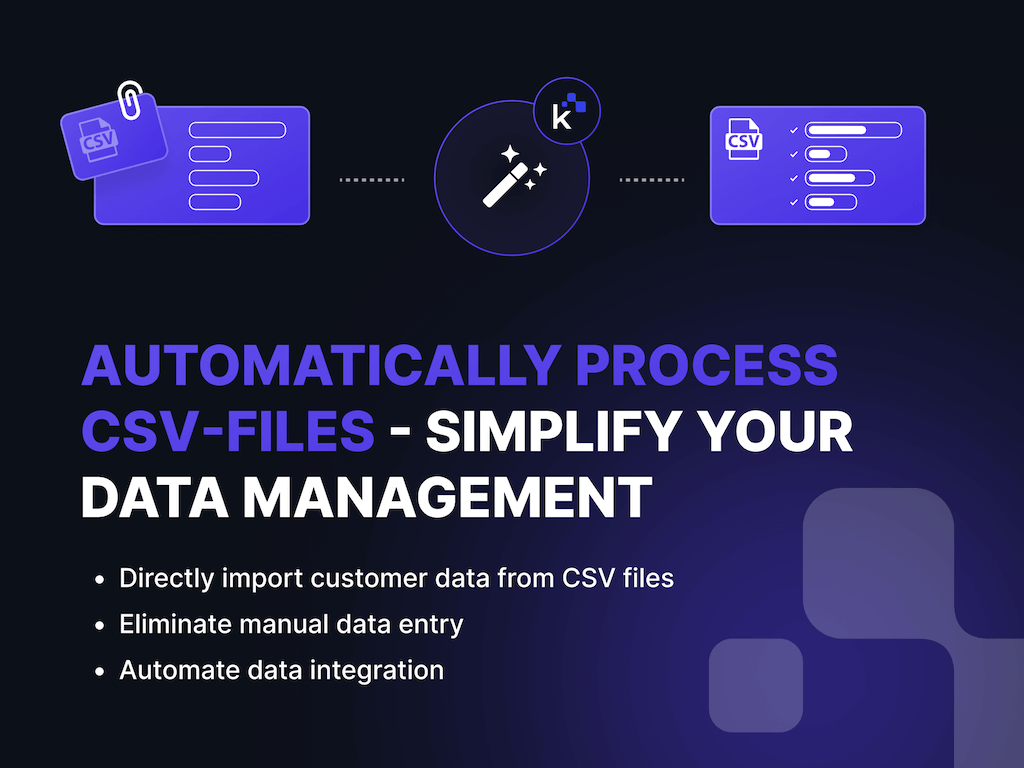
Process CSV lets you handle CSV data directly from ticket attachments, updating both Zendesk and connected systems like CRMs. And not just from customers and clients - even legacy systems without an API can simply send CSV files to Zendesk, where the data is immediately usable, eliminating manual work and enabling further automation.
With Process CSV you can automatically
Extract data from CSV files and transform it according to your needs.
Update Zendesk tickets as well as 3rd party systems like CRMs.
Leverage data from CSV files for custom workflows and automations.
Enable unconnected third-party systems to sync with Zendesk by sending an email.
From data science to event management, from CRM updates to auto-filling ticket fields, Process CSV provides strong support for a variety of industries and use cases, saving time and increasing efficiency.
Key features include
Import and process CSV: Automatically import CSV files, such as those exported from Microsoft Excel or other spreadsheet tools, directly into Zendesk.