- Category rank
- #135 in Messaging
- Listing audit
- 62/100
Blip by Wiv is a Zendesk Marketplace app by Wiv.
Blip by Wiv is the #135 ranked Messaging app on Zendesk, free to install, with charges billed separately, as of Nov 20, 2026.
AppRanks verdict
Generated from marketplace data as of Nov 20, 2026
Blip by Wiv ranks #135 of 205 in Messaging on Zendesk. It has no reviews on Zendesk yet. It is free to install, with charges billed separately — check the plans below.
Pros
- No standout positives in the measured data.
Cons
- −No reviews yet — fit and reliability are unverified by other merchants
About Blip by Wiv
How Blip by Wiv works
Show full descriptionShow less
Blip by Wiv
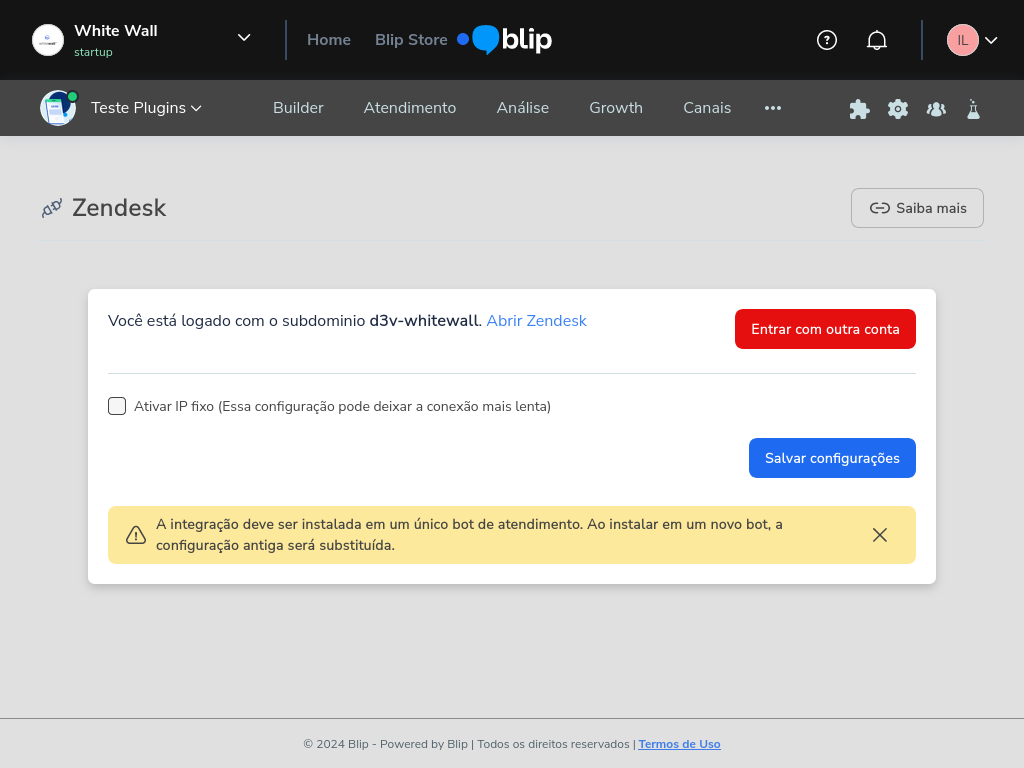
The Blip extension for Zendesk allows you to manage contacts and conversations from your human customer service bot directly through Zendesk. This integration turns each new customer interaction into a Zendesk ticket, enabling real-time conversations and a more agile and integrated customer support experience. Automate your support workflows and keep all customer interactions centralized on a single platform.
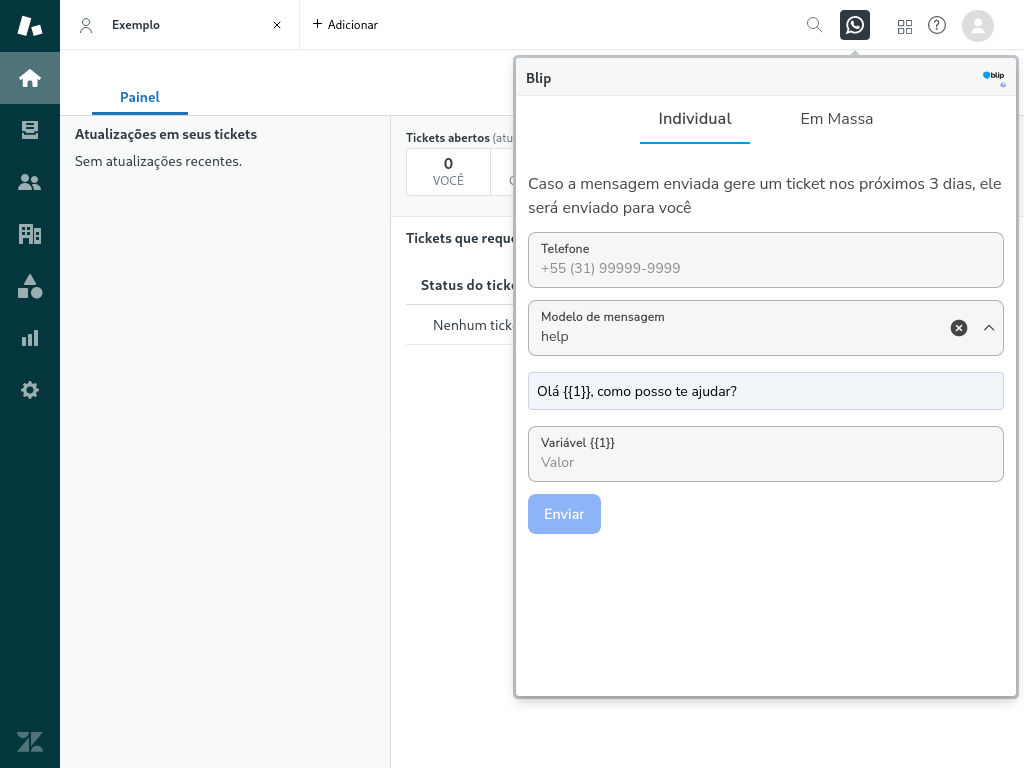
Send active messages through Zendesk using Blip. The extension allows you to send Whatsapp messages: for instance, you can message a support client or send batch messages to start a marketing campaign. Of course, you also have permission control: choose which templates can be sent by Zendesk users (configured via Blip).
Tired of getting your tickets automatically closed due to inactivity? Well, this is the extension you have been looking for!
Multiview messages
You can start sending messages from anywhere using the top bar component. It also allows sending batch messages for Zendesk Admins. For batch messages, you should create a CSV in the Blip format, where phone numbers will be extracted from the file. The remaining data is configured using the app itself -- other data like templates and variables won't be extracted from the file.
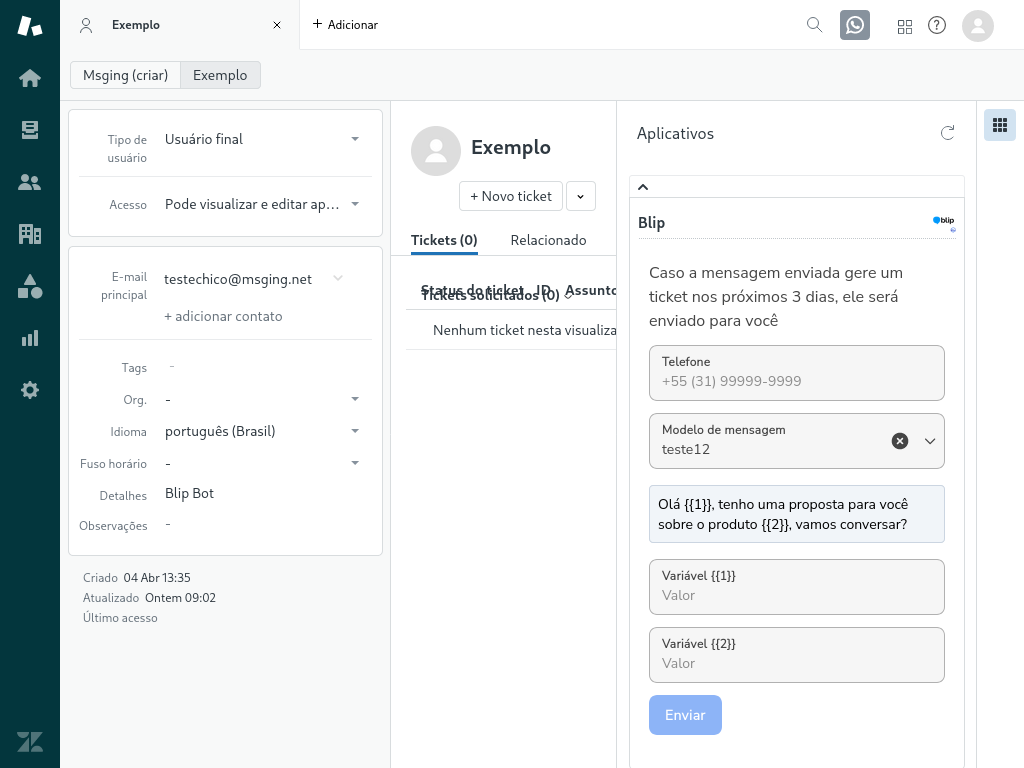
You can also send messages directly to contact, by selecting the contact itself and clicking the app in the side bar. In this view, the phone number is extracted directly from the contact (if present) and users can configure the template. There's also the ticket view, which works similarly, by trying to retrieve the phone number from the ticket.
Permissions and Scopes