- Category rank
- #4 in Translations
- Listing audit
- 66/100
TypeGenie Smart Autocomplete is a Zendesk Marketplace app by TypeGenie. With a rating of 5.0★ from 38 reviews, it currently ranks #4 in the Translations category.
TypeGenie Smart Autocomplete is the #4 ranked Translations app on Zendesk, with a 5.0 average rating from 38 reviews, free to install, with charges billed separately, as of Nov 7, 2026.
AppRanks verdict
Generated from marketplace data as of Nov 7, 2026
TypeGenie Smart Autocomplete ranks #4 of 68 in Translations on Zendesk. It holds a 5.0★ average from 38 reviews on Zendesk. It is free to install, with charges billed separately — check the plans below.
Pros
- +5.0★ average across 38 reviews
Cons
- −Only 38 reviews — the average can still move with a few new ratings
About TypeGenie Smart Autocomplete
How TypeGenie Smart Autocomplete works
Show full descriptionShow less
The Only Autocomplete App on the Zendesk Marketplace
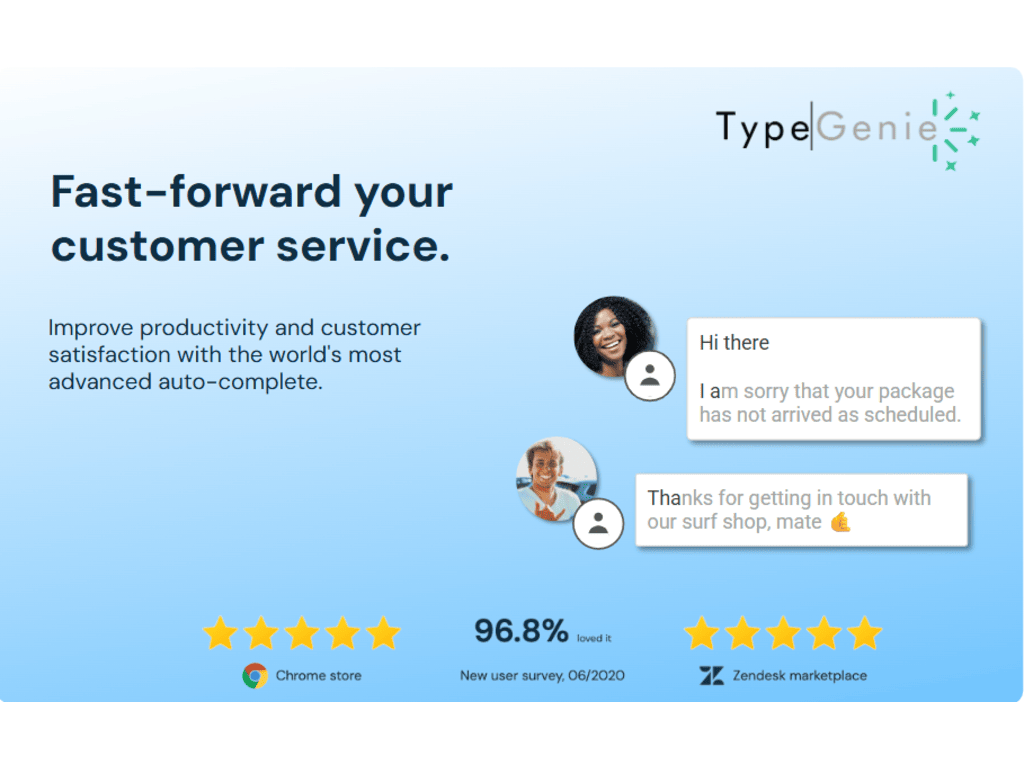
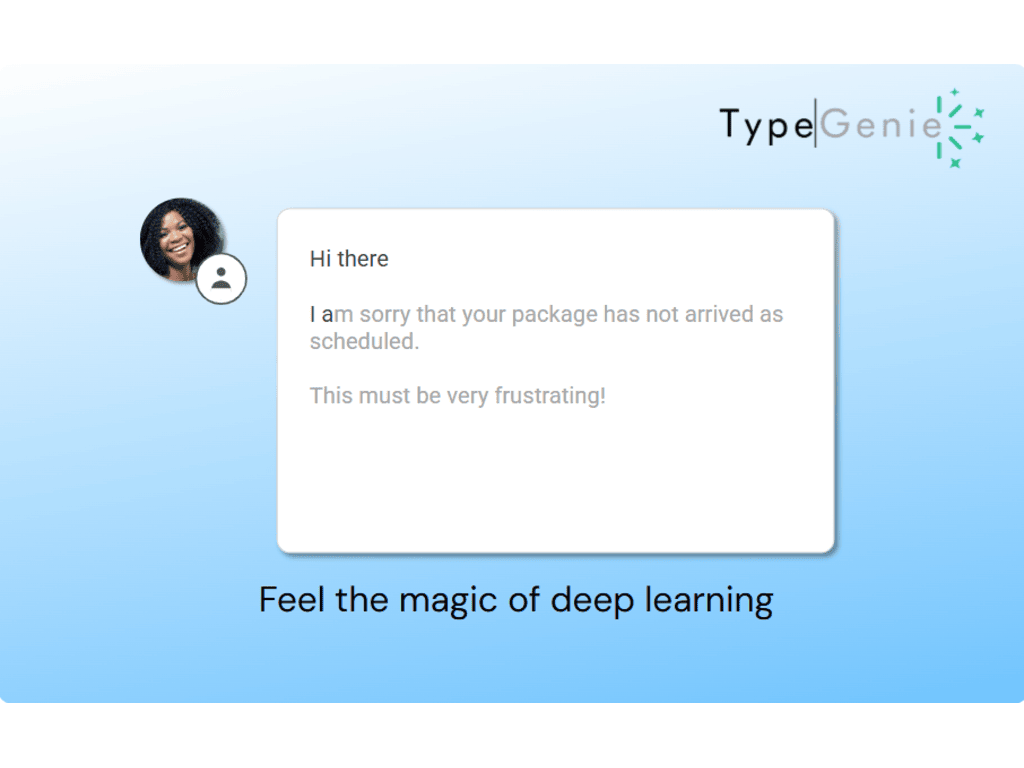
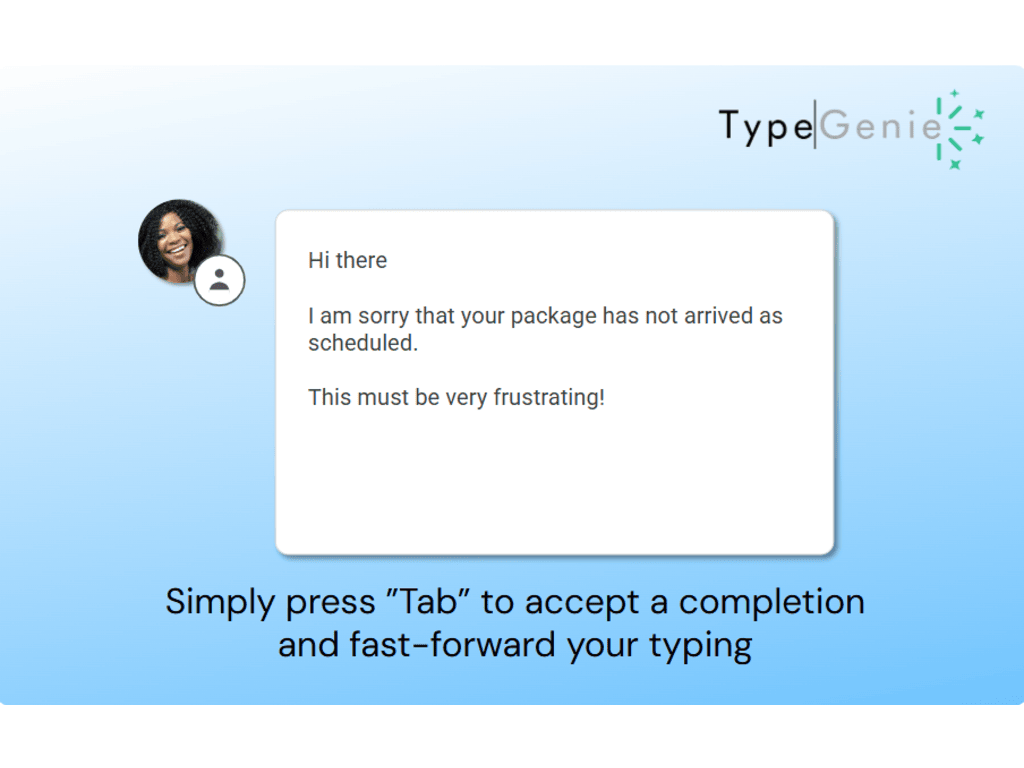
TypeGenie completes your agents' sentences as they type - right inside the Zendesk composer. Suggestions appear as ghost text; press Tab to accept, or just keep typing to ignore. Like Gmail's Smart Compose, but trained on your team's own resolved tickets, so every completion matches your products, your policies, and your tone of voice.
Why Teams Install TypeGenie
Cut repetitive typing - Most support replies contain repeated elements. TypeGenie predicts them so your agents never retype them.
5-15% productivity gains per agent - Reported by teams using TypeGenie completions every day.
No templates or macros to maintain - TypeGenie learns from your ticket history and keeps improving the more your team writes.
Works in every language - Completions learn your team's writing style, whatever language you support in.
On-brand by default - Suggestions are drawn from your best past replies, keeping tone consistent across the team, including brand-new hires.
Rated 5 stars by Zendesk support teams.
What Agents See
An agent starts typing "Thanks for reaching..." and TypeGenie suggests the rest of the sentence in grey ghost text. One press of Tab and it's written. No popups, no context switching, no separate dashboard.