Translation Pilot for Zendesk
- Category rank
- #18 in Translations
- Listing audit
- 62/100
Translation Pilot is a Zendesk Marketplace app by Pilot Engineering UG (haftungsbeschränkt). With a rating of 5.0★ from 2 reviews, it currently ranks #18 in the Translations category.
Translation Pilot is the #18 ranked Translations app on Zendesk, with a 5.0 average rating from 2 reviews, free to install, with charges billed separately, as of Nov 9, 2026.
AppRanks verdict
Generated from marketplace data as of Nov 9, 2026
Translation Pilot ranks #18 of 68 in Translations on Zendesk. It holds a 5.0★ average from 2 reviews on Zendesk. It is free to install, with charges billed separately — check the plans below.
Pros
- No standout positives in the measured data.
Cons
- −Only 2 reviews — the average can still move with a few new ratings
About Translation Pilot
How Translation Pilot works
Show full descriptionShow less
Translation Pilot - Translate your support messages
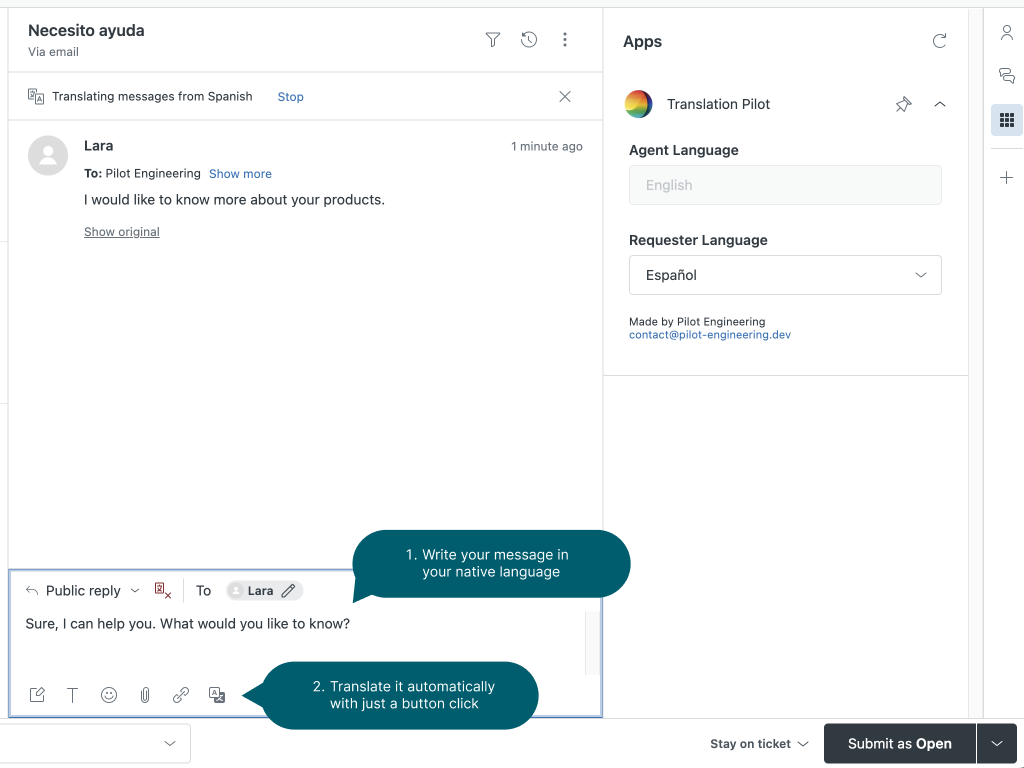
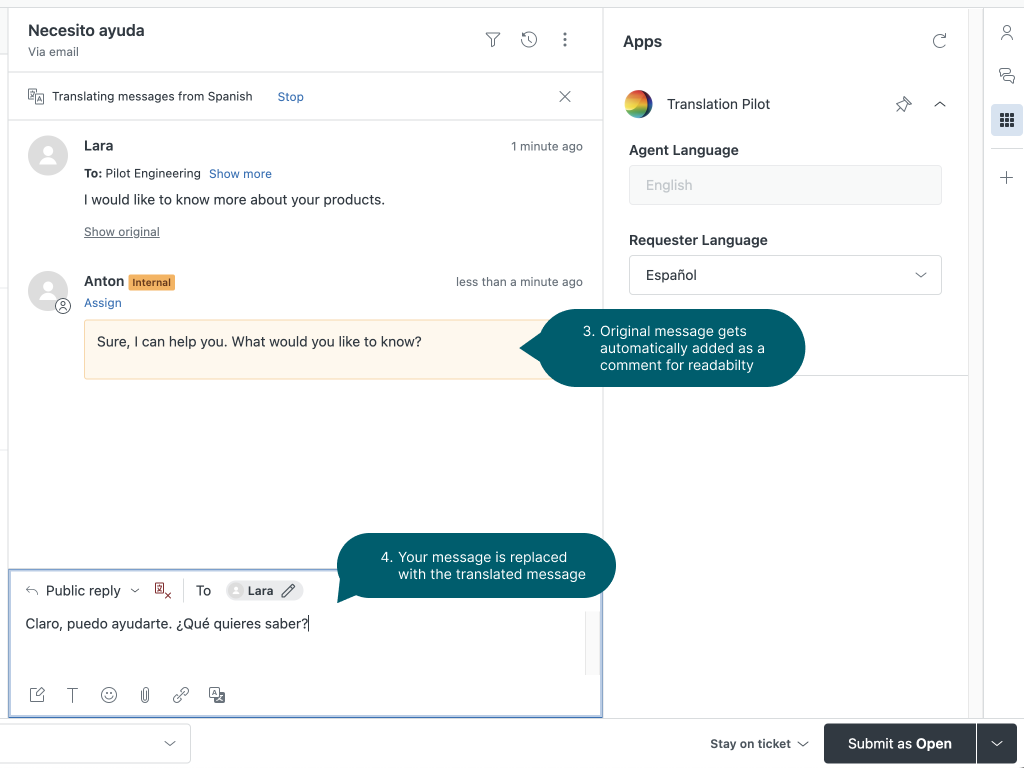
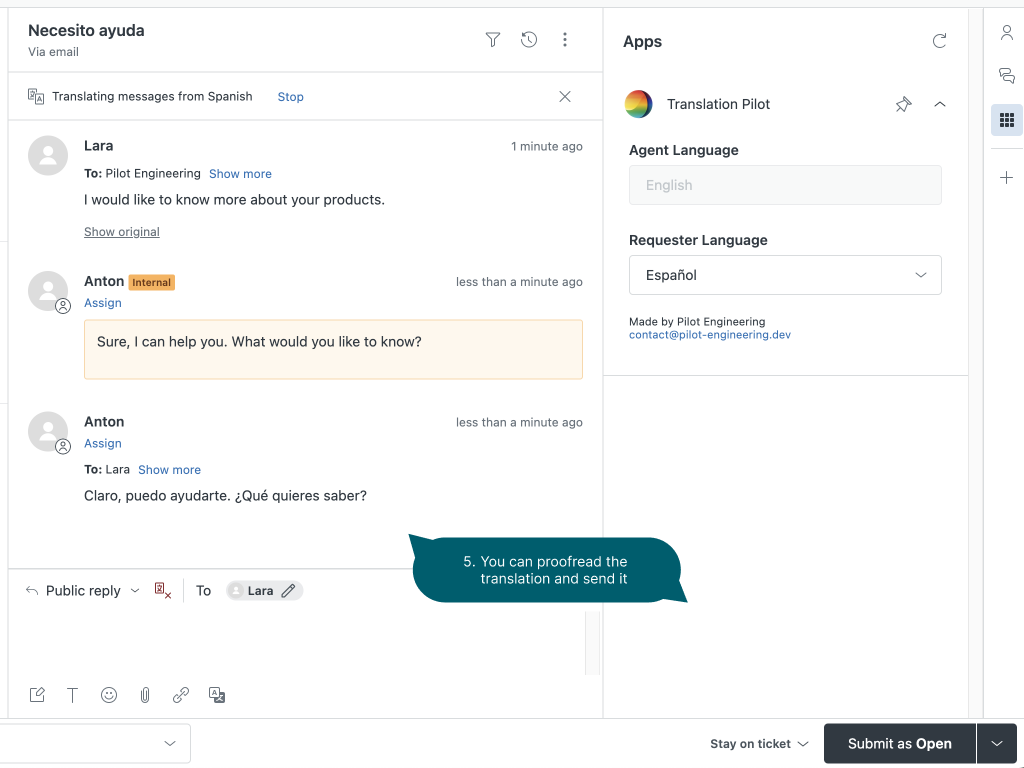
With this app, you can easily respond to tickets in almost every language. It is seamlessly integrated into Zendesk Support and improves your agents' productivity. Have your agent write his responses in his native language and translate it with just a button click.
Key Features
🚀 Start Translating Instantly
You don't have to create an account or sign up for any subscriptions upfront. Just install this app and you can start translating. You have a 7-day free trial to try it out and can choose afterward which plan would fit to you.
📎 Automatic comment (optional)
When the tickets get longer, it's hard for agents to keep track of the history. Before translating it, Translation Pilot can automatically create a comment with the original messages. This keeps it as a reference.
🛠 Customizable Settings
You can define ignore words that should not be translated. This is useful for technical terms or brand names.
Also, you can set up the formality level to hit the tone of your customers.
🌎 Change Customer Language
Sometimes Zendesk does not correctly detect the customers' language. Translation Pilot shows the language in the sidebar next to the ticket and there it can be changed easily via a dropdown.