Amazon Quick Suite - EU (Ireland) for Slack
- Category rank
- #53 in AI Apps & Assistants
- Listing audit
- 68/100
Amazon Quick Suite - EU (Ireland) is the #53 ranked AI Apps & Assistants app on Slack, as of Oct 26, 2026.
AppRanks verdict
Generated from marketplace data as of Oct 26, 2026
Amazon Quick Suite - EU (Ireland) ranks #53 of 67 in AI Apps & Assistants on Slack.
Pros
- No standout positives in the measured data.
Cons
- −No declared third-party integrations on the listing — verify compatibility with your existing tools before installing
About Amazon Quick Suite - EU (Ireland)
How Amazon Quick Suite - EU (Ireland) works
Show full descriptionShow less
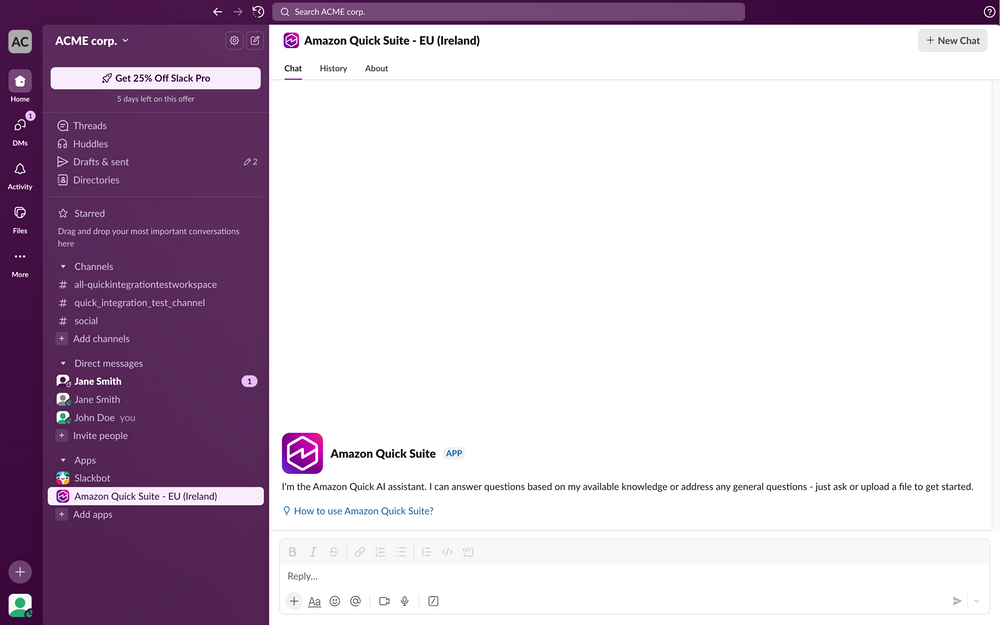
Amazon Quick Suite helps business users make better decisions, faster and act on them, by unifying AI agents for research, business insights, and automation into a single experience. This app is for users using Amazon Quick Suite in the EU (Ireland) region. The Amazon Quick Suite extension for Slack helps you access your resources from Quick Suite and perform external actions in Slack so you can streamline your workflows and leverage Quick Suite collaboratively with your team.
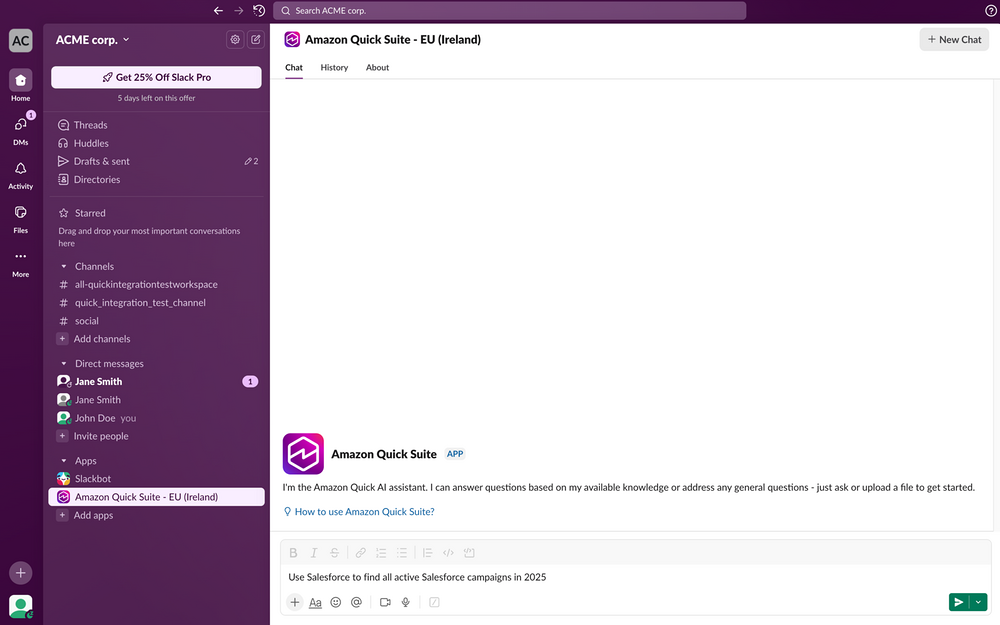
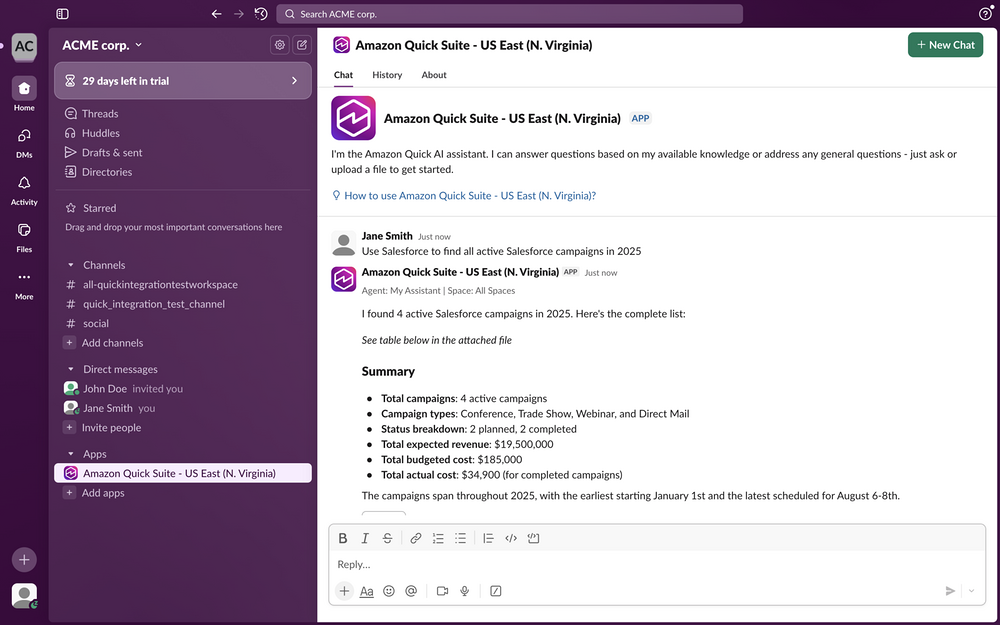
Get generative AI powered productivity in Slack with Amazon Quick Suite: With the Amazon Quick Suite extension for Slack, you can: 1. Access Amazon Quick Suite in your Slack side panel at any time: a. Click on your Slack profile picture in the bottom left of Slack. b. Navigate to “Preferences” > “Navigation” > “AI Apps and Agents” and select “Amazon Quick Suite”. c. Amazon Quick Suite will now be available to access anywhere in Slack through an icon in the top right of your Slack window. 2. Search your organization’s knowledge wherever you are: a. Open the Amazon Quick Suite side panel from the top right of your Slack window or start a DM with Amazon Quick Suite under “Apps”. b. Ask Amazon Quick Suite a question about its knowledge from your spaces and connected knowledge bases. c. To personalize your conversation using your data, use the gear icon (visible after sending your first message to Quick Suite) within your conversation to select an agent or a space to respond from. 3. Get Amazon Quick Suite’s in-context help in Slack conversation threads: a. Navigate to a Slack conversation thread of your choice. b. Type “@Amazon Quick Suite” and ask any question about the messages in that thread or its knowledge from your spaces and Amazon knowledge bases. c. If Amazon Quick Suite is not already added to the channel, you will be prompted to add it before receiving a response. 4. Perform actions in external applications from Slack: a. Open the Amazon Quick Suite side panel in Slack or start a direct message with Amazon Quick. b. Ask Amazon Quick Suite to perform an action using one of your configured actions integrations or apps. c. Complete the form if one is presented.