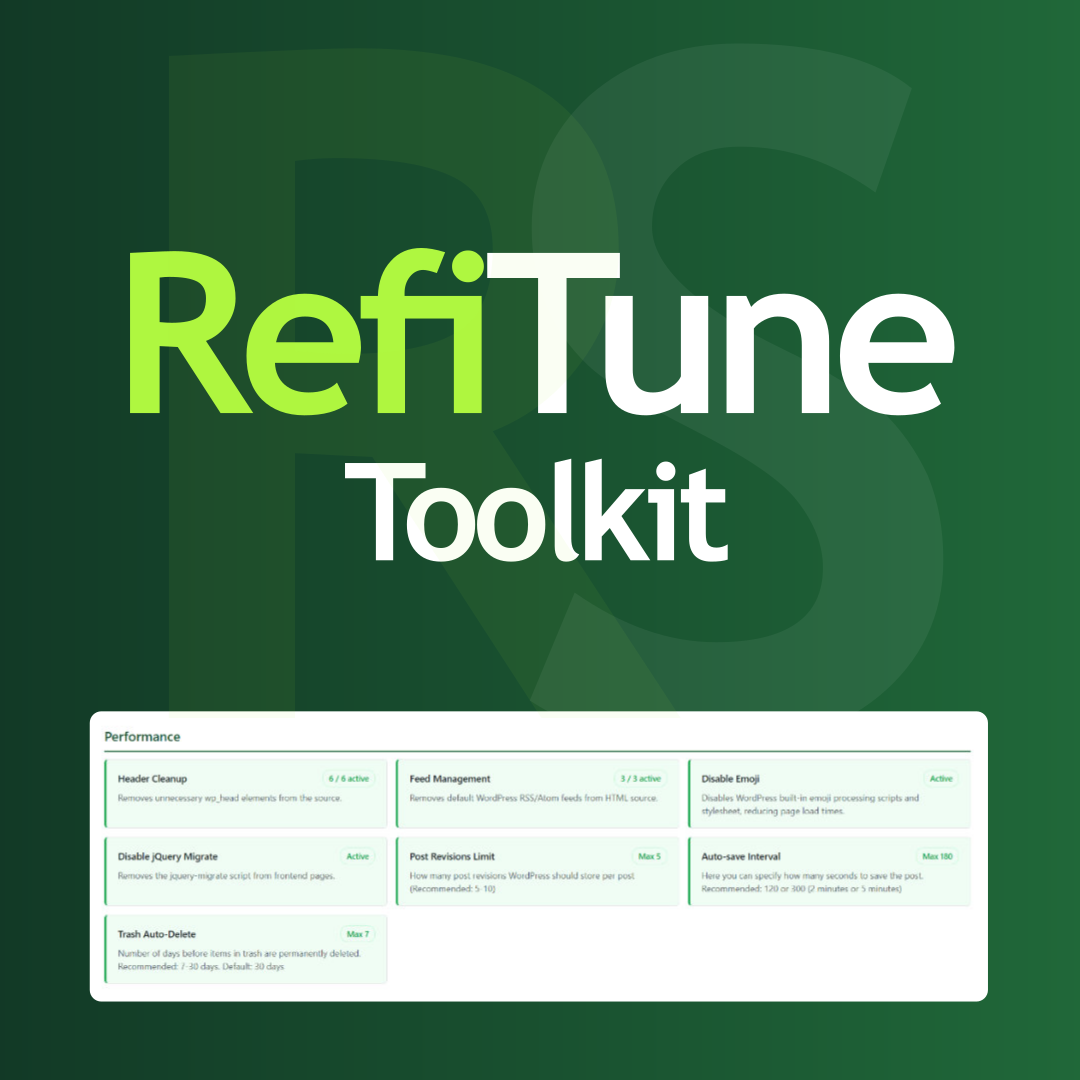
RefiTune – Site refiner toolkit
Hungarian: Magyar nyelvű bővítmény leírás RefiTune – Site refiner toolkit is your Swiss Army knife for WordPress optimization. Whether you’re cleaning up unnecessary code, securing your login page, or customizing the admin experience, this plugin puts the power in your hands. Each feature can be enabled or disabled individually with just one click — no coding required. A clean, organized dashboard shows you exactly what’s active and what’s not. What’s Inside? (33 Modules) Performance: * Header Cleanup – Strip out unnecessary wp_head bloat for faster loading. * Feed Management – Take control of your RSS/Atom feeds. * Disable Emoji – Remove WordPress emoji scripts. * Disable jQuery Migrate – Drop legacy jquery-migrate for leaner pages. * Disable oEmbed – Stop automatic embedding of YouTube, Vimeo, Twitter, and other external URLs. * Remove Asset Version Query Strings – Strip ?ver= from frontend CSS and JS URLs. * Post Revisions Limit – Keep your database tidy by limiting stored revisions. * Auto-save Interval – Control how often WordPress auto-saves your work. * Trash Auto-Delete – Set how long items stay in trash before permanent deletion. * Heartbeat API Control – Tune or disable Heartbeat in admin, frontend, and post editor. Security: * Disable XML-RPC – Lock down the XML-RPC interface completely. * Disable Trackback/Pingback – Stop spam by disabling trackbacks and pingbacks. * Disable File Editor – Hide the built-in code editor for extra security. * Automatic Updates Control – Global tri-state control for automatic plugin, theme, translation, and core (minor, major, development) updates; reschedule update checks (WordPress default twice daily, daily, or every 3/7/14 days). Respects AUTOMATIC_UPDATER_DISABLED and WP_AUTO_UPDATE_CORE in wp-config.php when defined. * Login Error Messages – Make login errors generic to prevent username fishing. * Restrict Admin Access – Choose which roles can access wp-admin. * REST API Restrictions – Smart restrictions for sensitive REST API endpoints. * Login Limit – Block brute-force attacks by limiting failed login attempts. * Verified Upload – Block disguised uploads such as double extensions, MIME mismatches, and embedded script markers. Visual: * Hide Admin Bar – Selectively hide the admin bar for specific roles. * Block Visibility (Mobile) – Show/hide Gutenberg blocks on mobile or desktop. * Login Page Customization – Brand your wp-login.php with custom logo and colors. Email: * Email Notifications – Fine-tune or disable WordPress system emails. * Email sending – Configure external SMTP or disable all emails completely. Miscellaneous: * Disable Comments – Turn off comments site-wide (with WooCommerce review support). * External Links in New Window – Auto-open external links in new tabs (with proper rel attributes). * Enable Page Excerpt – Enable excerpt fields for pages (not just posts). * Clean Upload Filenames – Sanitize image and document filenames on upload (accents, spaces, special characters). * SVG Upload – Allow SVG uploads with built-in security filtering. * AVIF Upload – Support modern AVIF image format uploads. * Role Redirects – Send users to custom pages after login or logout based on their role. * Maintenance Mode – Temporarily block visitors while you work on the site. * Dynamic Year Shortcodes – Display the current year via [refi-year] or duration via [refi-year from="2006"] shortcodes. Do you have other plugins? Yes, check my plugins website: rotistudio.com Where can we learn more about your work? Check my personal website there: rottenbacher.hu Plugin GitHub repository: github.com/rotisoft/refitune Translations RefiTune – Site refiner toolkit speaks your language! Currently available in: * 🇬🇧 English (default — source strings in code and refitune.pot) * 🇭🇺 Hungarian (Magyar) — refitune-hu_HU.po The plugin is fully translation-ready. Want to contribute a translation? Language files go in /wp-content/plugins/refitune/languages/. Compile .po to .mo (e.g. with Poedit, Loco Translate, or wp i18n make-mo) for WordPress to load translations. Text Domain: refitune
Top keywords
- disable10×1.72%
- login7×1.21%
- refitune6×1.03%
- wordpress6×1.03%
- admin5×0.86%
- control5×0.86%
- upload5×0.86%
- automatic4×0.69%
- block4×0.69%
- external4×0.69%
- hide4×0.69%
- api3×0.52%
WP EXtra – One Click Optimize
🚀 Boost your website’s functionality, security and SEO with WP EXtra – the all-in-one tool for WordPress users! Unlock all features with WP EXtra Pro. FEATURES & MODULES 16 group (140 modules) in total: 100 free modules | 40 Pro modules Many of the WP EXtra’s options can be applied by simply toggling them on. Here’s a quick look at a few we recommend utilizing: 🌟 Module Dashboard Replace the default WordPress dashboard widgets with your own and give the WordPress dashboard a more meaningful use. WP EXtra is a clean & lightweight plugin that was made to optimize the user experience for clients inside the WordPress admin area. Remove dashboard widgets Create your own widgets Remove “Help” tab Remove “Screen Options” tab 🌟 Module Posts This plugin is intended for more advanced users that would like to change the default TinyMCE configuration in WordPress. It makes it very easy to add, remove or change all TinyMCE settings for the classic editor and for the classic block in the block editor. Justify Unlinks [VA] Letter Spacing [Aa] Change Case Table Visual Blocks Search Replace Add rel=nofollow & sponsored Clean HTML Download Image 🌟 Module Media Automatically keep the all remote picture to the local media libary when you publishing posts, and automatically set featured image. Automatically add Image attributes such as Image Title, Image Caption, Description And Alt Text from Image Filename. Automatically resizes uploaded images (JPEG, GIF, and PNG) Disable thumbnail sizes, default WordPress sizes and theme/plugins image size and others image advanced control. And more powerful functional is waiting for you. 🌟 Module Comments WP EXtra plugin blocks 100% of automatic spam messages in comments section and also blocks all trackbacks. No captcha required. Hide all comments Hide comments media 🌟 Module Branding Make your client’s experience better when you use WP EXtra to rebrand the WordPress login page. Our plugin lets web developers and agencies make a custom login page for their clients to use every time they use WordPress. Customizes Admin URL Custom background image Custom branding logo Login box on the left or right Transparent login box Rounded corners Hide/change WordPress links 🌟 Module Site Admin Hide / Auto-hide admin bar on the frontend for all or some user roles. Customize the order of the admin menu and optionally change menu item title or hide some items. Hide plugins from the Plugins screen in the admin Add custom branding image above the admin menu 🌟 Module Security Safeguard your WordPress application using our powerful site security toolset. Our comprehensive features are specifically designed to strengthen your website’s defenses against malware, exploits, and various malicious activities. With these tools at your disposal, you can ensure the utmost bot, malware and brute force protection for your website: Lock and Protect System Folders Hide WordPress Version Disable Themes & Plugins Editor Disable REST API access Disable XML-RPC access Disable Embed scripts Disable WLW Manifest scripts Disable Right Click Disable Image Dragging by Mouse 🌟 Module Cookie WP EXtra is a simple that helps to display cookie notice on your WordPress website. It helps to show your complies with EU GDPR cookie law and CCPA regulations. It is a lightweight plugin that comes with three different layouts. Simple & light-weight. Choose placement to display notice. Custom message support. Color options for notice. Display/Hide close button. Set cookie expiration date. 🌟 Module SMTP To access all the mail services you need professional mail addresses. The mail services you can use through this plug-in: MailGun SMTP [5,000 free email /per month for 3 months] Gmail SMTP [10000 free email/per month] Hotmail Yahoo AWS SES ZOHO Mail Sendgrid Sendinblue Outlook 🌟 Module Optimize Minify HTML will help in Compacting HTML code, including any inline JavaScript and CSS contained in it,can save many bytes of data. Instead of reloading the full page every time a user navigates your site, enable Turbolinks! Turbolinks will reload only the necessary parts of the site and even pull in additional JavaScipt and CSS. 🌟 Module Code Customize your WordPress site’s appearance by easily adding custom CSS and JS code without even having to modify your theme or plugin files. This is perfect for adding custom CSS tweaks to your site. Text editor with syntax highlighting Print the code inline or included into an external file Print the code in the header or the footer Add CSS or JS to the frontend or the admin side Add as many codes as you want Keep your changes also when you change the theme 🌟 Module Tools You can transfer the saved options data between different installs by copying the text inside the text box. To import data from another install, replace the data in the text box with the one from another install and click “Import”. Duplicate Post Type Duplicate Taxonomy 🔥 WP EXtra Pro Lifetime Deal (LTD) is available at WP EXtra Pro.