Quick Action Bar Menu
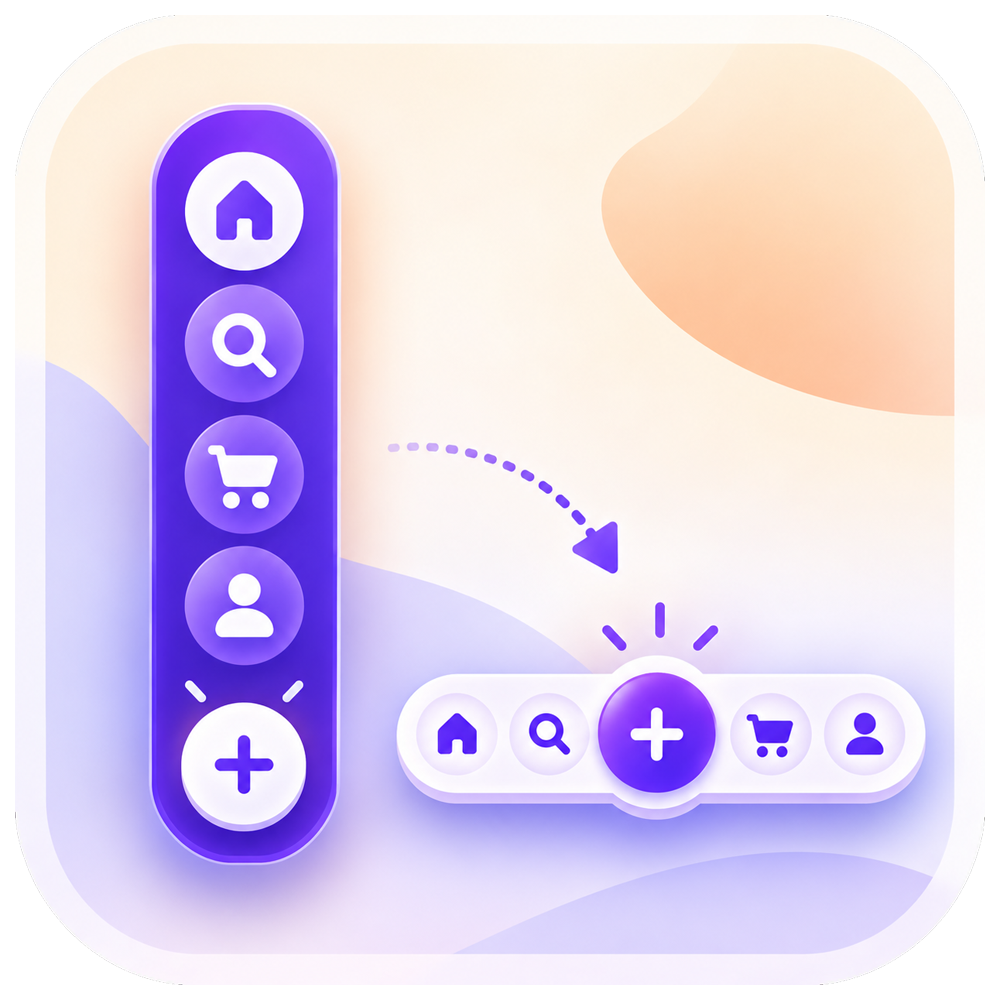
Every visitor who can't find your phone number or booking link is a lead you lose. Quick Actions Bar Menu puts your key actions in a floating button or sticky bar that stays on screen, so calling, messaging, booking, or getting directions takes a single tap. Choose from 8 layouts made for real businesses: side button stack, sticky bottom bar, speed dial, mobile dock, edge drawer, action pill, radial menu,u, and contact sheet. Add up to 6 buttons, each with 12 actions, and link them to your phone, email, WhatsApp, maps, booking page, social profiles, or any URL. Match your brand with custom colors, gradients, icons, glass effects, and subtle animations, all in a live preview before you publish. Or start from a ready-made preset for a front desk, restaurant, shop, studio,o or help desk. You decide when it shows: on desktop, mobile, or both; on chosen pages; between set dates; for members or guests; after a delay; or on scroll. Built-in click stats reveal which actions visitors use most. Screen reader labels come built in. No coding needed. Start free with a call and email speed dial, then upgrade to unlock every layout and feature.
Float Buttons
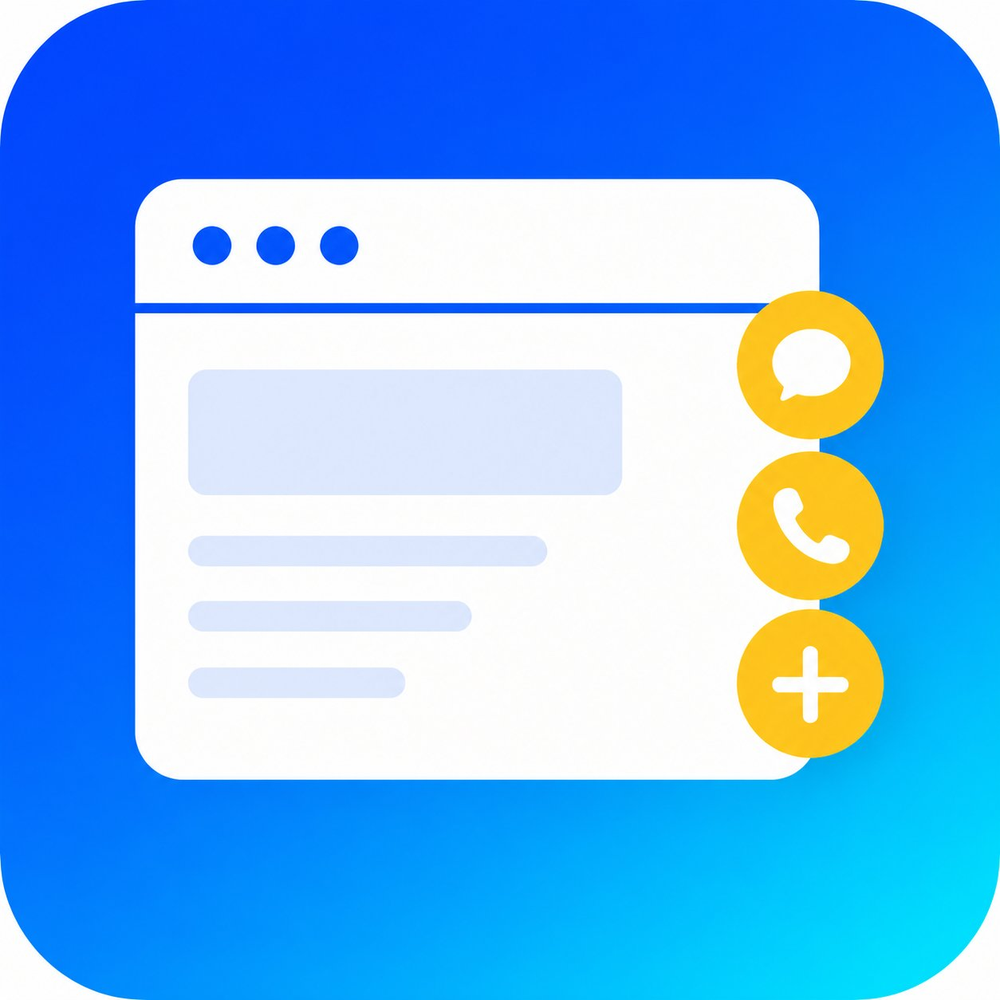
Put Key Actions Right at Your Visitors' Fingertips Float Buttons lets you place sticky, always-on-screen buttons across your storefront, so visitors can act the moment they're ready. Reaching out to you, opening a menu, jumping between pages, or firing off a custom action — every button stays in view as people scroll. Build a single floating button or a whole set, shape how they look, and connect them to meaningful actions. Between flexible layouts, a range of icons, and hover effects, Float Buttons fits naturally into your design while making your site easier to use and quicker to convert. Why Float Buttons? Draw more clicks with eye-catching button designs. Steer visitors toward what matters — contact, checkout, or follow. Swap static buttons for interactive elements built to convert. Fit any goal, whether marketing, support, or navigation. Get going fast with no-code setup and AI-assisted creation. Float Buttons turns ordinary UI elements into real conversion drivers — helping you engage visitors, simplify actions, and deliver a more interactive shopping experience with zero technical work.