Quick Action Bar Menu
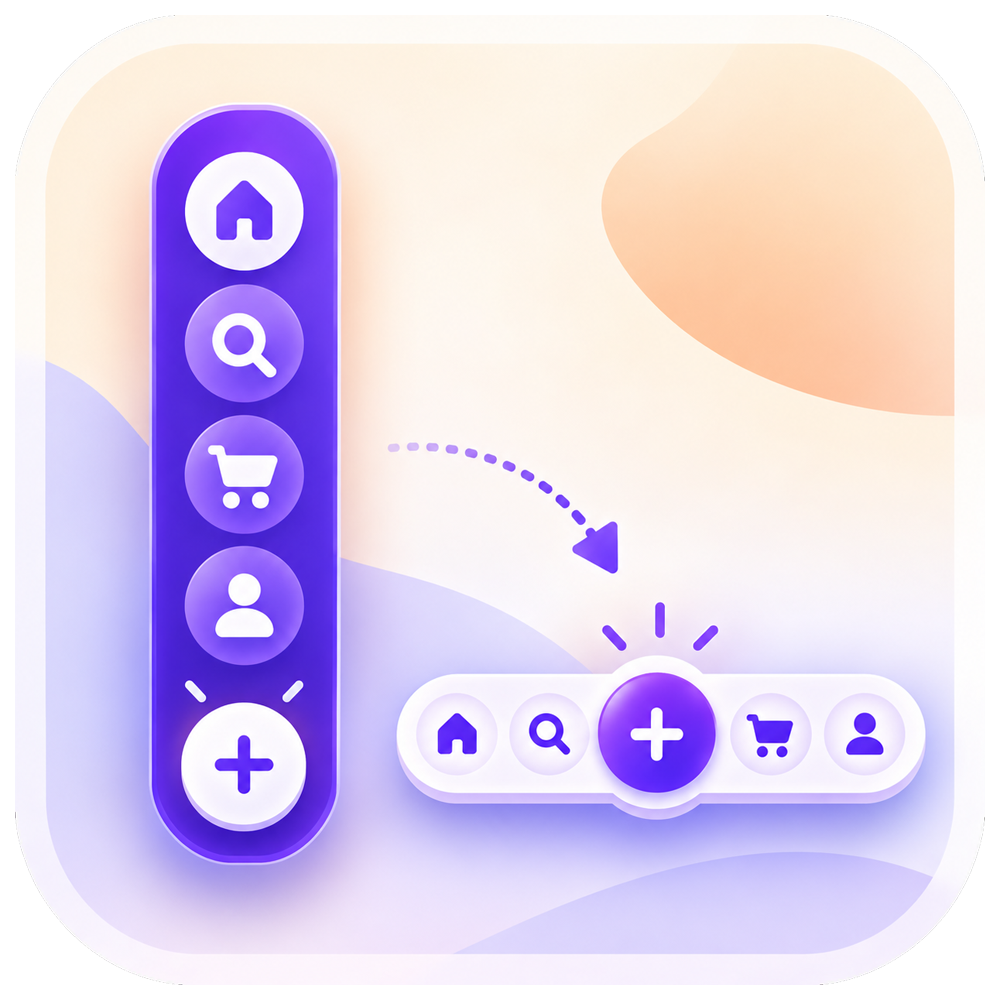
Every visitor who can't find your phone number or booking link is a lead you lose. Quick Actions Bar Menu puts your key actions in a floating button or sticky bar that stays on screen, so calling, messaging, booking, or getting directions takes a single tap. Choose from 8 layouts made for real businesses: side button stack, sticky bottom bar, speed dial, mobile dock, edge drawer, action pill, radial menu,u, and contact sheet. Add up to 6 buttons, each with 12 actions, and link them to your phone, email, WhatsApp, maps, booking page, social profiles, or any URL. Match your brand with custom colors, gradients, icons, glass effects, and subtle animations, all in a live preview before you publish. Or start from a ready-made preset for a front desk, restaurant, shop, studio,o or help desk. You decide when it shows: on desktop, mobile, or both; on chosen pages; between set dates; for members or guests; after a delay; or on scroll. Built-in click stats reveal which actions visitors use most. Screen reader labels come built in. No coding needed. Start free with a call and email speed dial, then upgrade to unlock every layout and feature.
Reading Progress Bar
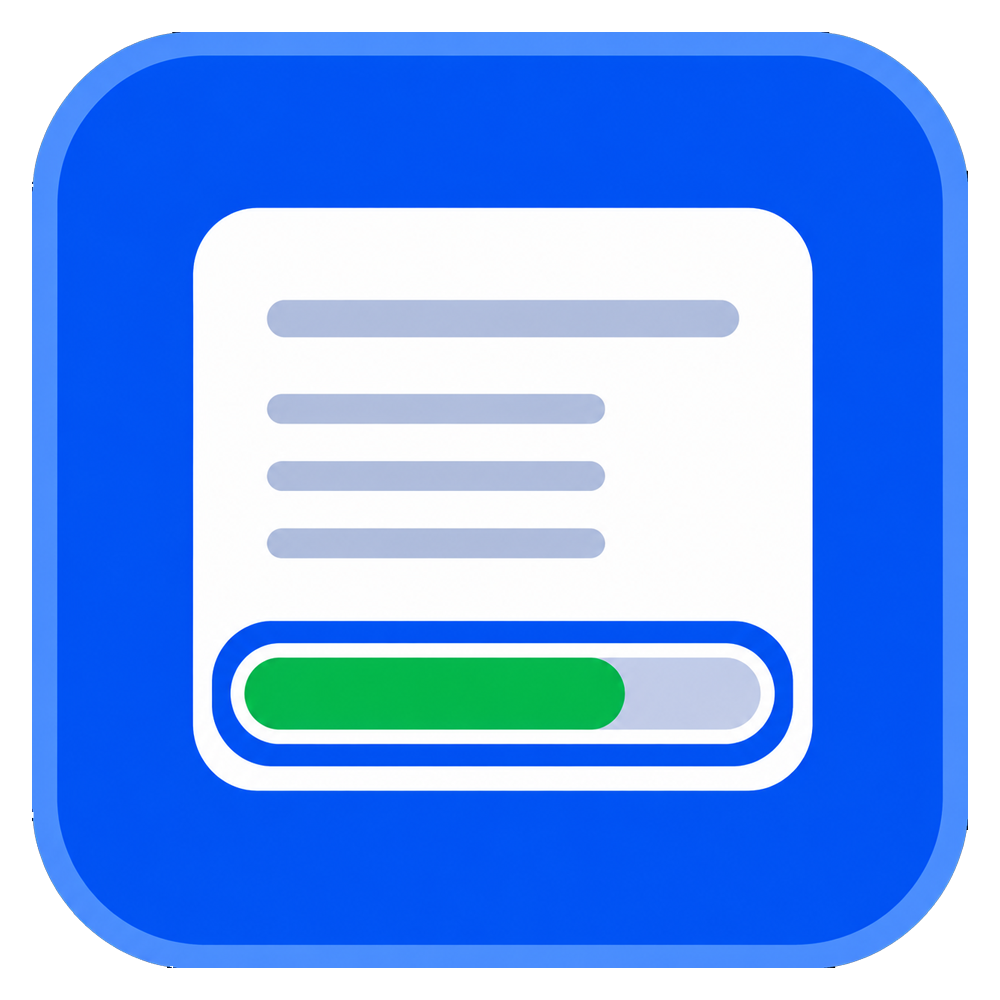
Most visitors leave a long page before they ever reach the good part. A reading progress bar answers the question that keeps them scrolling: how much is left? Reading Progress Bar adds a smooth, lightweight scroll indicator that fills as people read, so every article, guide, product story, and landing page feels finished instead of endless. Choose a slim bar at the top or bottom of the screen, or a circular indicator in any corner. Add a live percentage and an estimated reading time written in your own words, in any language. Style it to your brand with solid or gradient fills, custom track color, thickness, corner radius, and opacity. You decide where it runs. Track the whole page or one specific section, show it on desktop only, mobile only or both, and exclude any pages you want to keep clean. Setup takes about a minute in a simple dashboard with a live preview, and there is no code to write. Great for blogs, news, recipes, documentation, and long sales pages. It is built to stay light on page load times, respects reduced-motion preferences, and works with screen readers. Add the Reading Progress Bar app and give every reader a reason to keep going.