Floating Navigation Menu
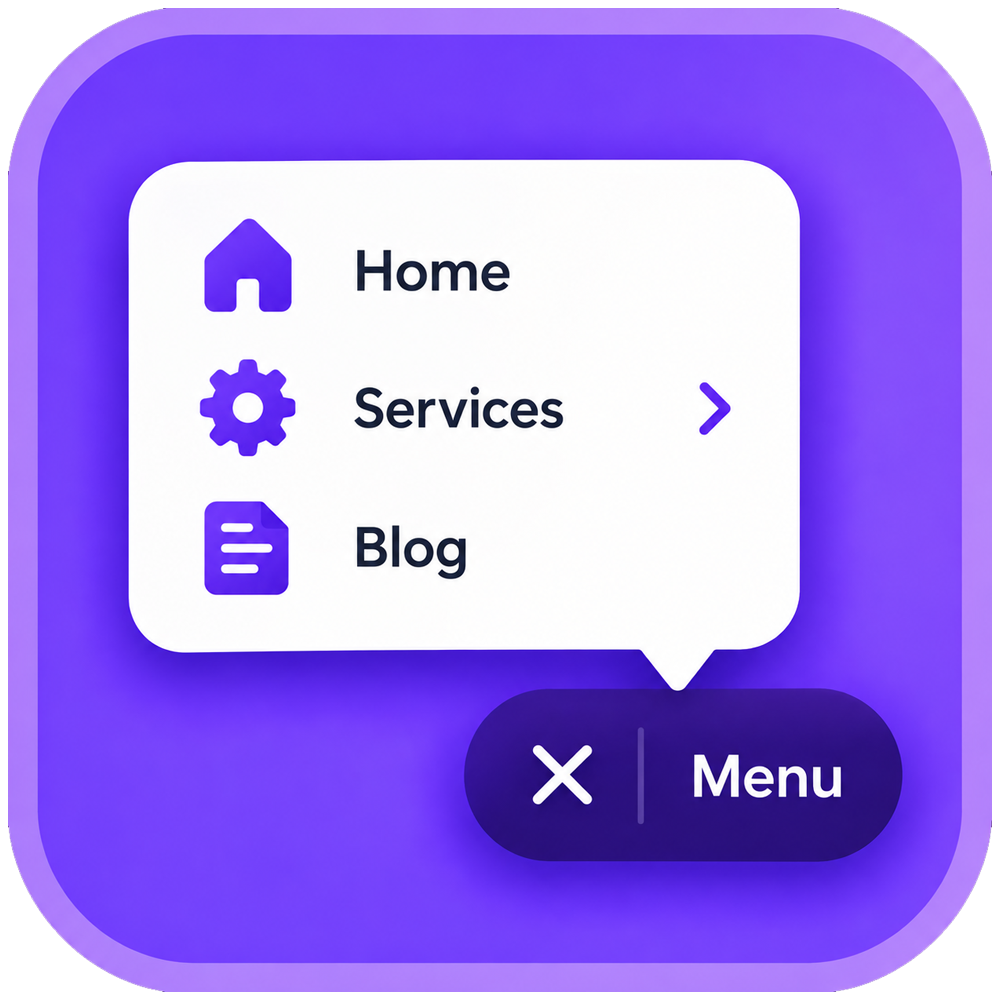
Floating Navigation Menu adds a floating button to your site that opens a clean, easy-to-tap navigation menu on any page. The button stays on screen as visitors scroll, keeping your key pages within reach. On mobile, headers often scroll out of view, and links can end up behind a small hamburger icon. Keeping navigation one tap away can help visitors explore more of your site and reach your contact, booking, or shop pages more easily. The app includes six styles (Onyx, Frost, Offset, Edge, Takeover, and Bubbles), each adjustable with your own colors, text size, corners, and position. A menu can hold up to 10 items with dropdown sub-items, and one link can stand out as a call-to-action button. The button can sit in any corner and tuck away on scroll, and on desktop, the menu can appear as a top bar. Display rules can limit the menu to selected pages, or to members or guests. The current page can be highlighted, and custom CSS is available for finer control. You can check every change in a live preview first. The free plan includes a 3-item menu in the Onyx style. Premium adds more items, every style, display rules, and the desktop top bar.
Reading Progress Bar
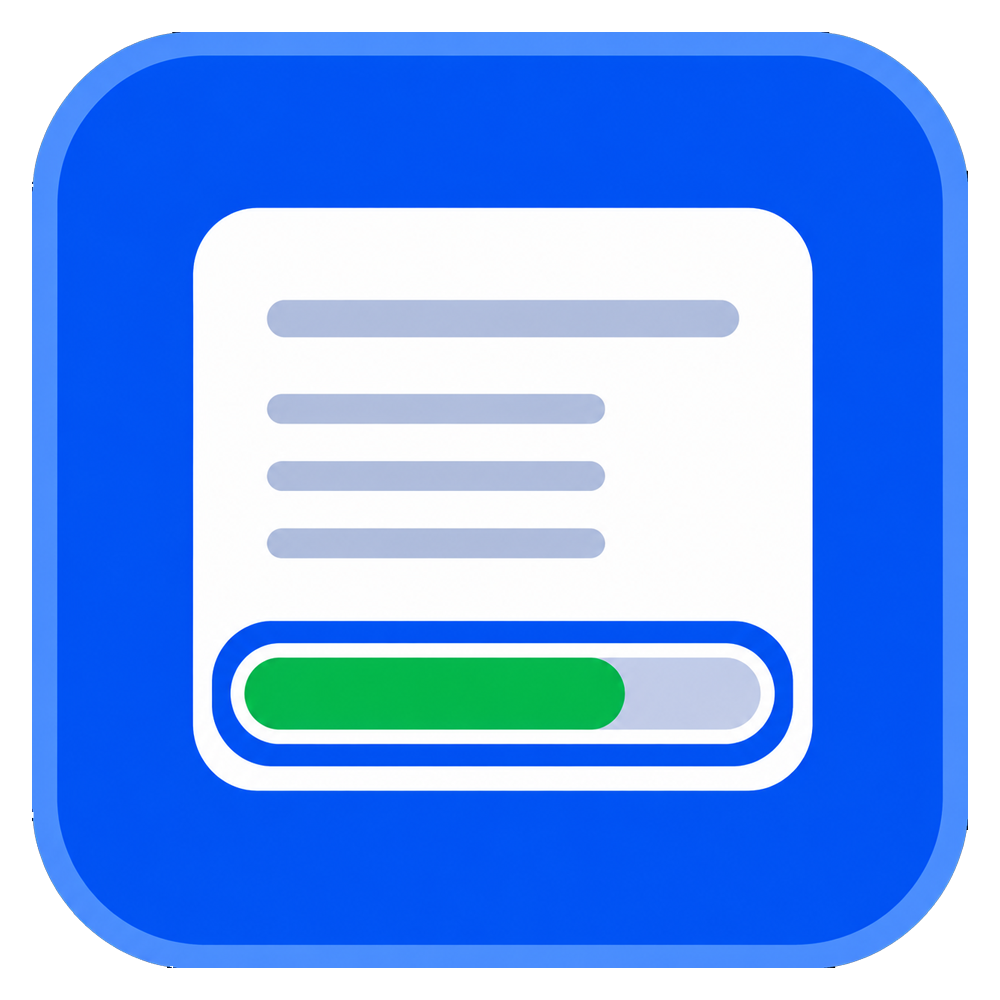
Most visitors leave a long page before they ever reach the good part. A reading progress bar answers the question that keeps them scrolling: how much is left? Reading Progress Bar adds a smooth, lightweight scroll indicator that fills as people read, so every article, guide, product story, and landing page feels finished instead of endless. Choose a slim bar at the top or bottom of the screen, or a circular indicator in any corner. Add a live percentage and an estimated reading time written in your own words, in any language. Style it to your brand with solid or gradient fills, custom track color, thickness, corner radius, and opacity. You decide where it runs. Track the whole page or one specific section, show it on desktop only, mobile only or both, and exclude any pages you want to keep clean. Setup takes about a minute in a simple dashboard with a live preview, and there is no code to write. Great for blogs, news, recipes, documentation, and long sales pages. It is built to stay light on page load times, respects reduced-motion preferences, and works with screen readers. Add the Reading Progress Bar app and give every reader a reason to keep going.