Cursor
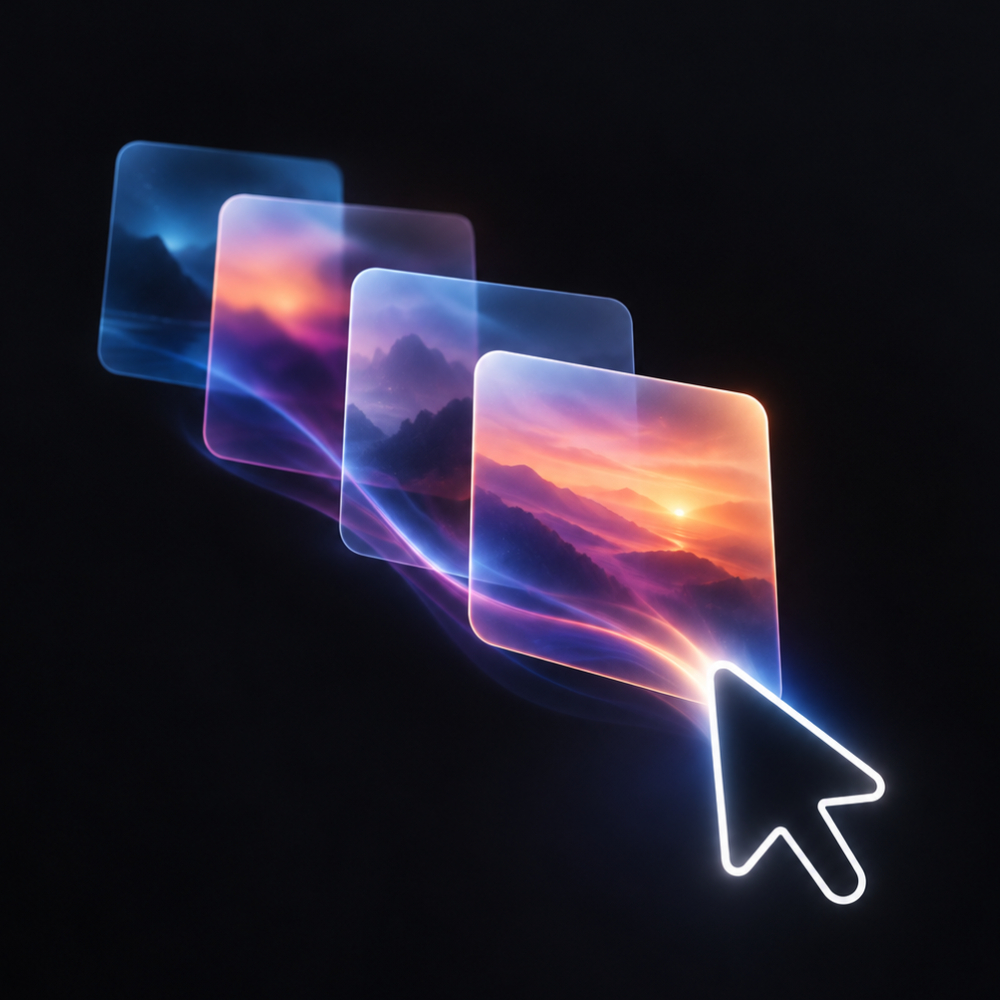
Animated Cursor Image Trail allows you to add dynamic cursor trails that follow the user's mouse movements, creating a visually stunning effect that captures attention and enhances the overall user experience. What Problem It Solves: In a crowded online space, standing out and retaining visitor attention can be challenging. Animated Cursor Image Trail helps solve this problem by adding an interactive element to your site that keeps users engaged. Why It’s Unique: Unlike standard cursor effects, Animated Cursor Image Trail offers fully customizable options, allowing you to tweak every aspect of the effect to fit your brand’s unique style. Choose from various visual presets, adjust the image width, set the aspect ratio, and define the border size to create a trail effect that is uniquely yours. Why Add This Feature: Engage your visitors with fluid and dynamic cursor trails that captivate attention, enhancing the interactivity and enjoyment of your website. The integration is straightforward, with a user-friendly interface that makes setup easy. Designed for performance, this feature is lightweight and includes built-in image optimization, ensuring fast loading on any device.
Reading Progress Bar
Most visitors leave a long page before they ever reach the good part. A reading progress bar answers the question that keeps them scrolling: how much is left? Reading Progress Bar adds a smooth, lightweight scroll indicator that fills as people read, so every article, guide, product story, and landing page feels finished instead of endless. Choose a slim bar at the top or bottom of the screen, or a circular indicator in any corner. Add a live percentage and an estimated reading time written in your own words, in any language. Style it to your brand with solid or gradient fills, custom track color, thickness, corner radius, and opacity. You decide where it runs. Track the whole page or one specific section, show it on desktop only, mobile only or both, and exclude any pages you want to keep clean. Setup takes about a minute in a simple dashboard with a live preview, and there is no code to write. Great for blogs, news, recipes, documentation, and long sales pages. It is built to stay light on page load times, respects reduced-motion preferences, and works with screen readers. Add the Reading Progress Bar app and give every reader a reason to keep going.