- Category rank
- #27 in PDF
- Listing audit
- 69/100
PDF Sign is a Wix App Market app by McWIX.
PDF Sign is the #27 ranked PDF app on Wix, as a paid app, as of Nov 7, 2026.
AppRanks verdict
Generated from marketplace data as of Nov 7, 2026
PDF Sign ranks #27 of 32 in PDF on Wix. It has no reviews on Wix yet. There is no free plan — compare the paid plans below before installing.
Pros
- No standout positives in the measured data.
Cons
- −No reviews yet — fit and reliability are unverified by other merchants
- −No free plan (Paid) — evaluation needs a paid plan or a trial
About PDF Sign
How PDF Sign works
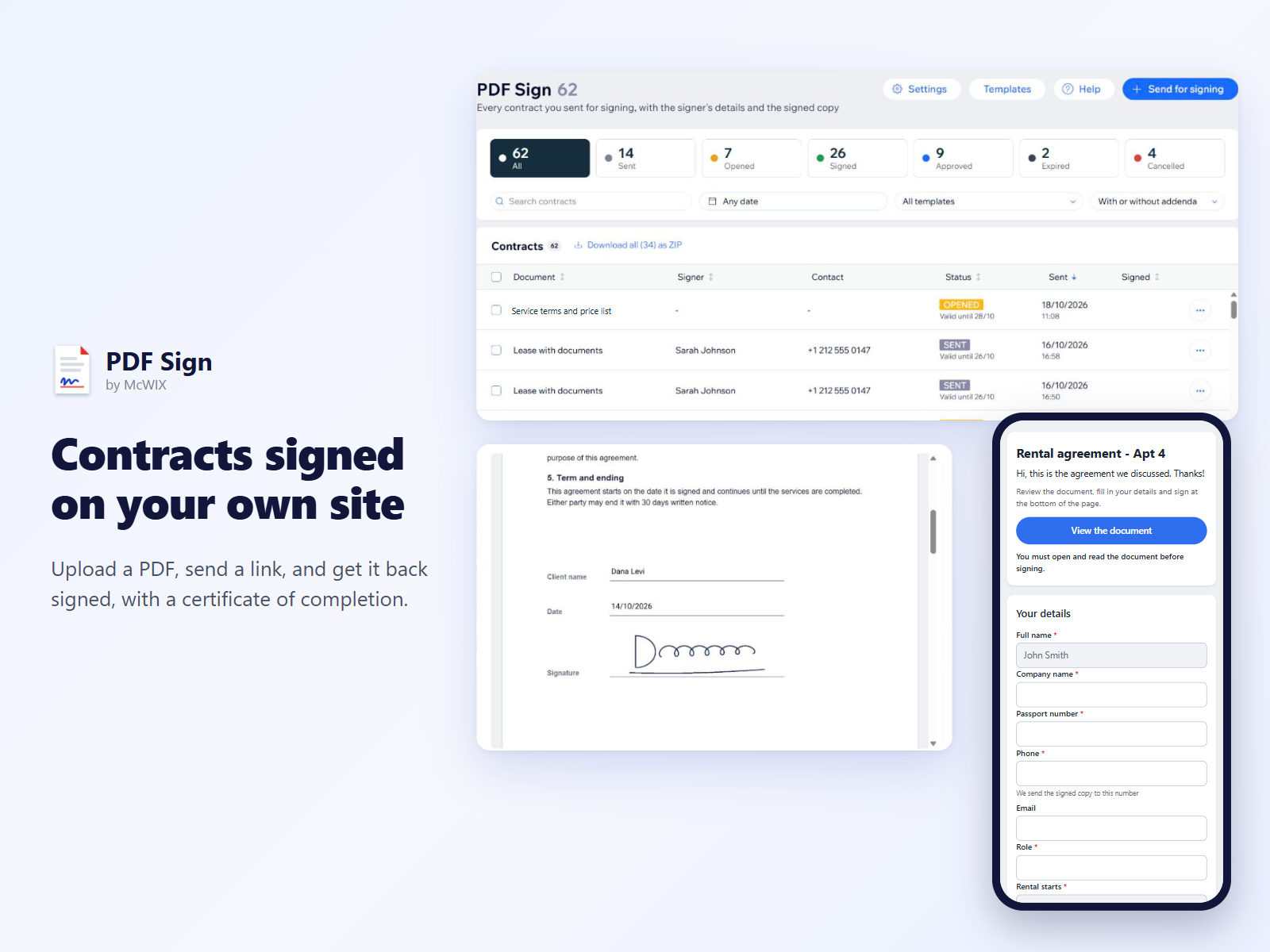
PDF Sign lets you send contracts and forms for signature from your own site.
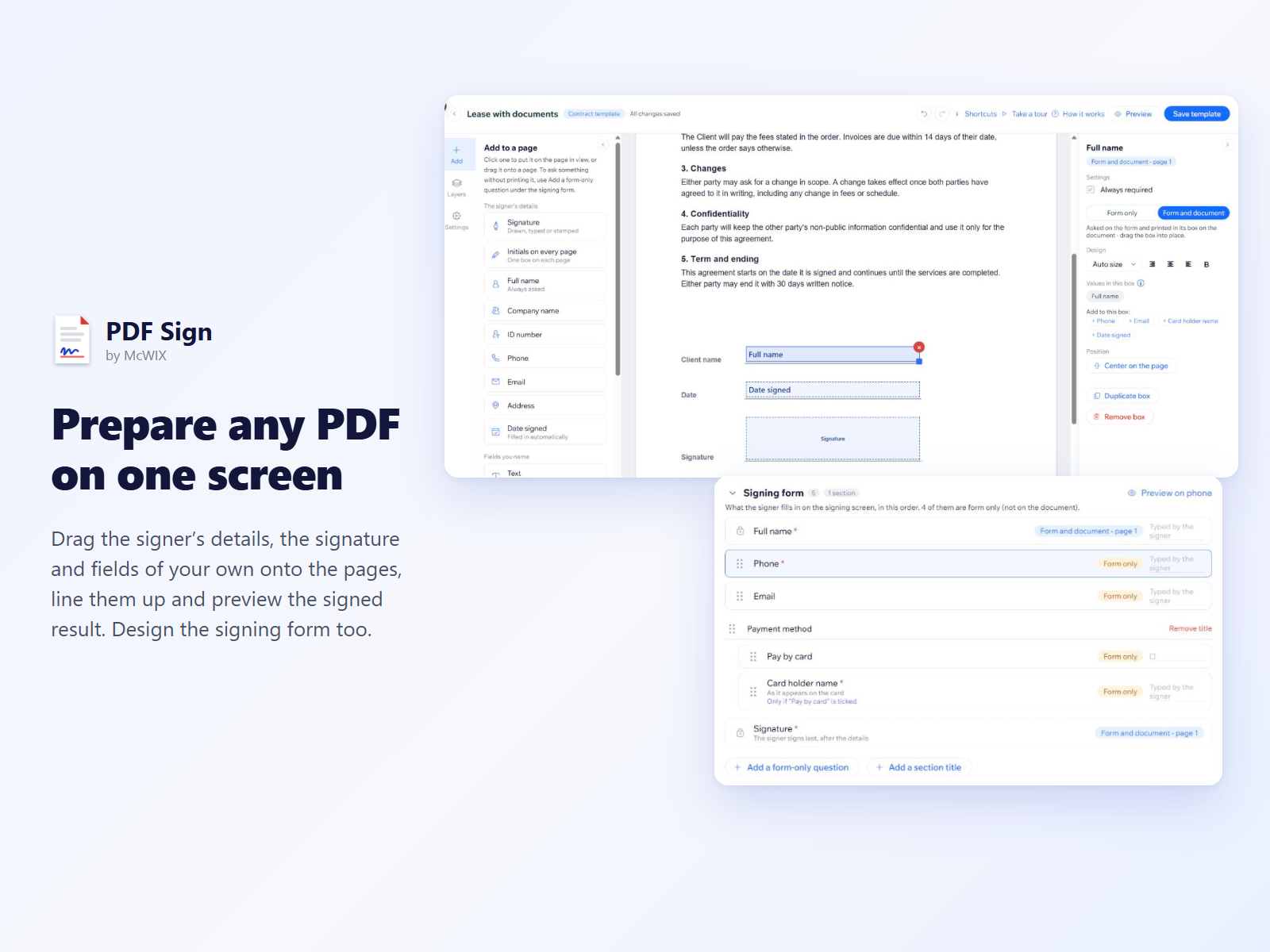
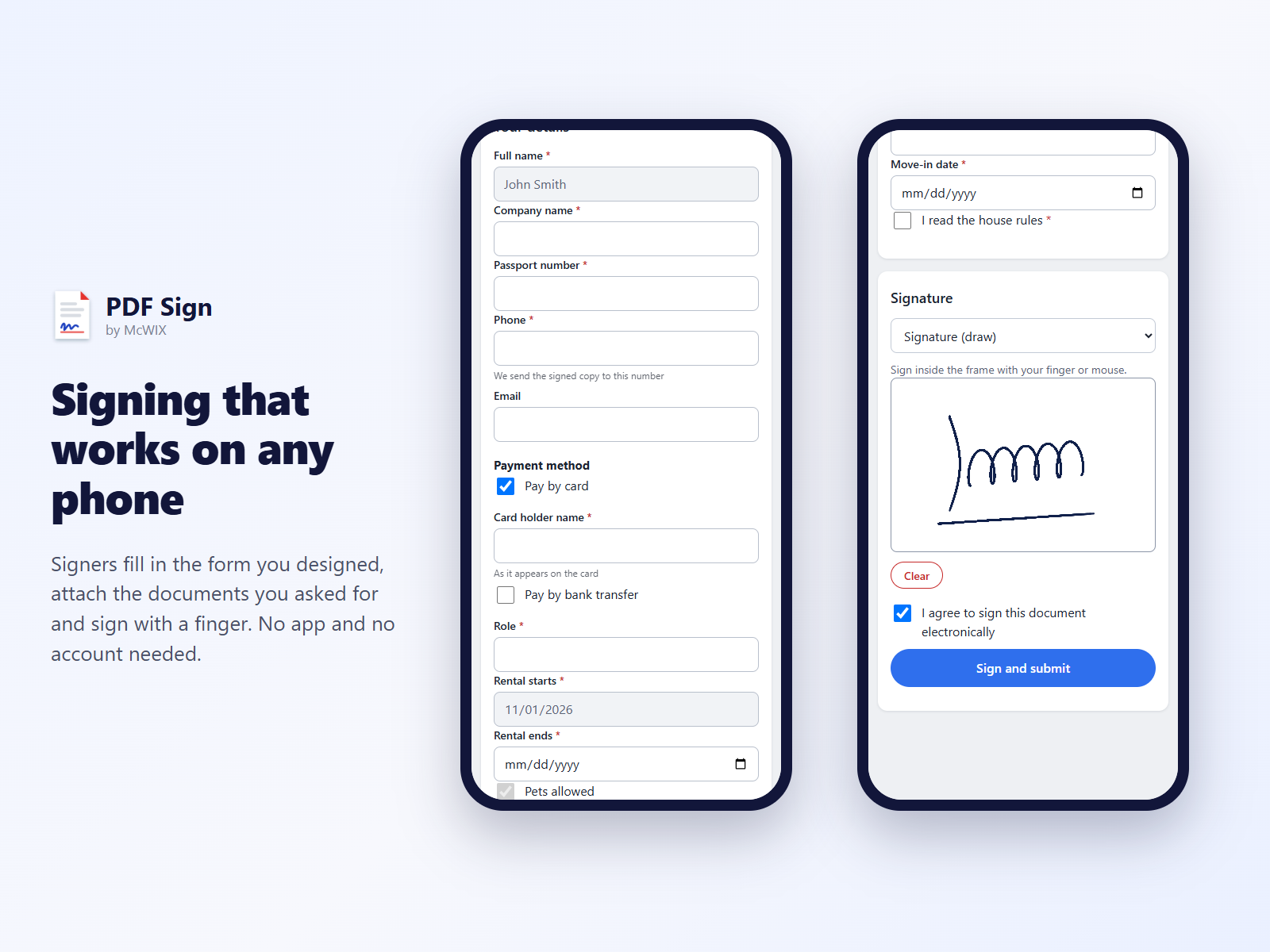
Upload a PDF once and prepare it in a one-screen editor: drag the signer's name, the date, the signature and fields of your own onto the pages, line them up and preview the result. You also design the signing form, with sections, help lines and fields shown only when a box is ticked, and can ask for documents such as a standing order.
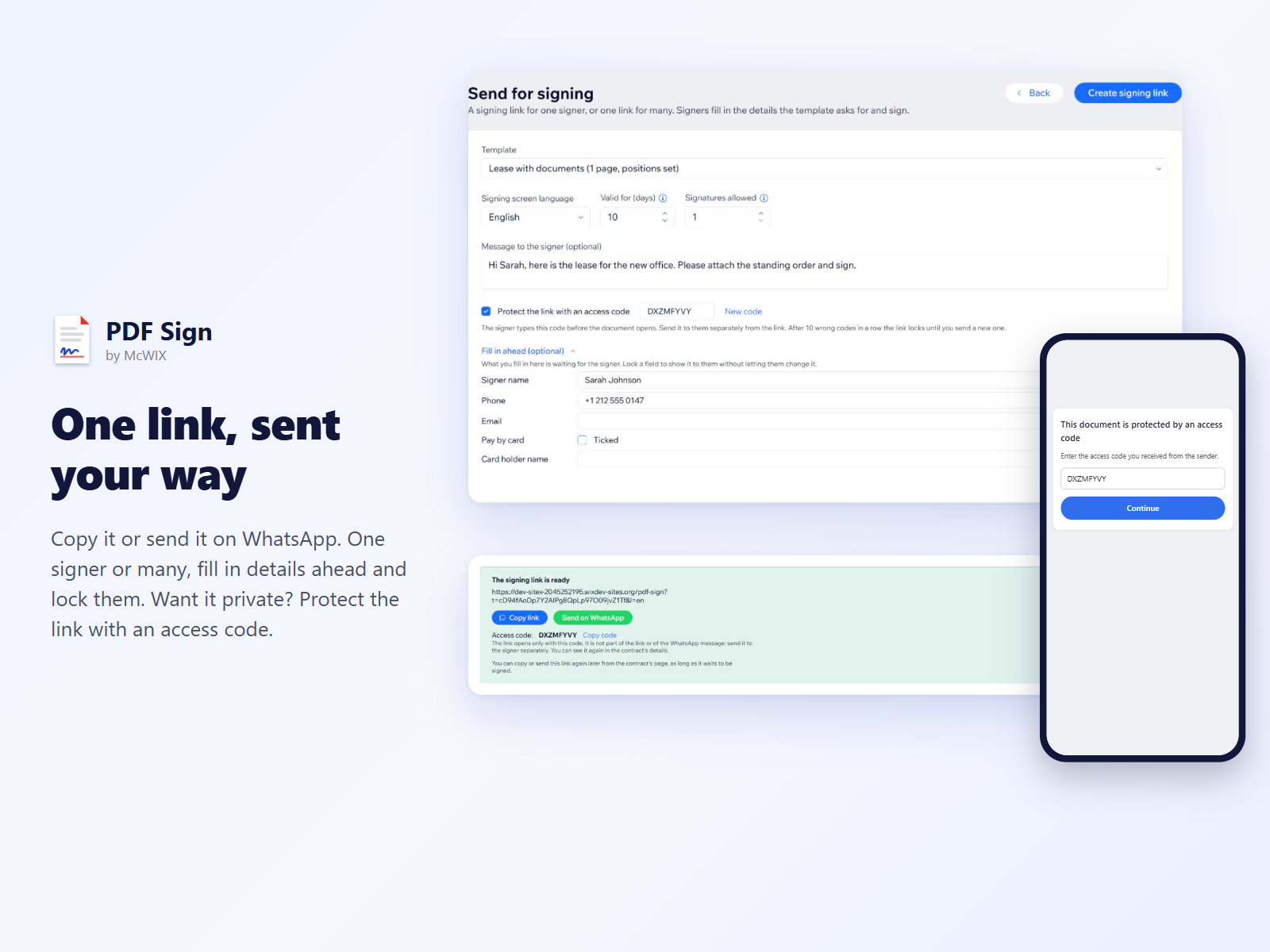
Each template can be sent as a personal link, one link for many signers, or a contract several people sign together, shared on WhatsApp or anywhere. Details can be filled in ahead and locked, and a link can be protected with an access code.
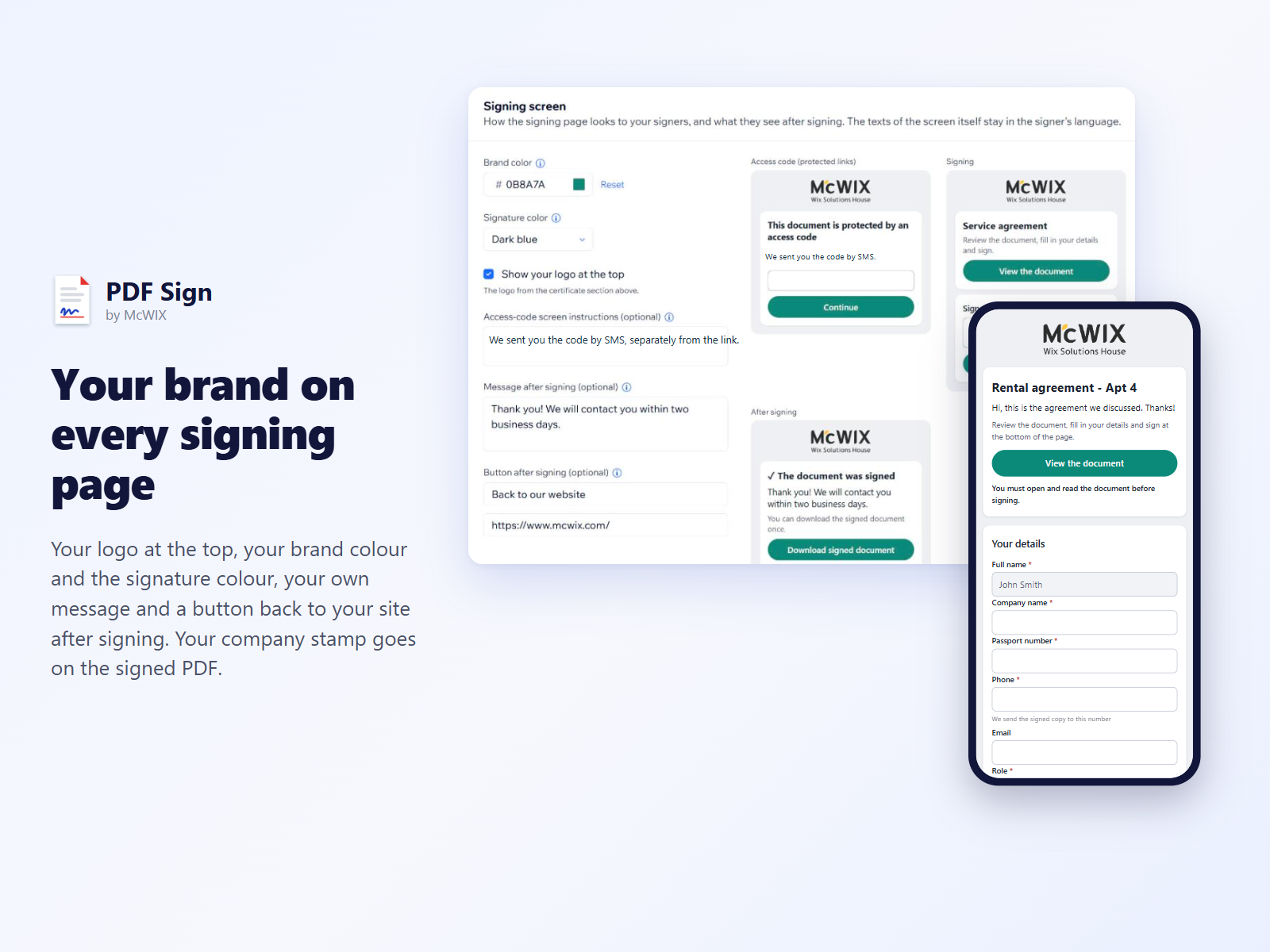
Signers open the document on a phone or a computer, under your logo and brand colour, and sign with a finger or a mouse, without an app or an account. The dashboard is in English; the signing screen and the signed PDF are in Hebrew, English, Arabic, Spanish, French, German, Portuguese, Italian, Russian, Japanese and Chinese (Simplified and Traditional), right to left for Hebrew and Arabic.
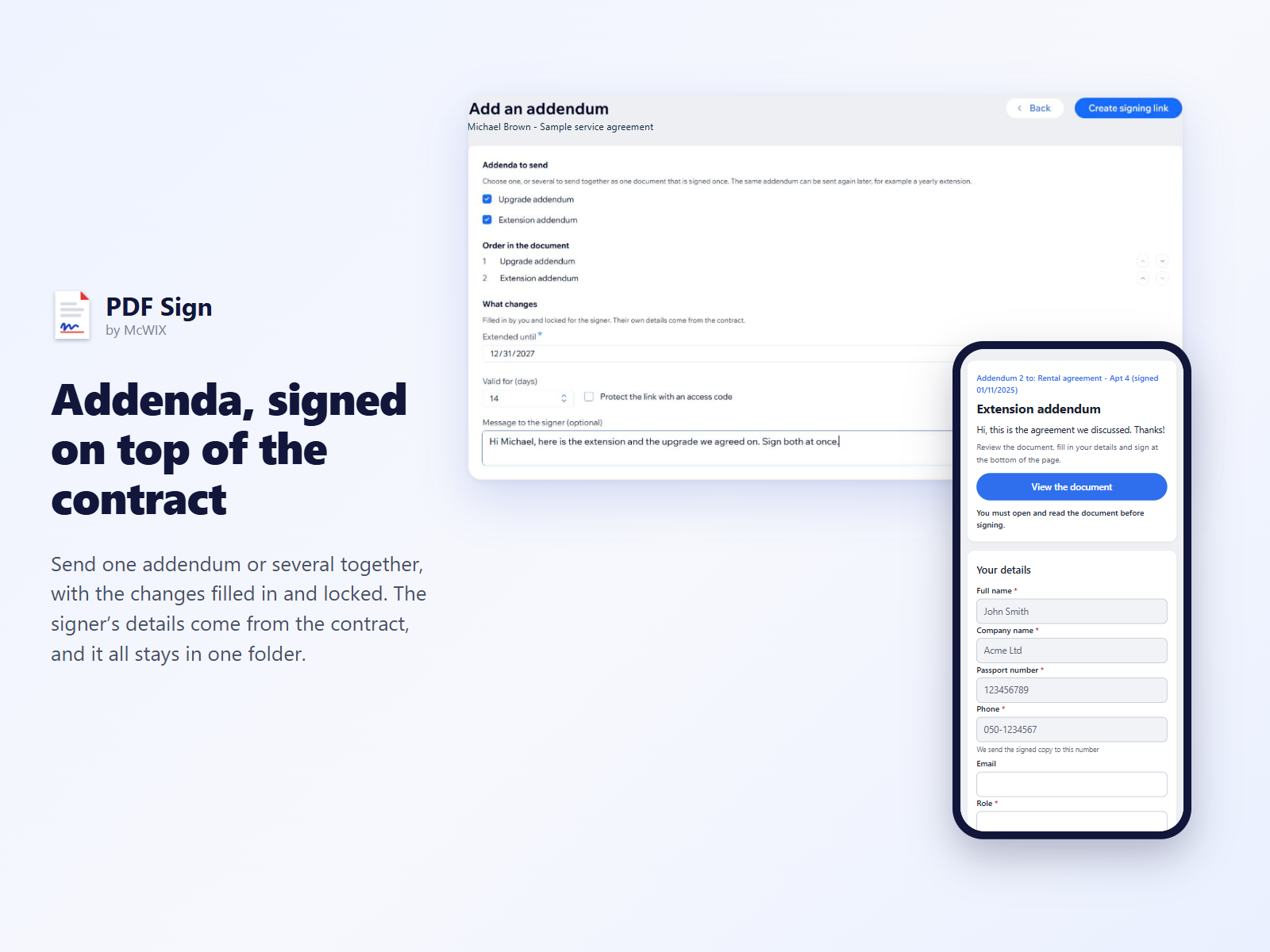
Each signed contract gets a certificate page and your company's stamp. Later you can add addenda to it and download the whole folder as one PDF.
Screenshots