
Google Calendar Bookings is a Wix app, with a 2.0 average rating from 7 reviews, as a paid app, as of Sep 11, 2026.
Google Calendar Bookings is a Wix App Market app by TinyLinks. With a rating of 2.0★ from 7 reviews.
AppRanks verdict
Generated from live marketplace data — refreshed daily
Google Calendar Bookings is a mixed-rating Wix app with a limited review volume. Category data on the canonical marketplace listing is currently incomplete, so AppRanks falls back to platform-wide rather than category-relative comparison for this listing. 7 reviews put it in the early-traction tier — useful for early-stage stores willing to be on the leading edge. Early-traction review counts are sensitive to single launch periods or feature events, so a 30-day re-check before bigger commitments often resolves whether the trend is sustained. Paid-only pricing means evaluating fit on the marketplace listing or via the developer's documentation before installing. AppRanks tracks rating, review count, pricing tier, and category position daily — the figures on this page reflect the most recent scrape from the canonical Wix App Market listing.
Pros
- +Published by TinyLinks — established developer track record
Cons
- −Average rating below 4.0 (2.0★) — read recent low-star reviews before committing
- −Limited review base (7) — ratings can shift significantly with new feedback
- −Paid-only pricing (Paid) — evaluation requires committing payment details
Looking to switch from Google Calendar Bookings?
See Google Calendar Bookings's alternatives ranked by audit score, rating, and review velocity.
About Google Calendar Bookings
How Google Calendar Bookings works
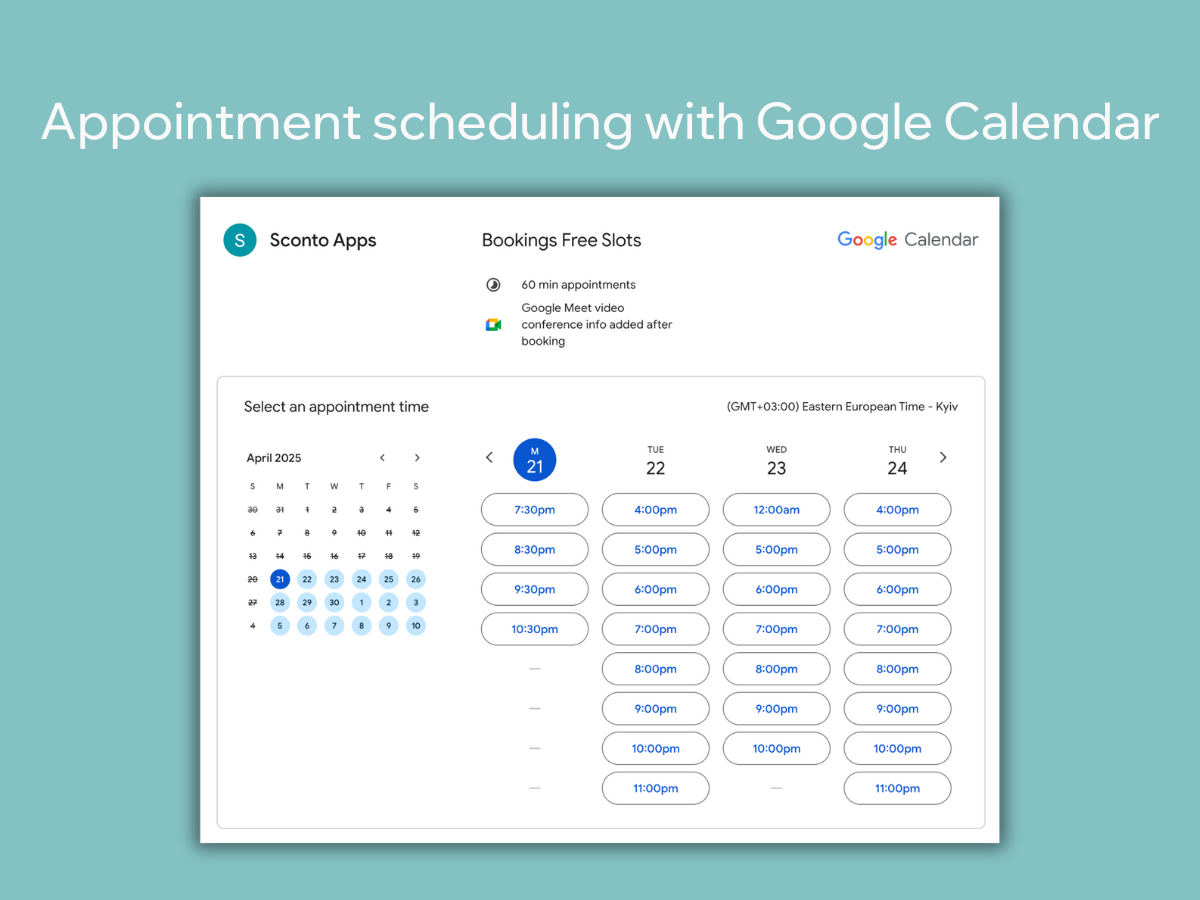
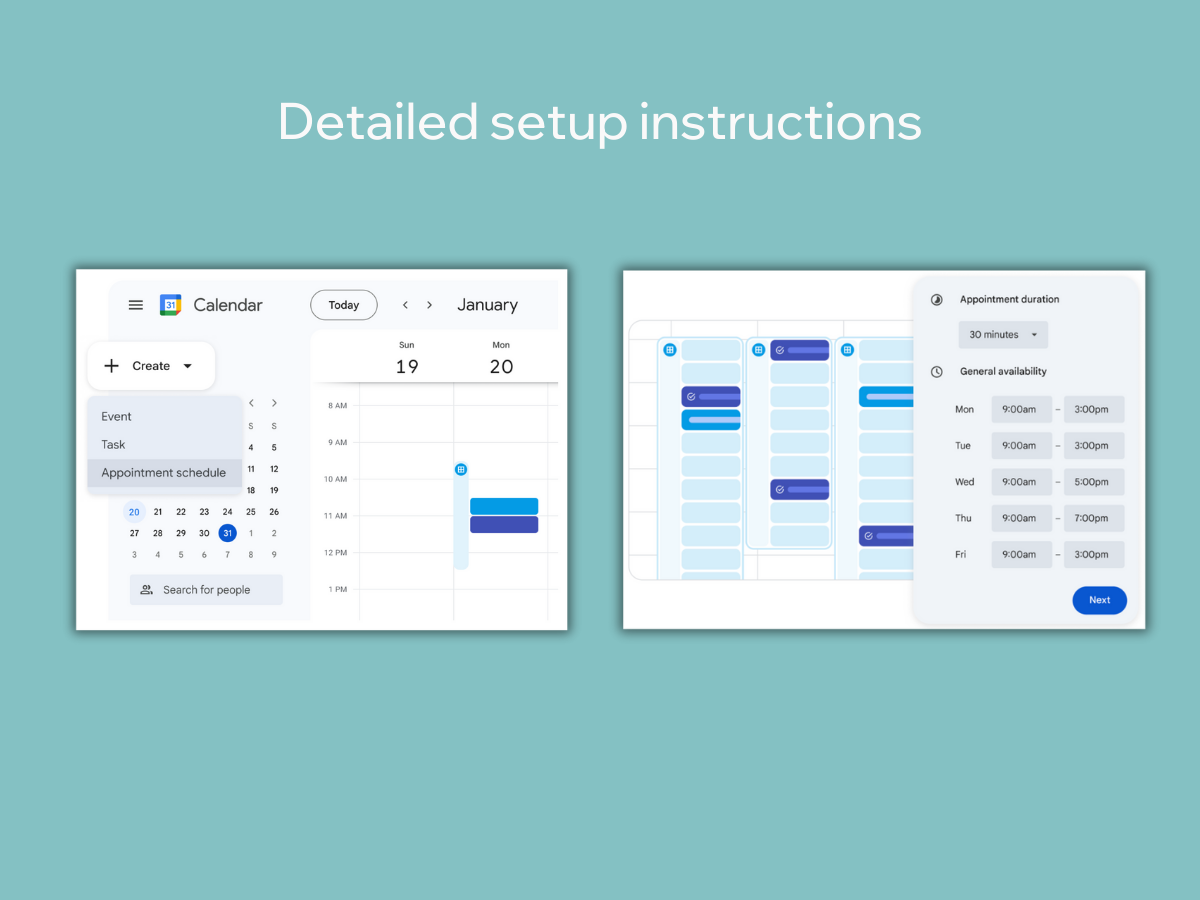
Google Calendar Bookings makes it easy to manage appointments right from your website. Seamlessly connect your Google Calendar and display your personal booking page, so visitors can schedule time with you without back-and-forth emails.
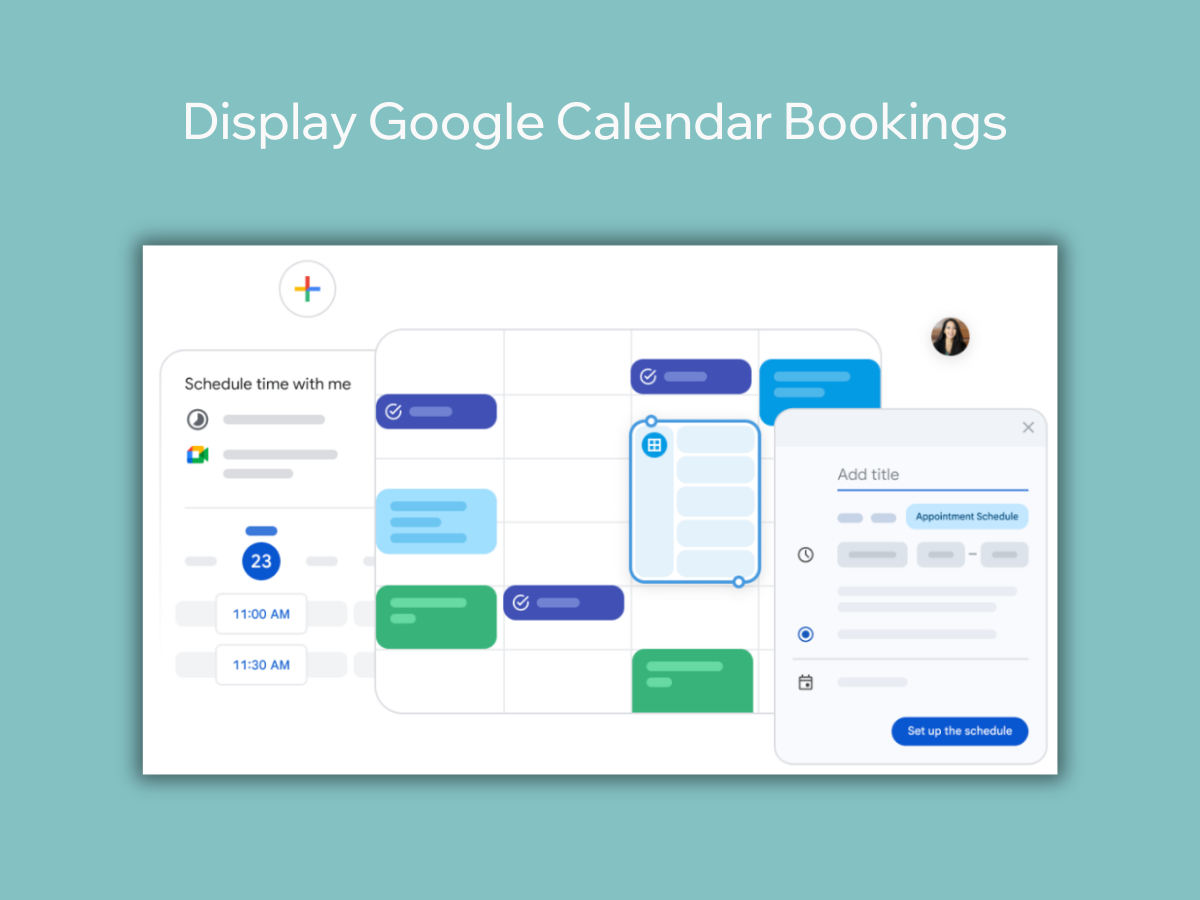
With Google Appointment Scheduling, you control your availability directly from Google Calendar. Set up your schedule once, and let clients or customers choose from your available slots. Whether you're offering services, consultations, or meetings, it’s a simple, efficient way to stay organized.
Embed your Google Calendar Booking page on your site in just a few clicks. Visitors can view your availability and book appointments instantly — helping you save time, reduce no-shows, and deliver a smoother scheduling experience.
Screenshots
Key features
- Display Google Calendar Booking page on your website
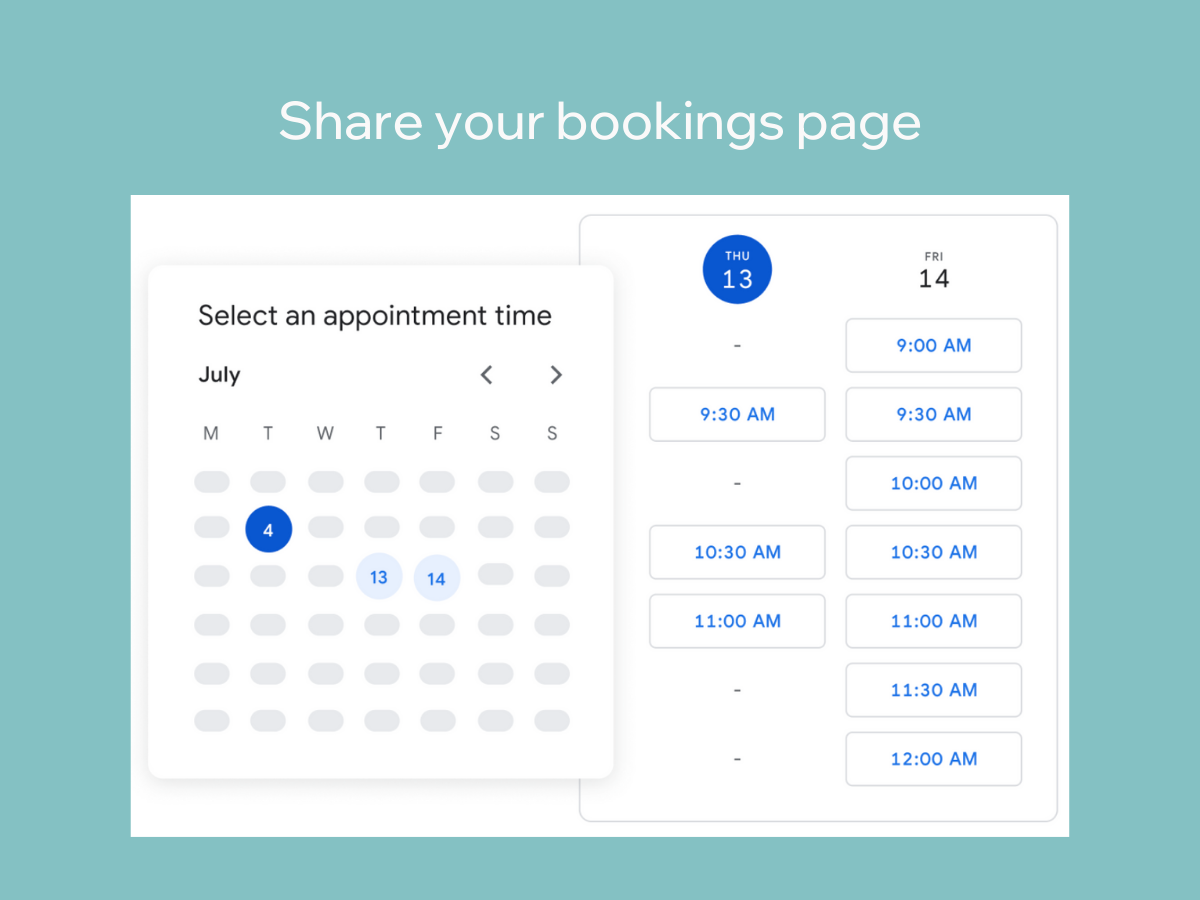
- Google Appointment scheduling allows you to manage your availability and let anyone book time with you directly within Google Calendar via a personal booking page
- Create your appointment schedule in Google Calendar and display it on your website
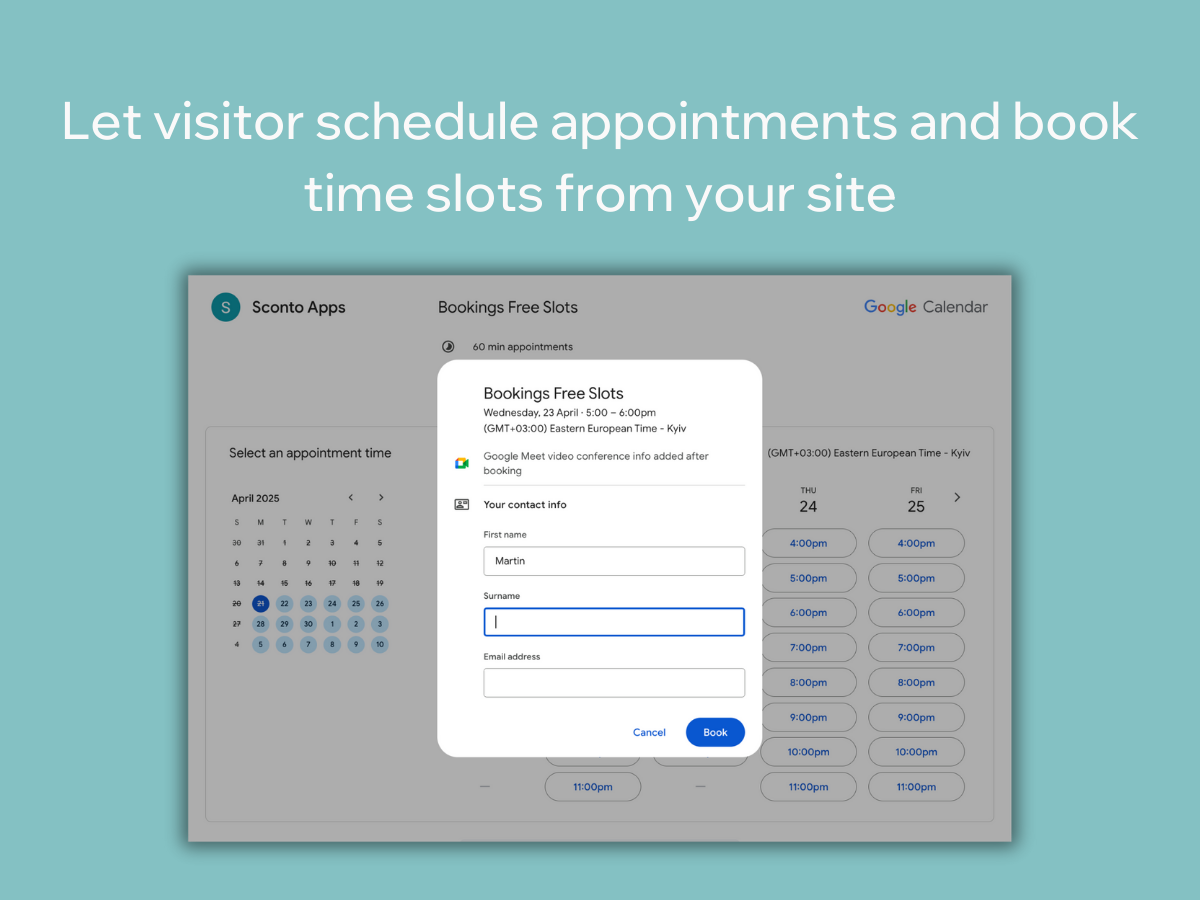
- Let visitor schedule appointment or book service from Bookings page
Pricing plans
Unlimited3.40/month
|
Keyword rankings
Google Calendar Bookings ranks for 25 keywords across Wix App Market. Here are the top 3:
- Rank #2
- Rank #13
- Rank #13
Competitors & alternatives
AppRanks tracks competitor sets per category. For Google Calendar Bookings, the independent listing audit includes a competitive context section, and the full Wix app index shows the broader marketplace landscape this app competes in. Sign up free to surface a side-by-side competitor matrix customized to your tracked apps.
Frequently asked questions
What is Google Calendar Bookings?
Google Calendar Bookings is an app for Wix. It currently holds a 2.0-star rating from 7 merchant reviews, and AppRanks has been tracking its public marketplace data on the refresh cadence published in our methodology. AppRanks tracks its category position, review-velocity trend, and the top alternatives in the same space. Developed by TinyLinks.
Is Google Calendar Bookings free?
Google Calendar Bookings does not offer a permanent free plan on Wix. Pricing starts at 3.40, and the listed tiers are Unlimited. Trial availability and exact billing terms are mirrored from the live Wix listing and may change between refresh cycles, so always confirm the headline price on the source marketplace before installing.