- Category rank
- #21 in Image Effects
- Listing audit
- 71/100
Fancy Web Effects is a Wix App Market app by Koala Developer. With a rating of 2.8★ from 8 reviews, it currently ranks #21 in the Image Effects category.
Fancy Web Effects is the #21 ranked Image Effects app on Wix, with a 2.8 average rating from 8 reviews, as a paid app, as of Nov 6, 2026.
AppRanks verdict
Generated from marketplace data as of Nov 6, 2026
Fancy Web Effects ranks #21 of 90 in Image Effects on Wix. It holds a 2.8★ average from 8 reviews on Wix. There is no free plan — compare the paid plans below before installing.
Pros
- No standout positives in the measured data.
Cons
- −Average rating below 4.0 (2.8★) — read recent low-star reviews before committing
- −Only 8 reviews — the average can still move with a few new ratings
- −No free plan (Paid) — evaluation needs a paid plan or a trial
About Fancy Web Effects
How Fancy Web Effects works
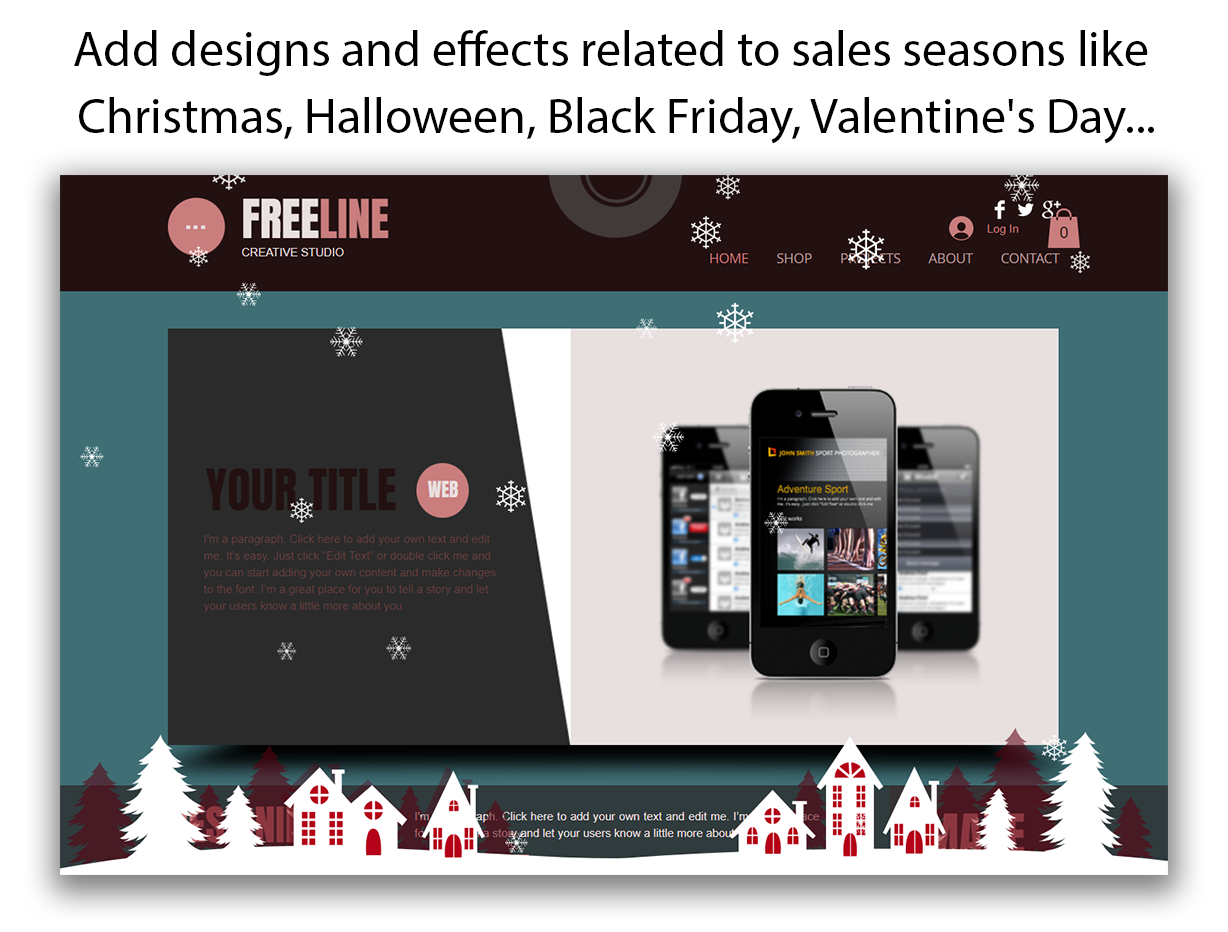
Fancy Web Effects allows you to make your store or website stand out from your competitors with eye-catching effects for special occasions like Christmas, Halloween, Black Friday, Valentine's Day, or any other time you want to highlight special offers in your store.
It helps to personalize the website through the use of interactive effects. Improve your conversion rate, increase the time your visitors spend in the store or website, and improve the overall experience. Our application makes the store or the website visually attractive in the blink of an eye with a single click.
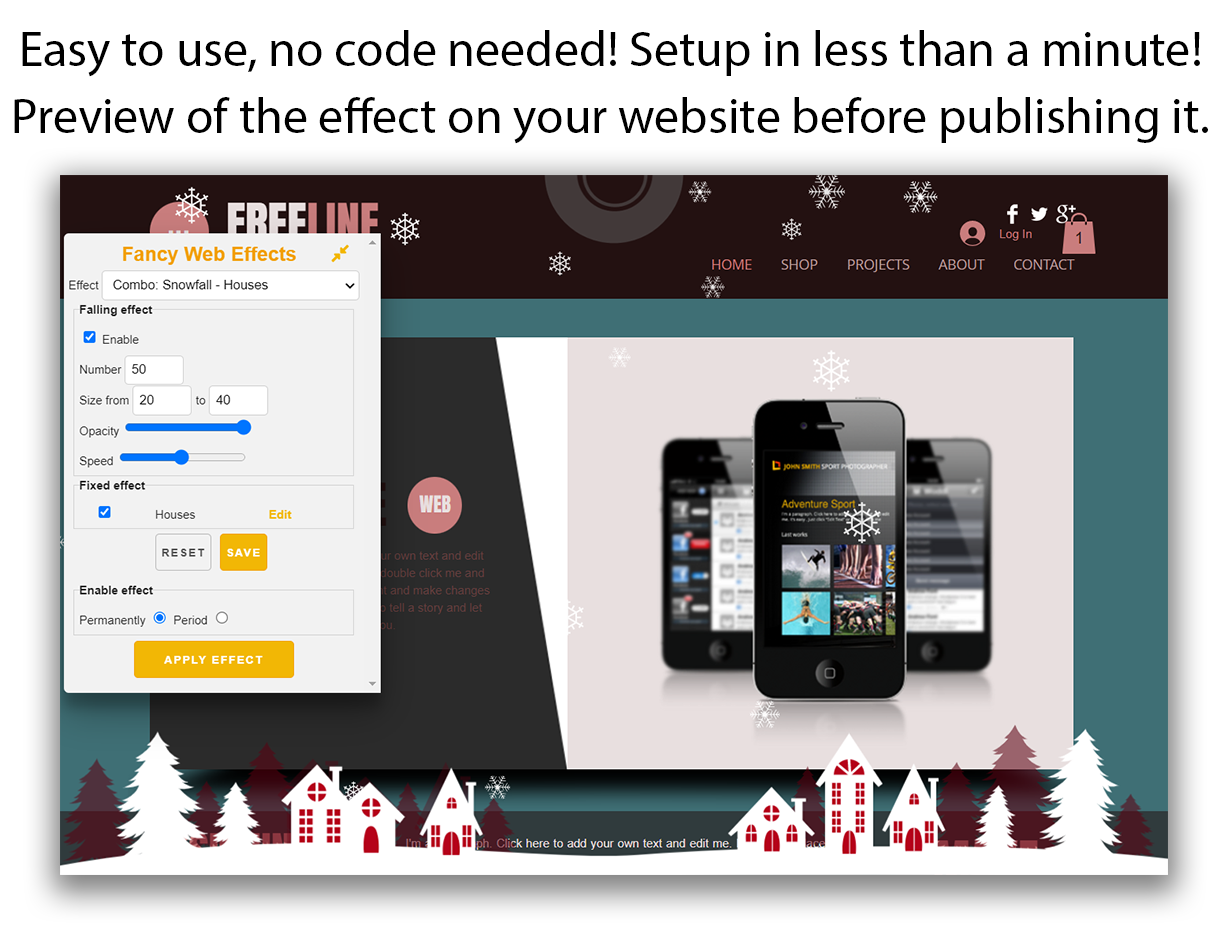
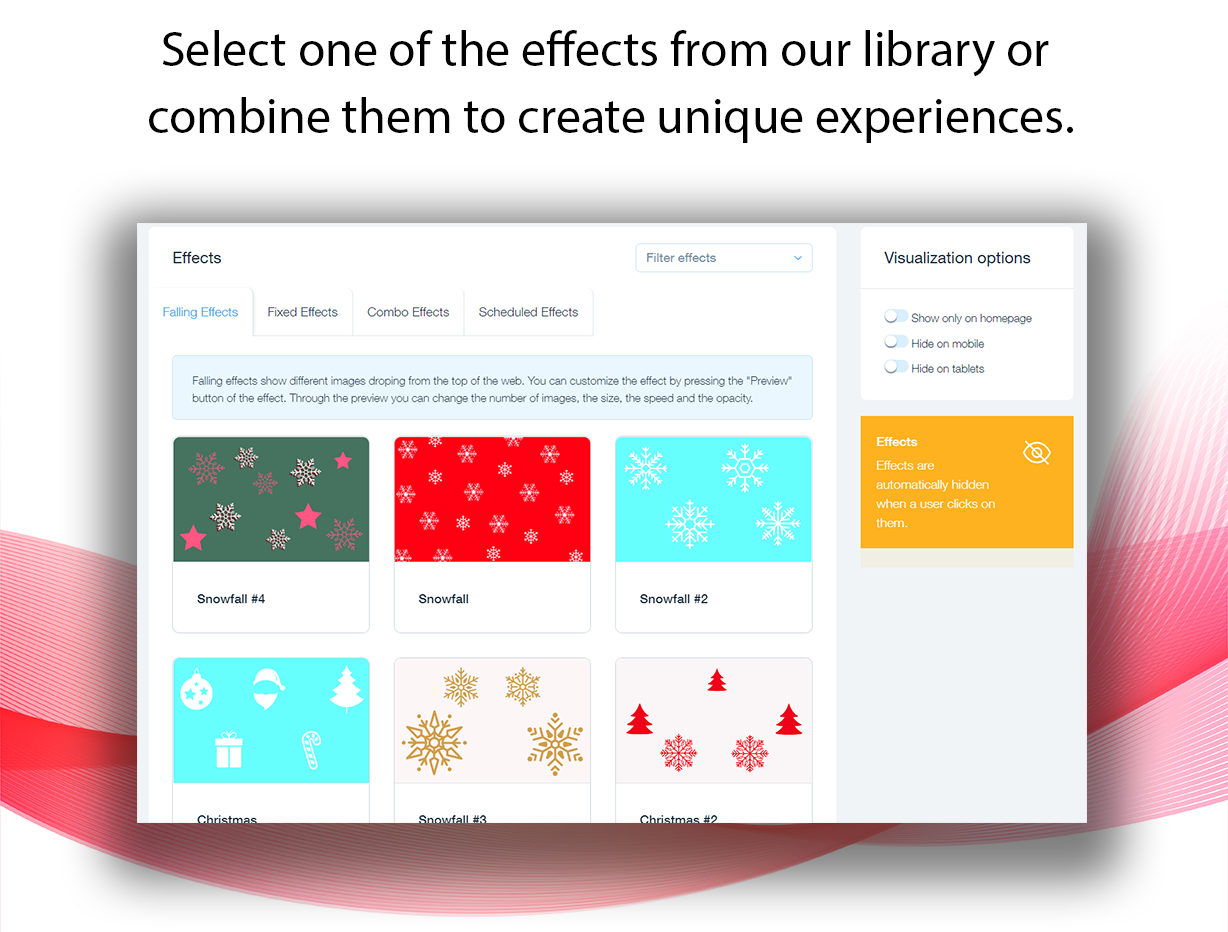
Fancy Web Effects provide falling effects (like snowfall), fixed effects or a combination of them. You can preview the appearance of the website before applying the new layout, allowing you to easily change the number, size and position of the effects.
The effects can be applied to the entire website or only to the home page, they can even be disabled on mobile phones or tablets.
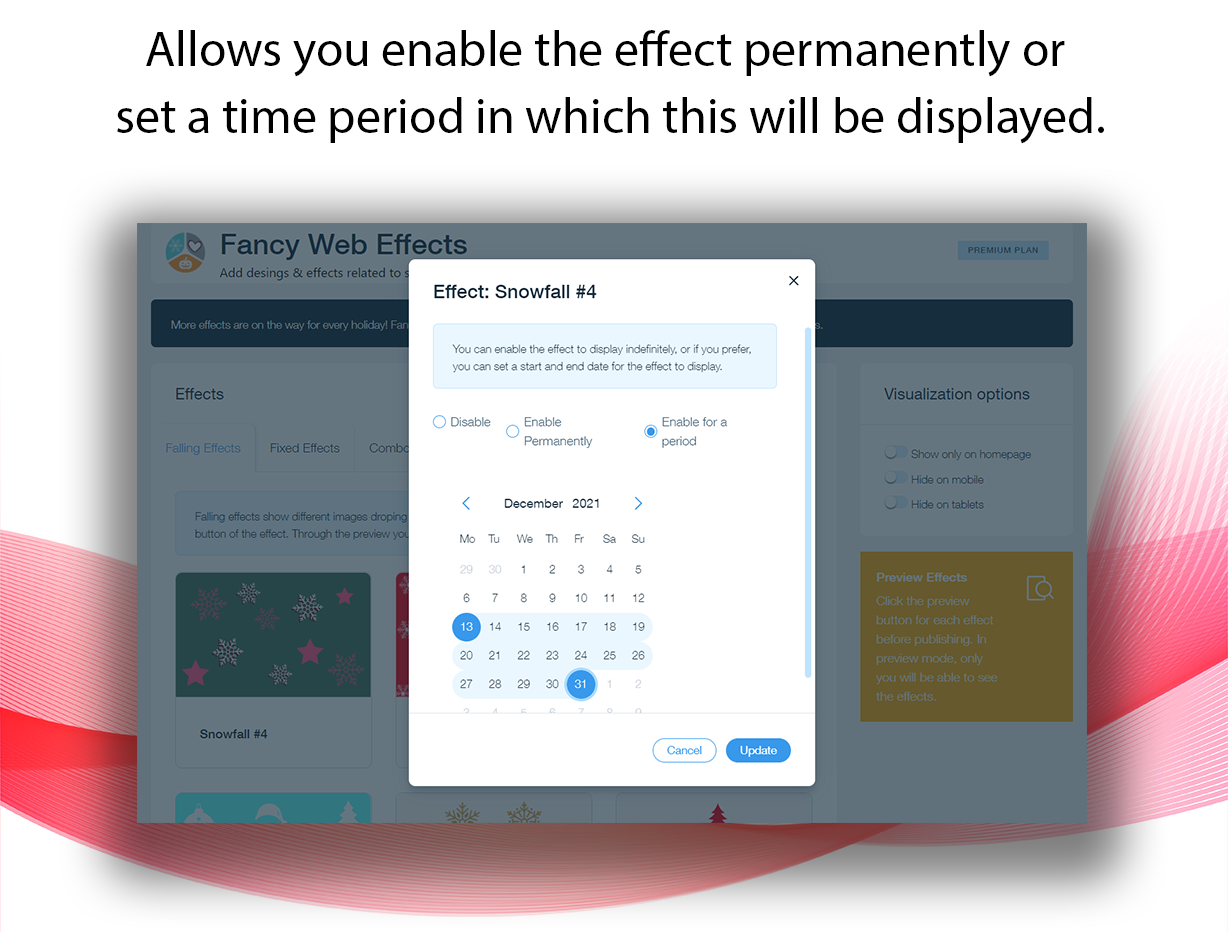
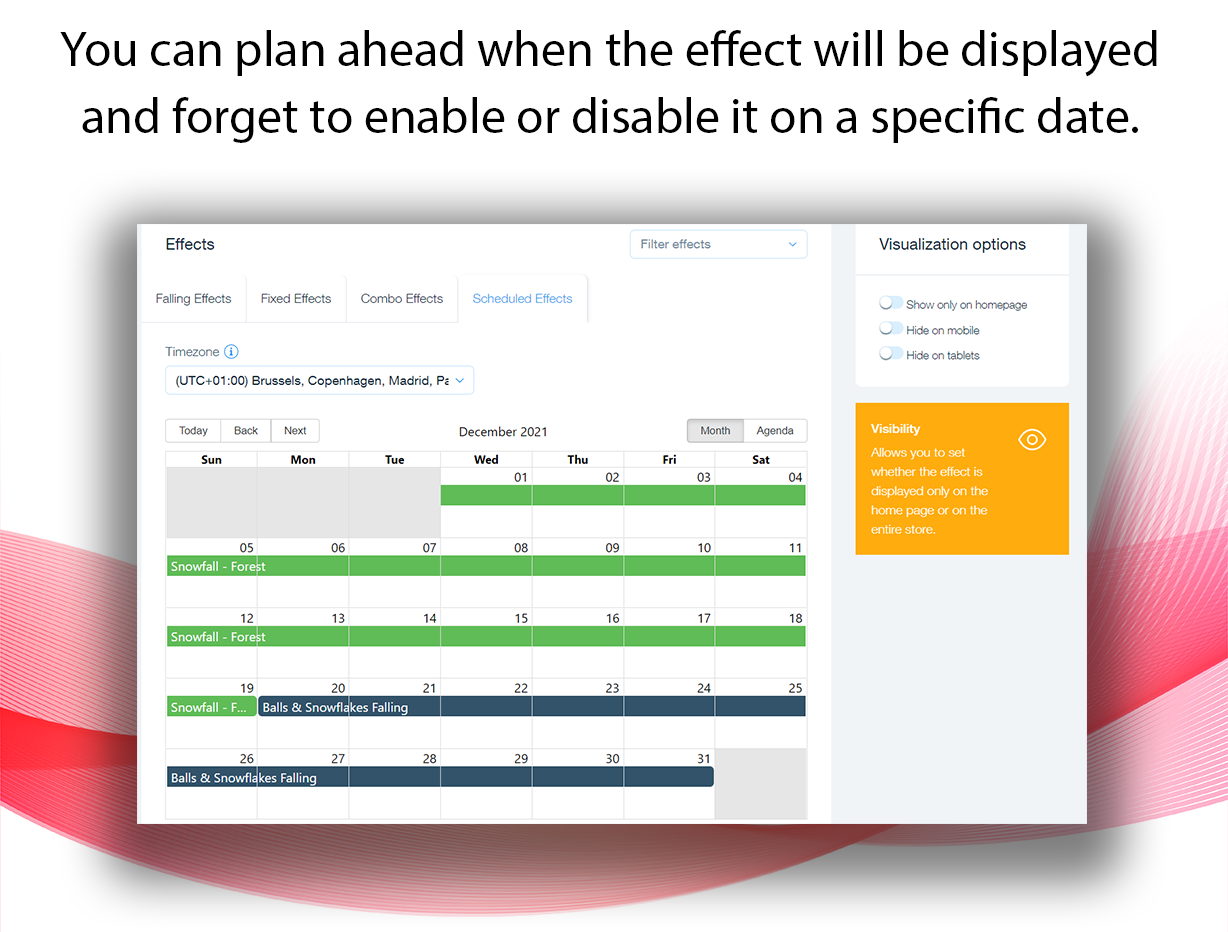
Time period in which the effects will appear can be configured, allowing you to plan ahead and manage it through a calendar.
Effects are automatically hidden when a user clicks on them.
Screenshots