- Category rank
- #103 in Apps for Stores
- Listing audit
- 72/100
Exelion - Google Sheets Orders is a Wix App Market app by Reveniux. With a rating of 3.0★ from 2 reviews, it currently ranks #103 in the Apps for Stores category.
Exelion - Google Sheets Orders is the #103 ranked Apps for Stores app on Wix, with a 3.0 average rating from 2 reviews, as a paid app, as of Nov 6, 2026.
AppRanks verdict
Generated from marketplace data as of Nov 6, 2026
Exelion - Google Sheets Orders ranks #103 of 508 in Apps for Stores on Wix. It holds a 3.0★ average from 2 reviews on Wix. There is no free plan — compare the paid plans below before installing.
Pros
- No standout positives in the measured data.
Cons
- −Average rating below 4.0 (3.0★) — read recent low-star reviews before committing
- −Only 2 reviews — the average can still move with a few new ratings
- −No free plan (Paid) — evaluation needs a paid plan or a trial
About Exelion - Google Sheets Orders
How Exelion - Google Sheets Orders works
Google Sheets app is a simple app that allows you to export orders from your store to your Google Sheets automatically
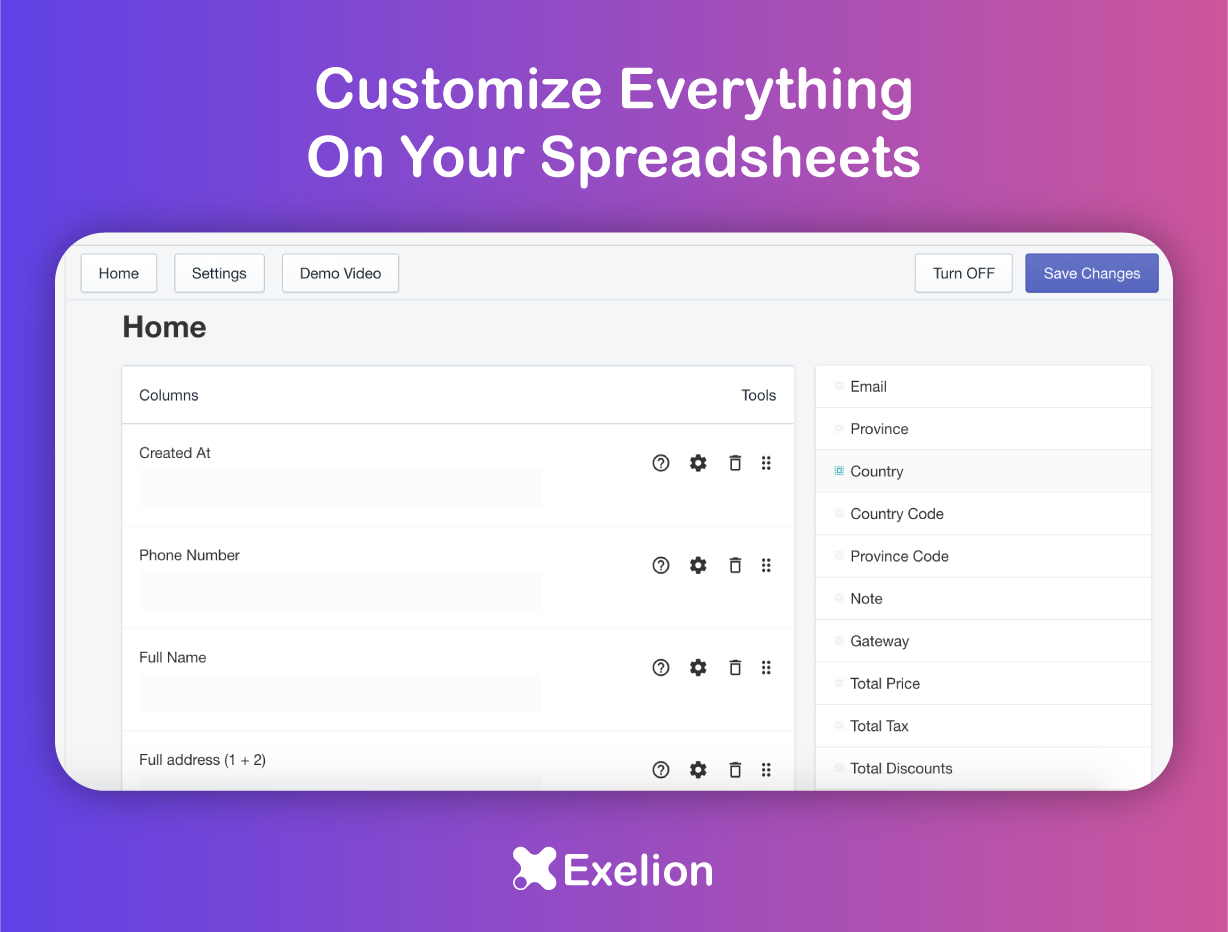
Also with it you can build the structure of your spreadsheet so you can export only the data that you want
No need to copy and paste your orders manually.
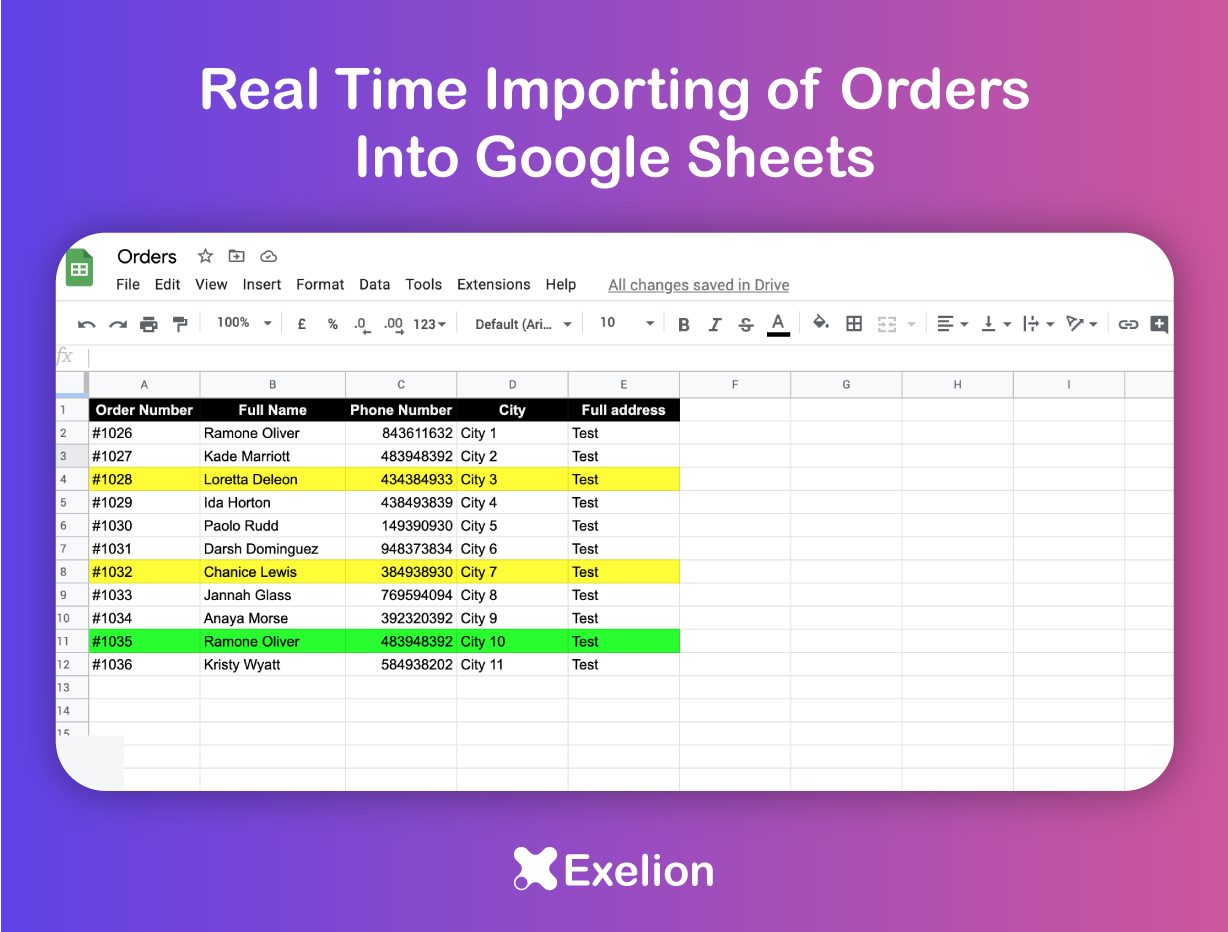
Save your new Store orders as rows in Google Sheets.
Want to export your orders to Google Sheets automatically? Google Sheets app: Auto-Order Sync can help you get all your orders in one place, in a well organized way.
You get to have multiple orders per day. That's great, but the headache starts when you have to manually add each new order data from Orders to your Google Spreadsheet. That doesn't let you focus on your core business.
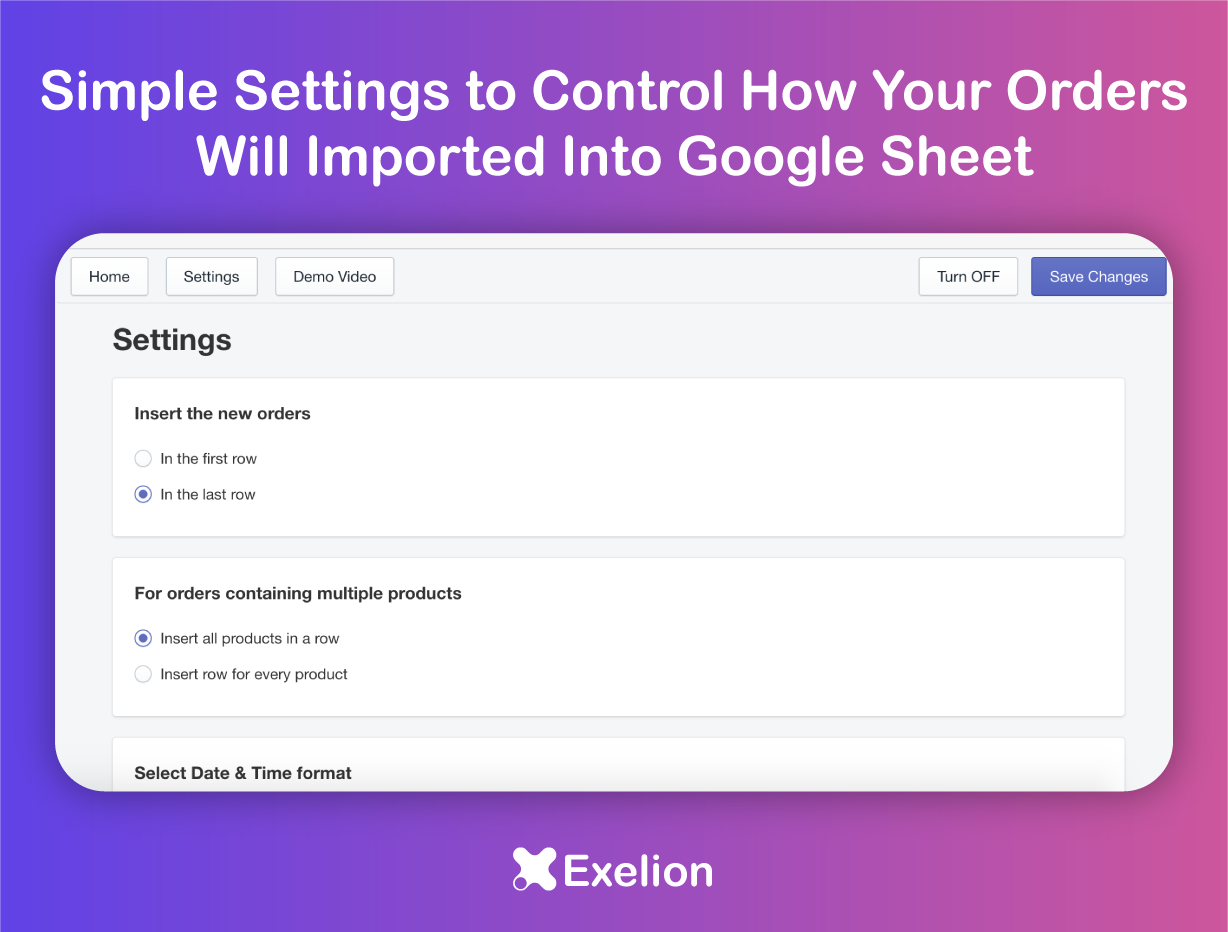
- Configure what your sheet will look like by choosing columns. Select/Unselect provided order field Drag/Drop to set order details emplacement Choose your Date/Time format Get your order on First or Last row With this feature you can export only the data that you want
- Auto synchronise orders Get your new orders synced directly to your Google Sheet once they have been created.
Screenshots