Hover Effects & Tooltips for Wix
- Category rank
- #40 in Buttons & Menus
- Price
- Free plan
- Listing audit
- 72/100
Hover Effects & Tooltips is a Wix App Market app by Builds By Luke. With a rating of 1.0★ from 1 reviews, it currently ranks #40 in the Buttons & Menus category.
Hover Effects & Tooltips is the #40 ranked Buttons & Menus app on Wix, with a 1.0 average rating from 1 review, with a free plan available, as of Nov 6, 2026.
AppRanks verdict
Generated from marketplace data as of Nov 6, 2026
Hover Effects & Tooltips ranks #40 of 95 in Buttons & Menus on Wix. It holds a 1.0★ average from 1 review on Wix. A free plan is available, so the entry feature set can be tried without a paid subscription.
Pros
- +Free plan available — no paid subscription needed to start
Cons
- −Average rating below 4.0 (1.0★) — read recent low-star reviews before committing
- −Only 1 review — the average can still move with a few new ratings
About Hover Effects & Tooltips
How Hover Effects & Tooltips works
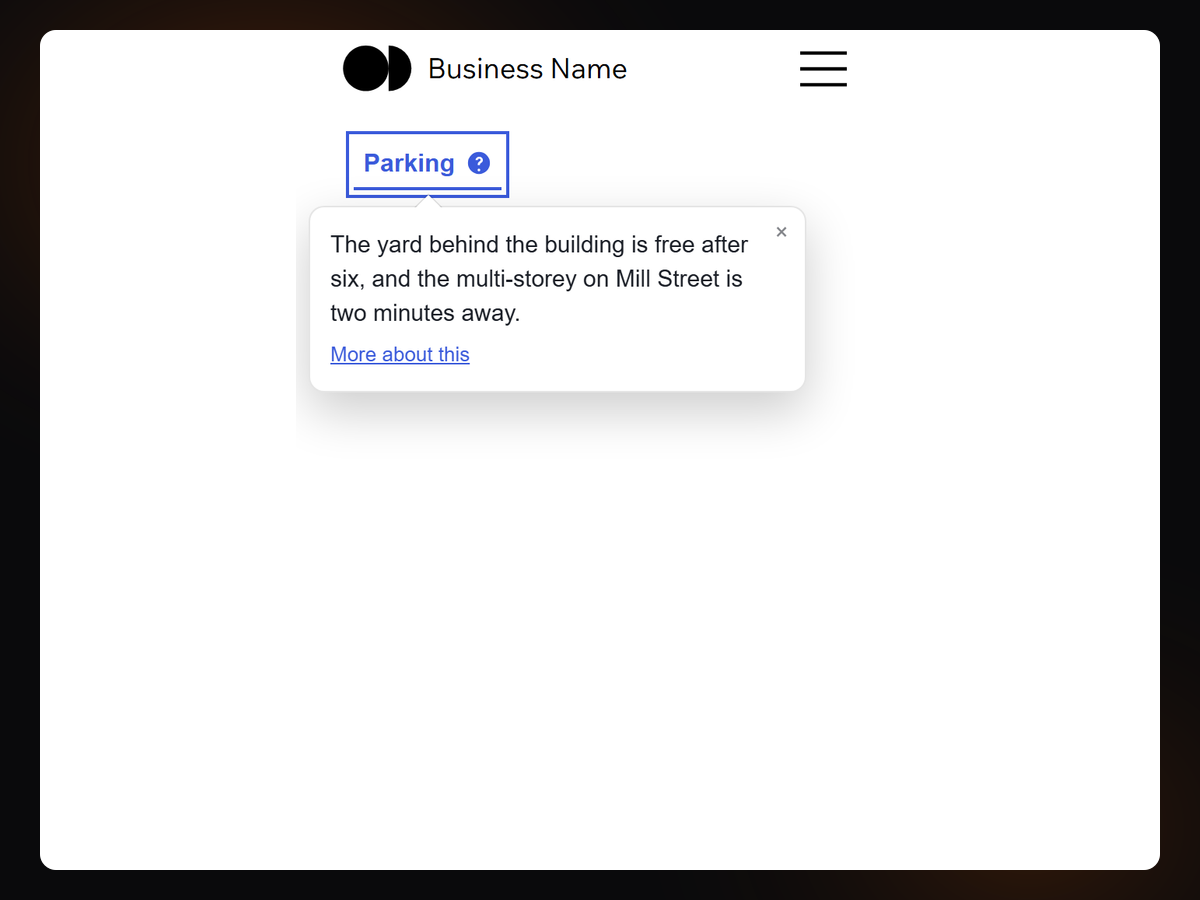
Put a treatment on a button, a hint on a word, or an effect on a picture — and have all three work on a phone as well as a desktop.
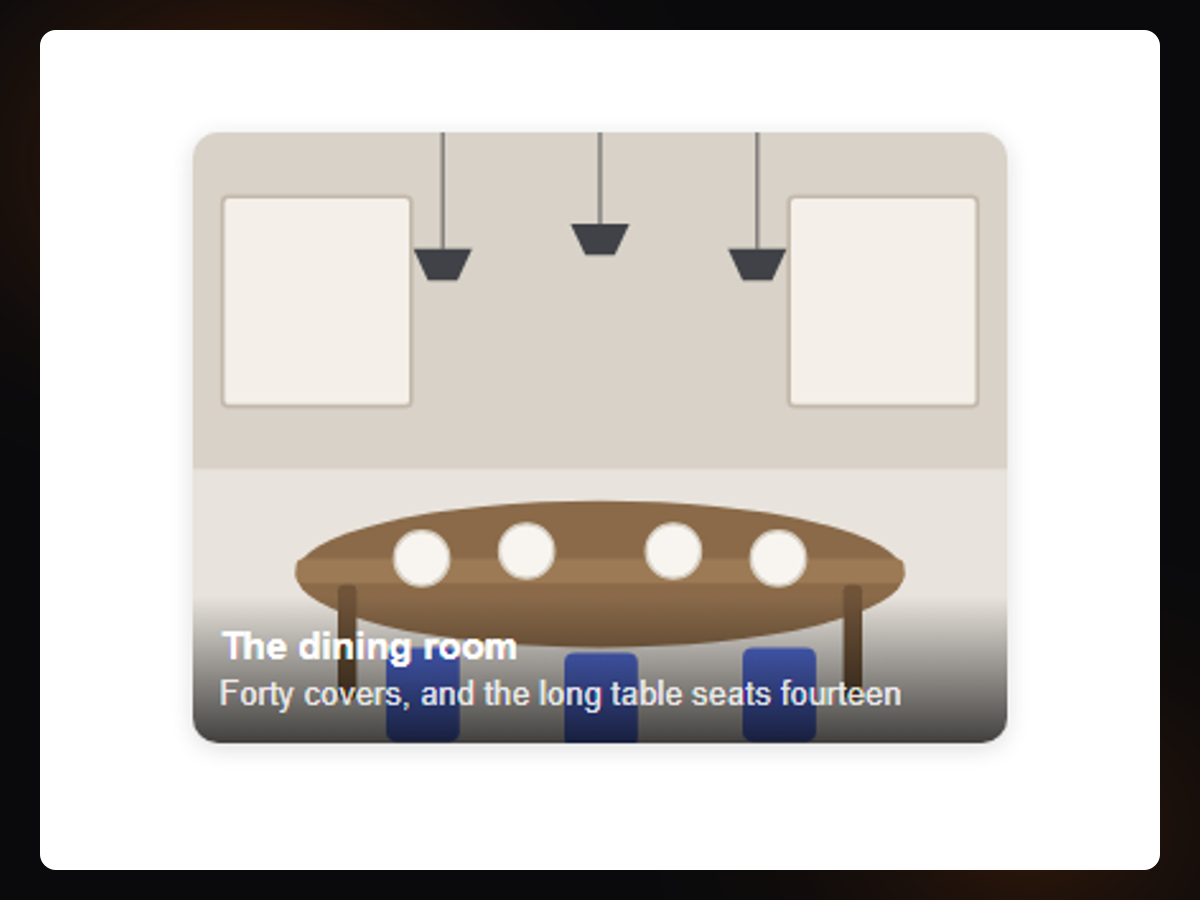
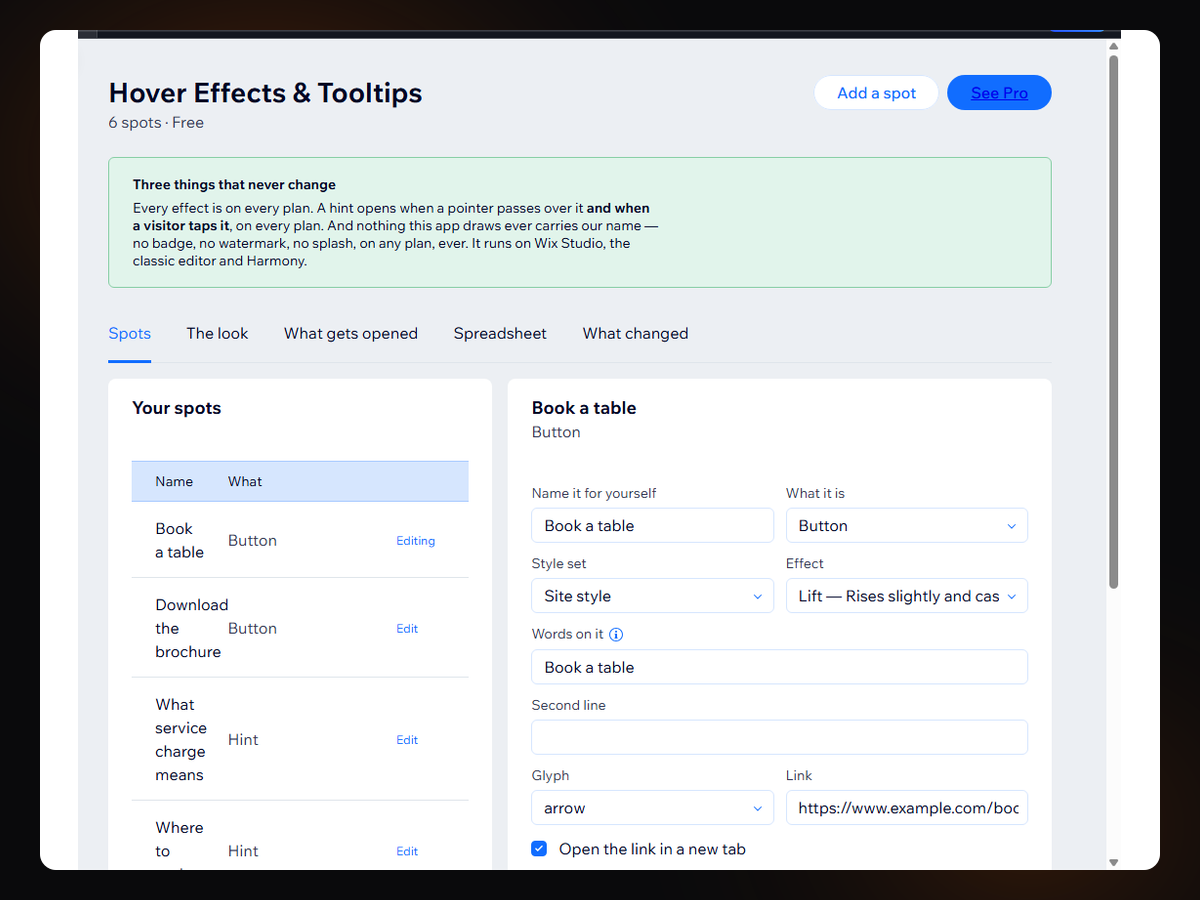
Thirty-four effects: twelve for buttons, fourteen for pictures and eight for the way a hint arrives. Every one is on the free plan, with every design control beside it — colour, size, corners, speed and easing.
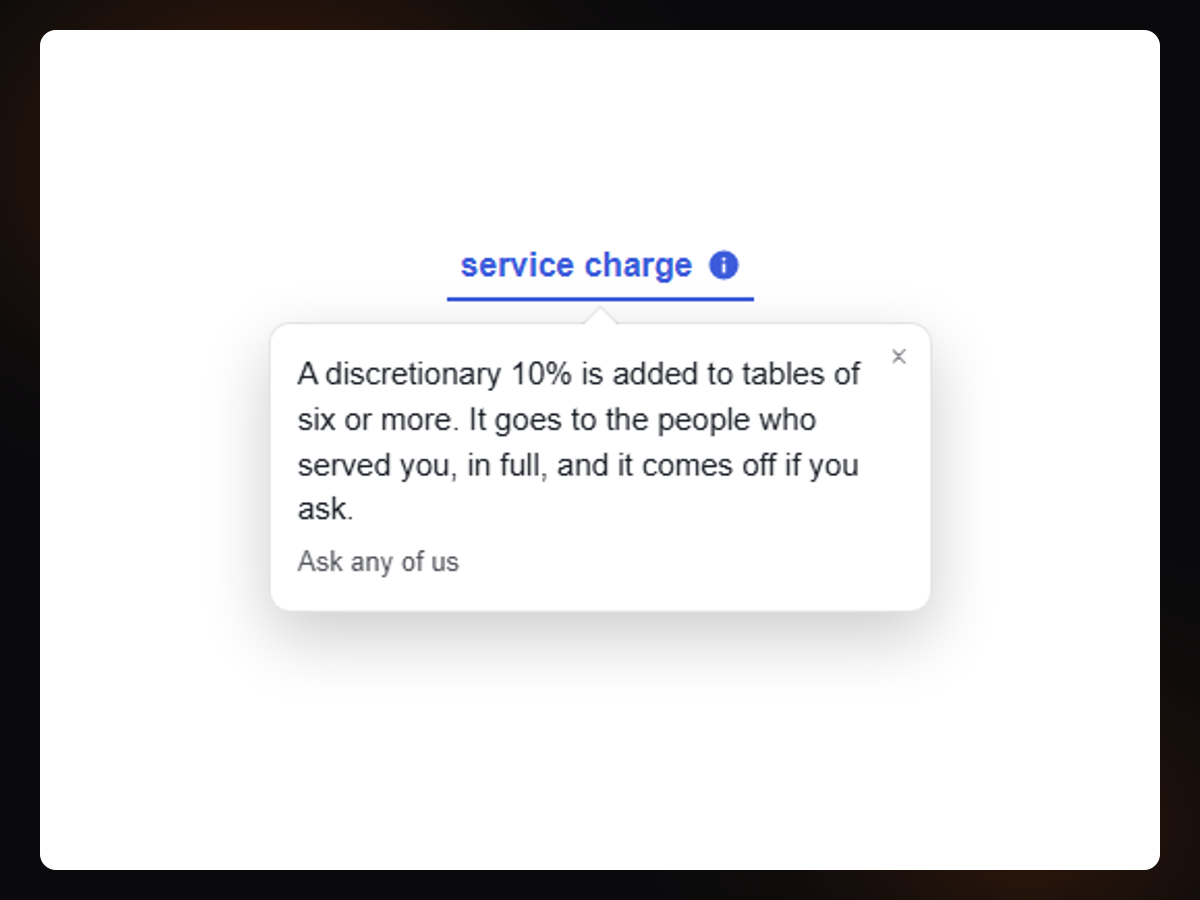
On a phone there is no such thing as hovering. So a hint opens on a tap, closes on a tap outside or on Escape, and never hangs off the edge: it works out which side it has room on and keeps its pointer aimed at its word.
The look is set once. Name a style set and every placement follows it, so changing your accent colour changes every button at the same time.
Nothing this app draws carries our name: no badge, no watermark, no splash, on any plan, ever. And if a subscription ends, nothing disappears from your site — the extra looks are kept and every spot goes on drawing.
It never receives an upload and never stores a picture: an image is an address you already have. One request per placement, and nothing is fetched from anybody else — no font service, no icon library, no tracker.
Runs on Studio, the classic editor and Harmony.
Screenshots