- Category rank
- #11 in Charts & Tables
- Price
- Free plan
- Listing audit
- 74/100
Google Sheets Table Viewer is a Wix App Market app by PURPLE. With a rating of 5.0★ from 4 reviews, it currently ranks #11 in the Charts & Tables category.
Google Sheets Table Viewer is the #11 ranked Charts & Tables app on Wix, with a 5.0 average rating from 4 reviews, with a free plan available, as of Nov 18, 2026.
AppRanks verdict
Generated from marketplace data as of Nov 18, 2026
Google Sheets Table Viewer ranks #11 of 72 in Charts & Tables on Wix. It holds a 5.0★ average from 4 reviews on Wix. A free plan is available, so the entry feature set can be tried without a paid subscription.
Pros
- +Free plan available — no paid subscription needed to start
Cons
- −Only 4 reviews — the average can still move with a few new ratings
About Google Sheets Table Viewer
How Google Sheets Table Viewer works
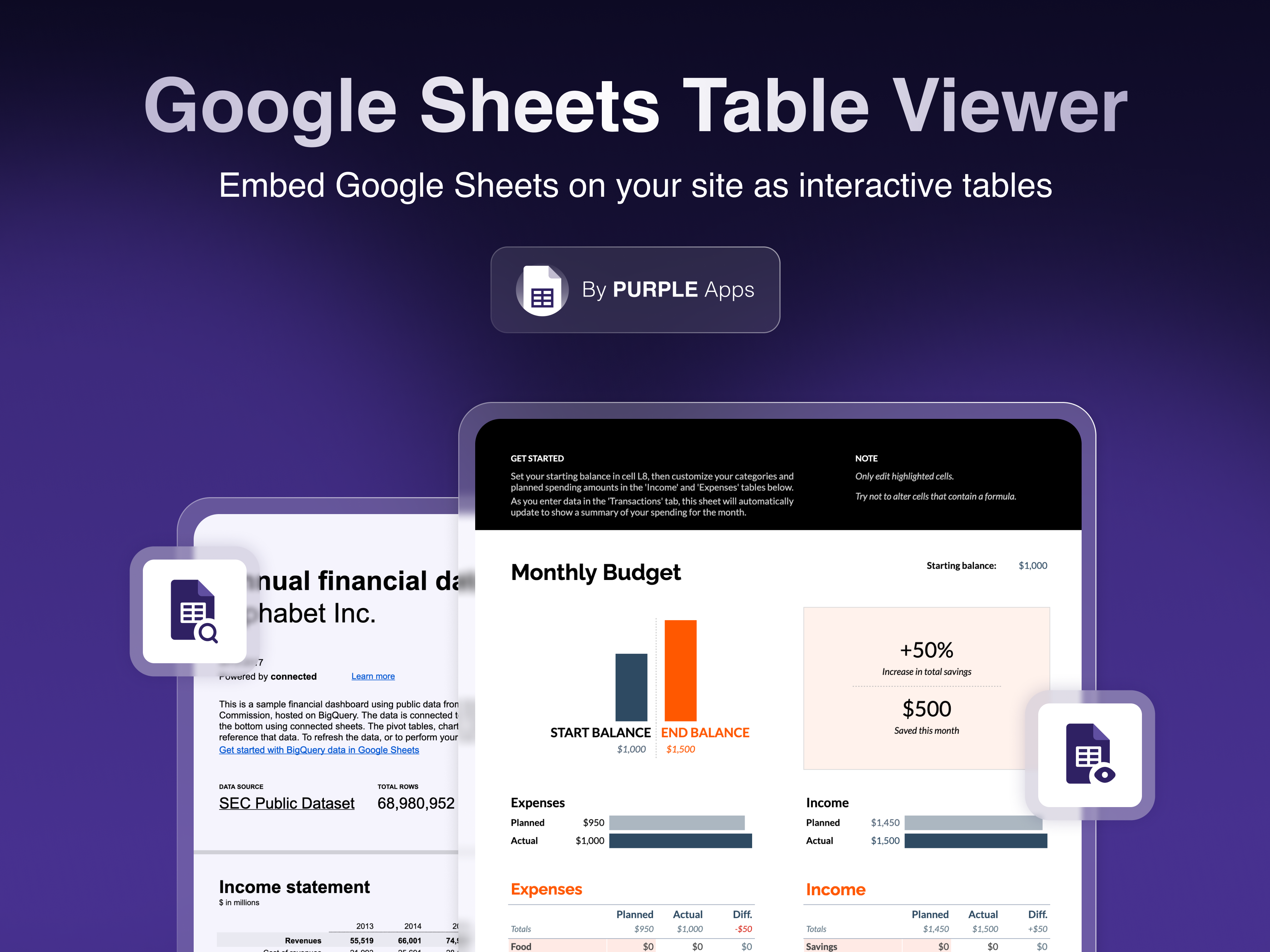
Google Sheets Table Viewer lets your site visitors view and interact with Google Sheets spreadsheets directly on your pages - no downloads, no redirects.
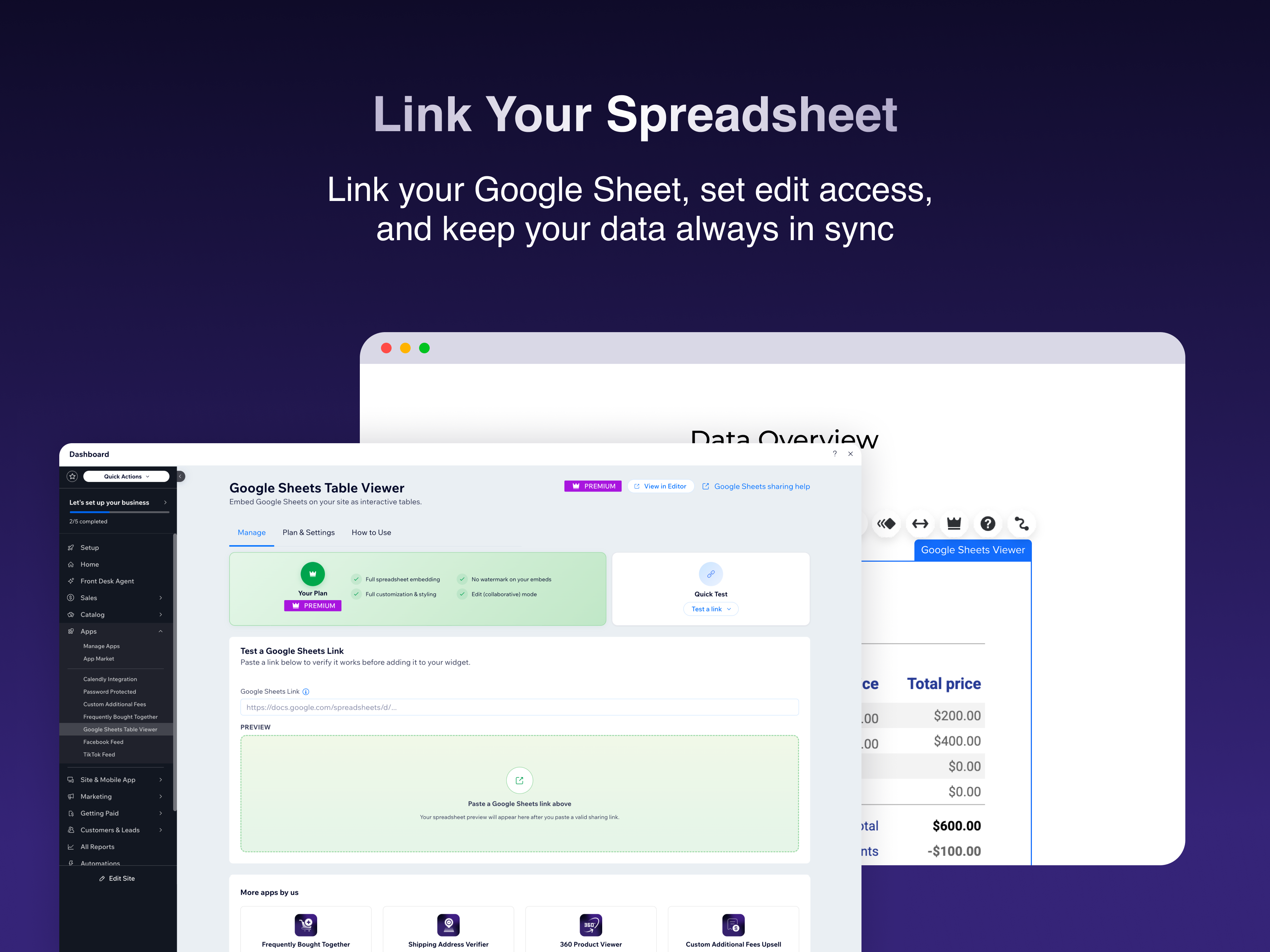
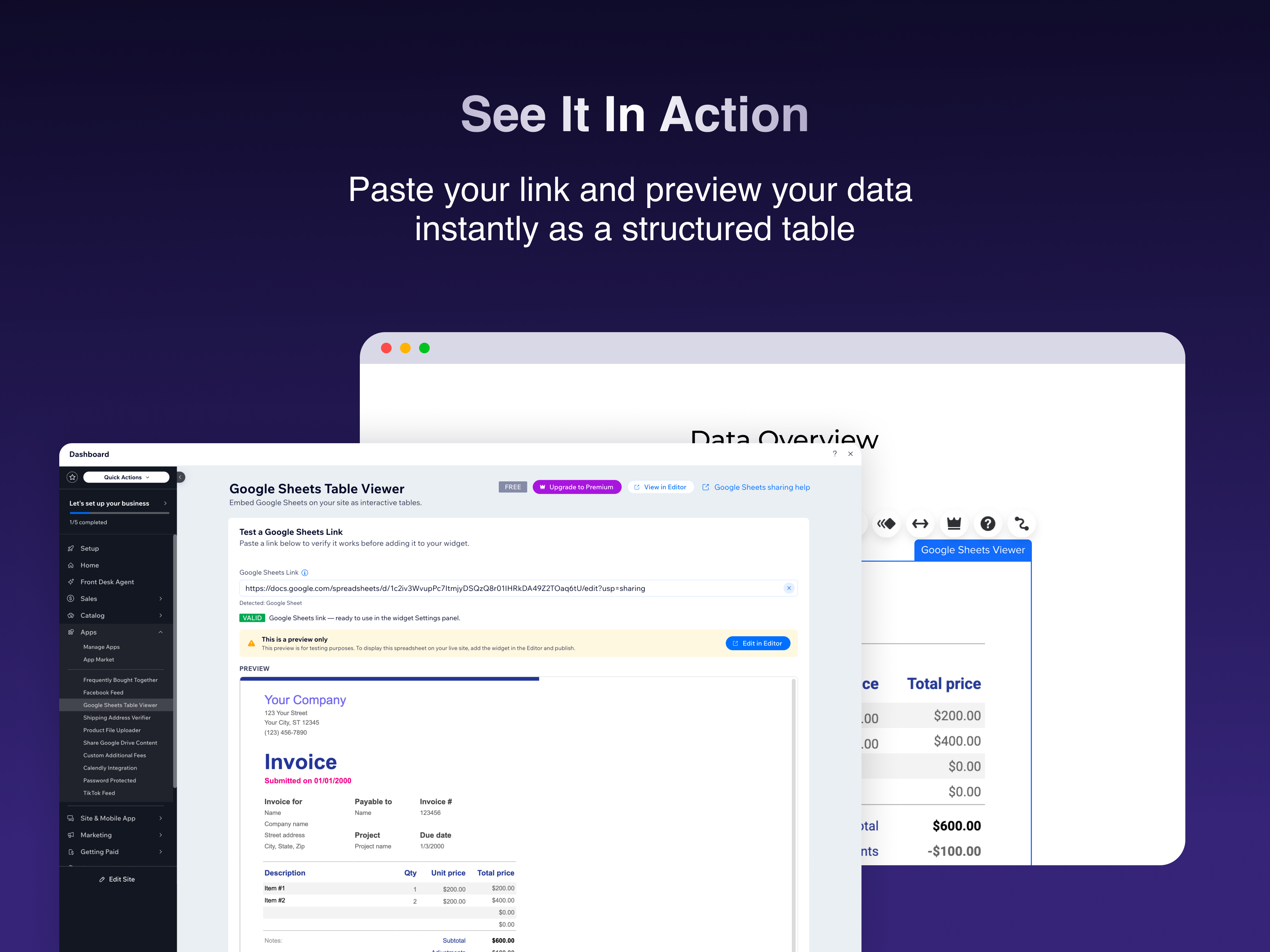
Simply paste a Google Sheets sharing link into the widget's settings panel, and the spreadsheet is embedded instantly. Your visitors can browse rows and columns, see live data updates, and even collaborate in real time - all without leaving your site.
- Embed any Google Sheets spreadsheet as a live, interactive table
- Data updates automatically - changes in your spreadsheet appear on your site in real time
- Choose between Preview mode (read-only) or Edit mode (collaborative)
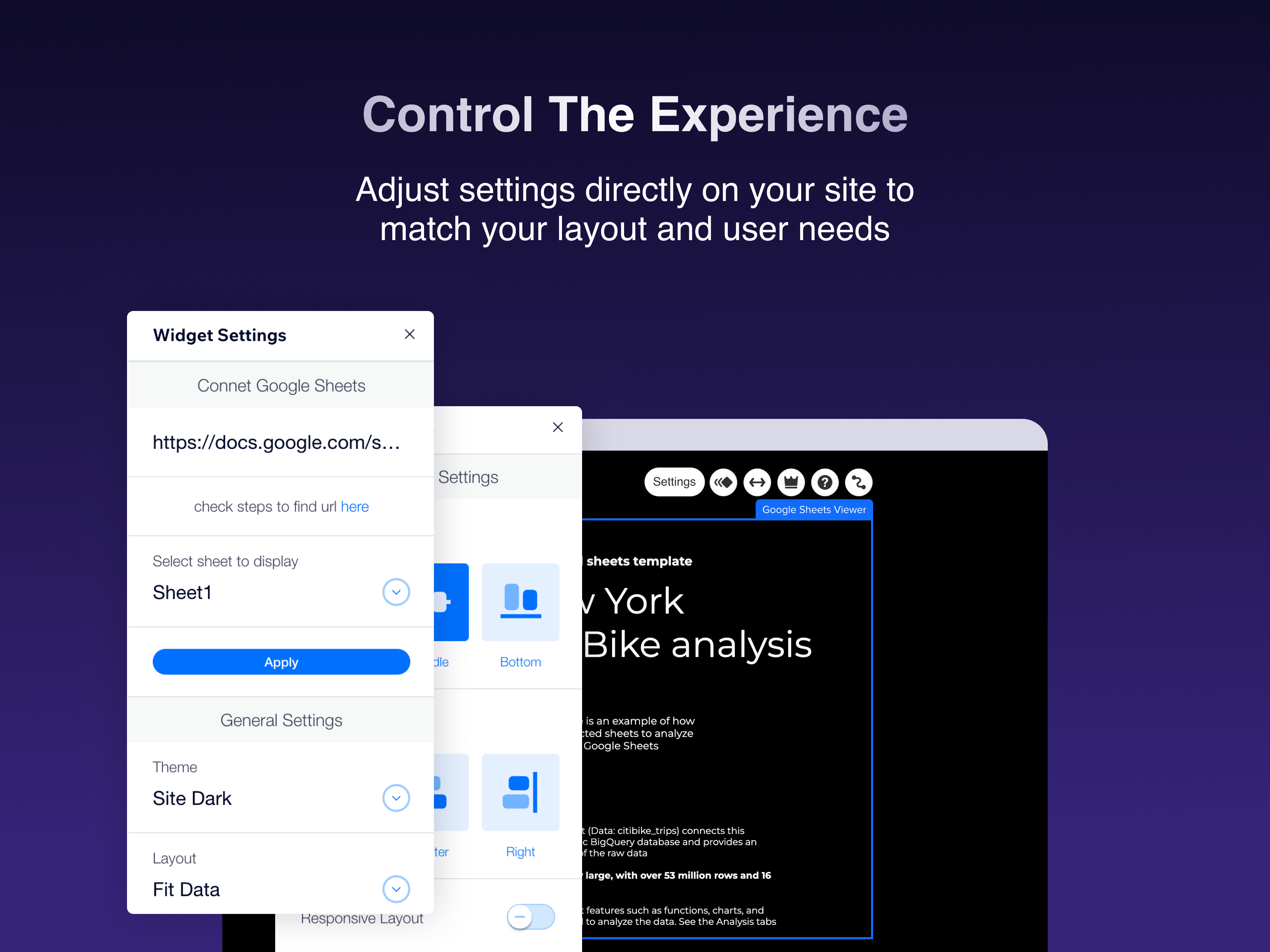
- Customize the display height, border style, corner radius, and add a title • Easy setup - just paste a Google Sheets link, and you're done
How it works: - Add the Google Sheets Viewer widget to any page in the Editor - Open the widget's Settings panel and paste a Google Sheets sharing link - Adjust the display options to match your site's style - Publish - your visitors can now view and interact with your spreadsheet.
Perfect for businesses sharing price lists, schedules, product catalogs, project tracker and more...
Screenshots