- Category rank
- #25 in Design
- Listing audit
- 65/100
HeyMarvin is the #25 ranked Design app on Slack, as of Oct 27, 2026.
AppRanks verdict
Generated from marketplace data as of Oct 27, 2026
HeyMarvin ranks #25 of 67 in Design on Slack.
Pros
- No standout positives in the measured data.
Cons
- −No declared third-party integrations on the listing — verify compatibility with your existing tools before installing
About HeyMarvin
How HeyMarvin works
Show full descriptionShow less
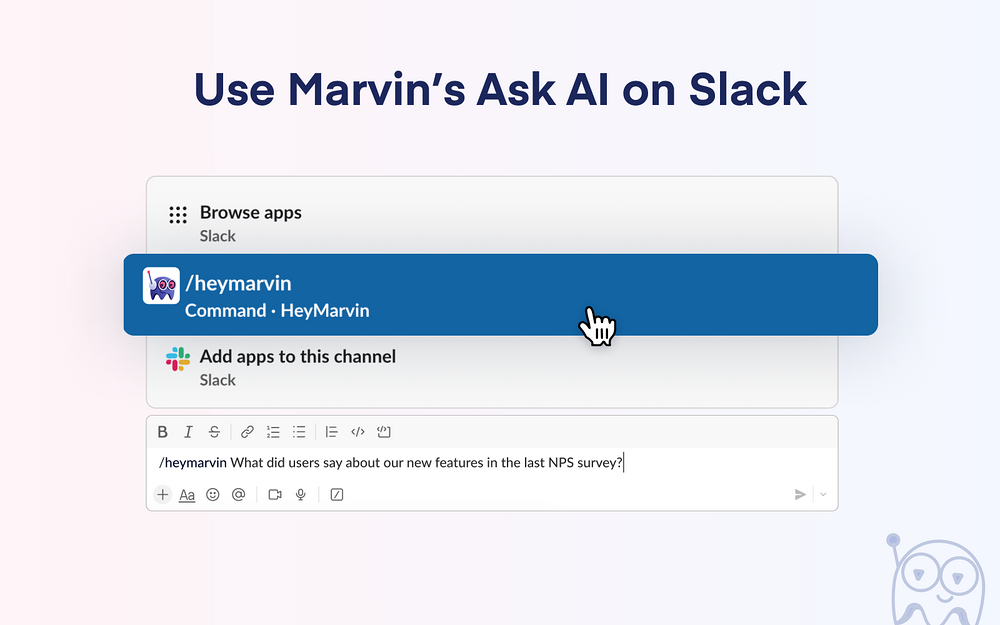
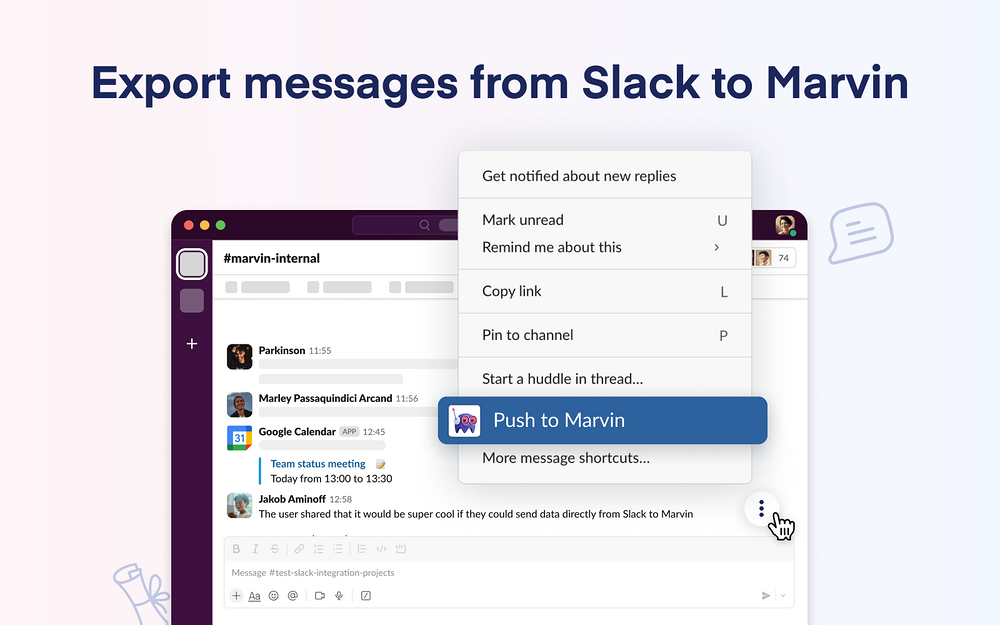
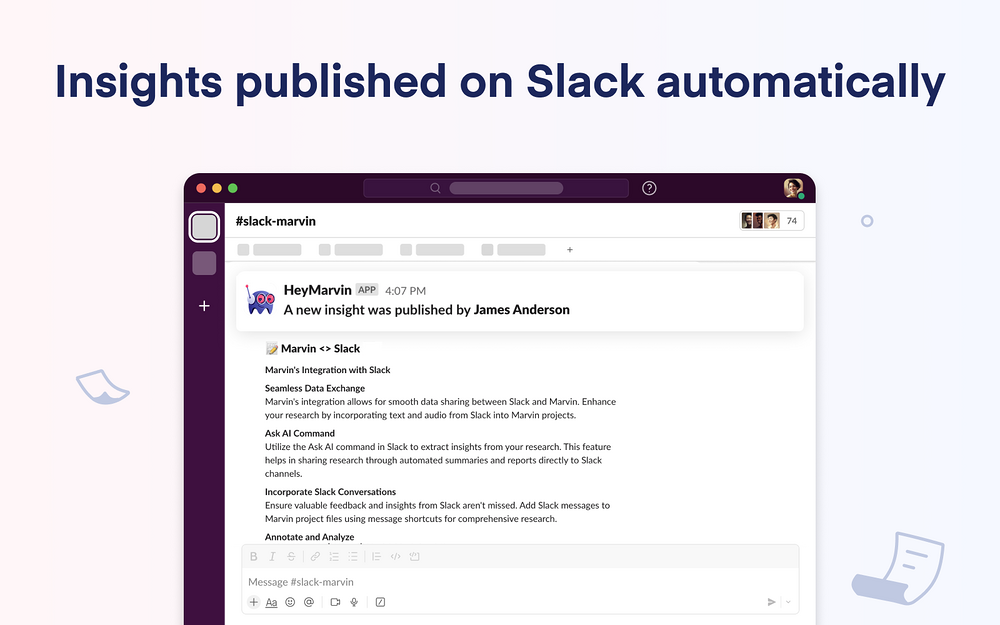
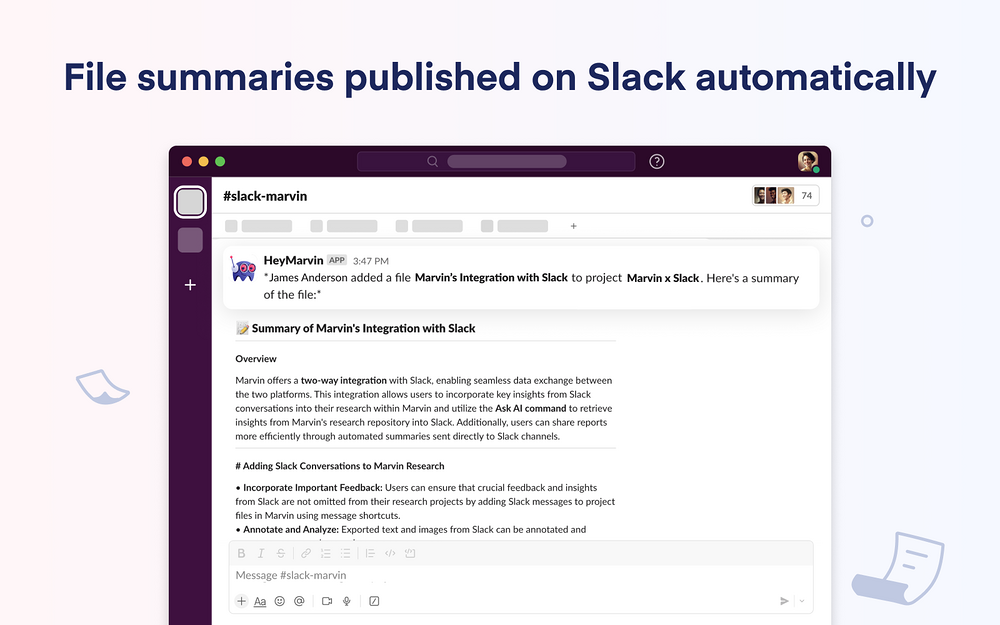
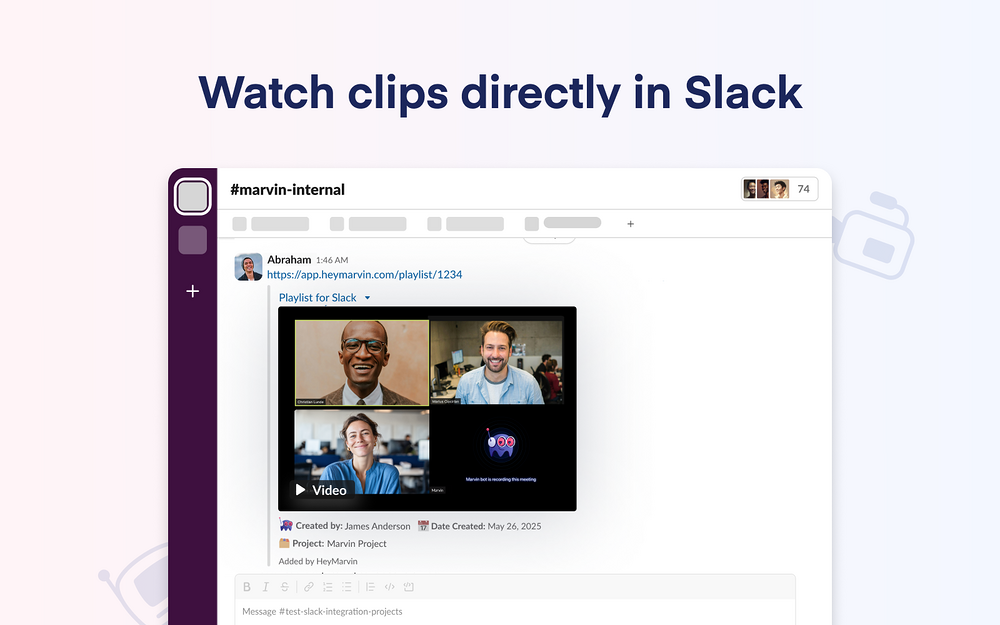
Marvin's two-way integration with Slack lets you seamlessly exchange data between both apps. Add key insights from conversations in Slack to your research in Marvin. Or use Ask AI to pull insights from your research into a message on Slack. You can also share reports more easily with automated summaries sent to channels in Slack. Stay up to date with your team's latest research - Setup automations to share summaries of published Insights and new project files as a message on Slack - Customize automations by choosing a separate channel in Slack where Marvin shares updates for a project Add your conversations in Slack to research on Marvin - Don't leave out important feedback and insights from messages on Slack. Add them to your research projects. Send information from messages on Slack to project files in Marvin with message shortcuts - Annotate and analyze text and images you export from Slack to make your research more robust Use Ask AI in conversations on Slack - Use Marvin's Ask AI directly in channels and DM conversations on Slack. Just command /heymarvin to gather insights from your repository and add them as a message in a conversation or DM - We recommend that you always check the accuracy of all AI-generated results before sharing this information or acting upon it. Access Marvin recordings, clips, and playlists directly in Slack - Play Marvin recordings, playlists, and clips directly from the Slack message. - For each Marvin link you share, it'll also mention the summary and key details. Teammates can consume research without leaving Slack. - To enable this feature, your Marvin content sharing settings must allow viewing by anyone with the link; this can be updated in your team settings under the 'Data Access' tab.