
Snagit is the #24 ranked voice & video app on Slack, with a free plan available, as of Jul 28, 2026.
AppRanks data: Snagit ranks #24 in Voice & Video on Slack Marketplace, placing it in the top 30% of that category.
AppRanks verdict
Generated from live marketplace data — refreshed daily
Snagit is a newly-listed Slack app with a limited review volume. It is listed in the Voice & Video category on Slack Marketplace, which AppRanks treats as the canonical taxonomy node for ranking and competitor comparison. no published reviews yet means feature claims are unverified by the wider merchant base. Without a published review base, the only fit-signal available is the developer's own documentation plus the marketplace's listing-quality audit (linked below). The free tier lets you trial the entry feature set without committing a payment method. AppRanks tracks rating, review count, pricing tier, and category position daily — the figures on this page reflect the most recent scrape from the canonical Slack Marketplace listing.
Pros
- +Free tier available — no card required to evaluate
Cons
- −No public reviews yet — fit and reliability are unverified
Looking to switch from Snagit?
See Snagit's alternatives ranked by audit score, rating, and review velocity.
About Snagit
How Snagit works
Show full descriptionShow less
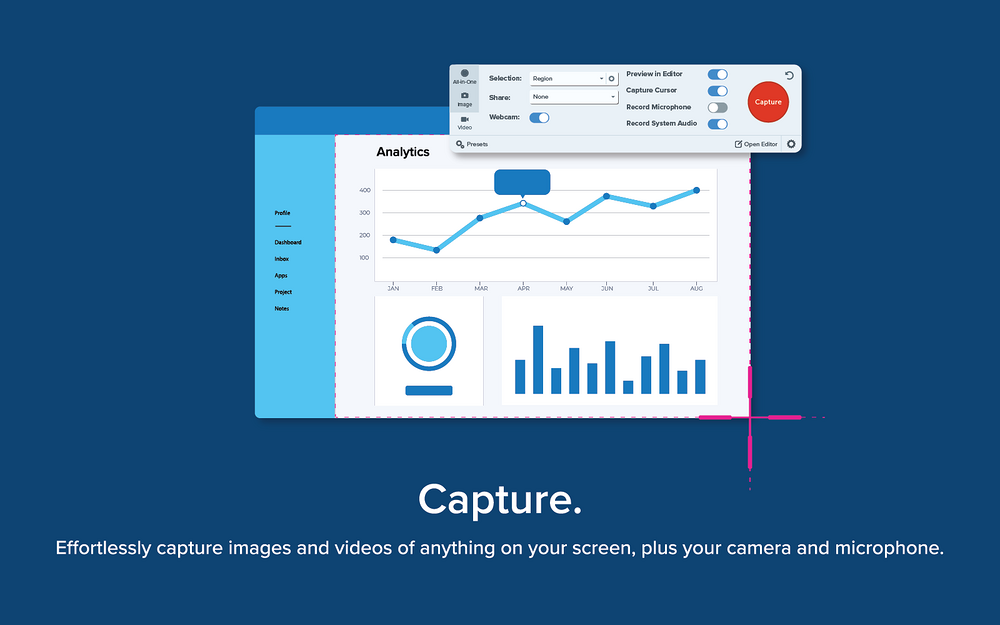
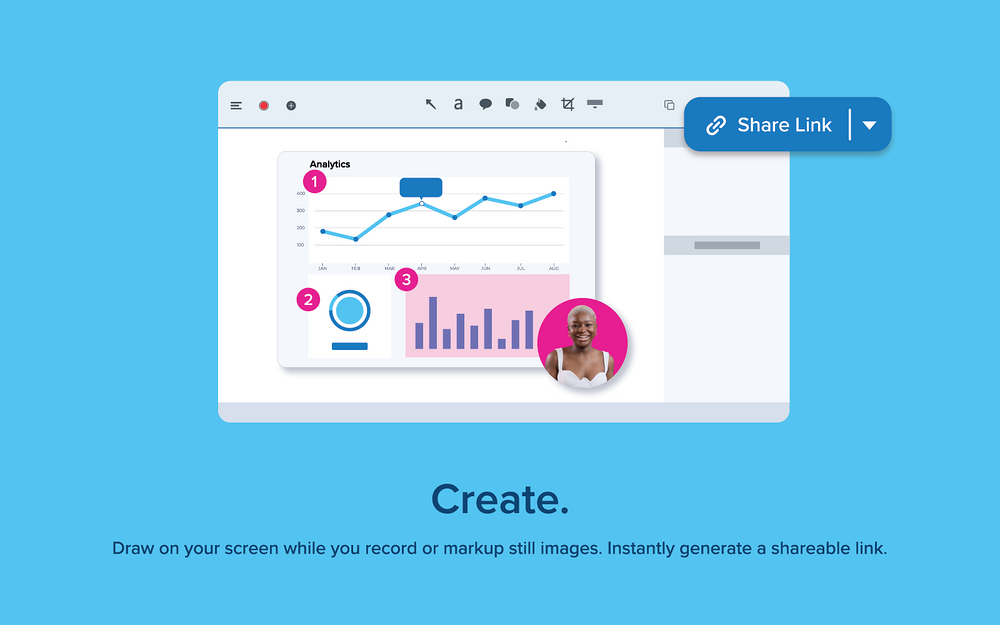
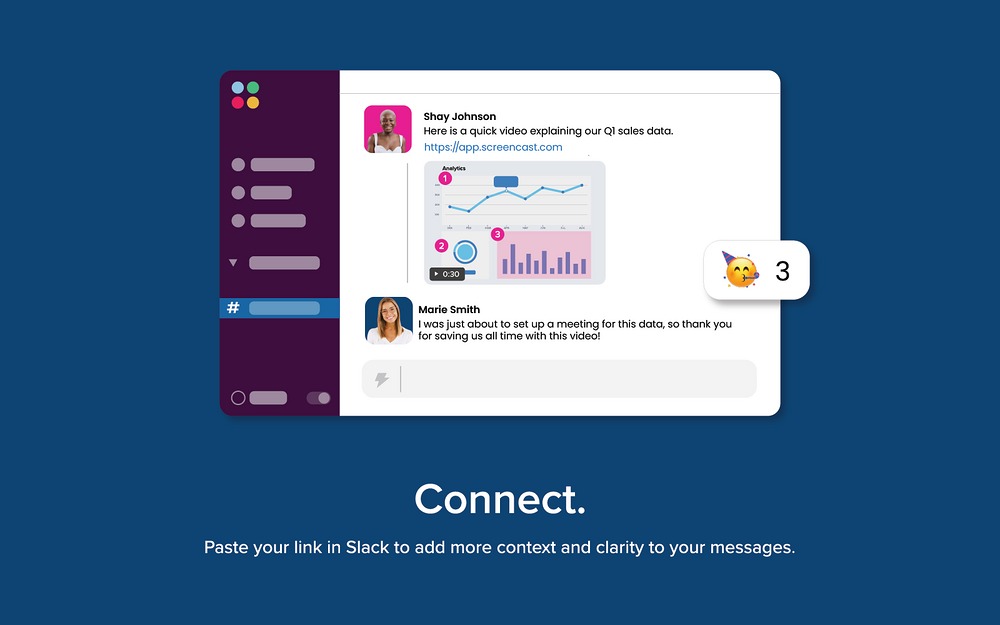
TechSmith Snagit is a powerful screen capture and recording tool that makes it easier than ever to collect and share information anywhere…including Slack! With intuitive editing features and access to a library of templates, anyone can transform simple captures into professional-quality images, GIFs, and videos. Share information like never before Snagit lets you quickly capture your screen and camera at the same time and instantly share your video anywhere. Give status updates, deliver feedback, or demonstrate a process without a meeting, call, or long email. With the Snagit app for Slack, you have two great options for connecting with people in your workspace: 1. From Snagit, post your video, image, or GIF directly to a Slack channel or DM using the Share dropdown button. 2. New with Snagit 2023! Crank up your async collaboration and skip the meetings by sharing a link to your video, image, or GIF instead. Your team can preview the media right in your channel or DM…and then click through to connect with your ideas and move work forward by adding comments and simple markup right on top of your media. (Both of these options require your Slack App Manager to approve the Snagit app, if your workspace has app approvals enabled.) Bring your ideas to life Adding context to your screen captures is a breeze with Snagit's full suite of easy-to-use editing tools. Redact sensitive information, rearrange objects, and even draw on your screen while you record a video. Work and share from anywhere Snagit's cloud library helps you keep your captures organized and accessible from multiple devices. Instantly share your images, videos, and GIFs via the apps you already use every day. Key Features: * Screen Draw * Picture-in-Picture video * One-click share a link * Create video from images * Encourage team conversation
Additional Security Information This app requests security permissions for the following workflows: To display a preview for media pasted into Slack, this requires: * The app Snagit "links:read," "links:write," and "links.embed:write" scopes to view app.screencast.com URLs in messages and send our app notifications when these links are pasted. * Installing user "links:read," "links:write," and "links.embed:write" scopes to show previews for app.screencast.com URLs in messages. To share to Slack from Snagit, this requires: * Installing user "identity" scope to access their basic slack identity information. * Installing user "users.profile:read," "channels:read," "mpim:read," "im:read," and "groups:read" scopes to access information about your personal slack environment to list available sharing destinations. * Installing user "files:write" scope to write files to the Slack workspace.
Screenshots
Category rankings
As of Aug 3, 2026- Voice & Video#24of 82Top 30%
- Communication#185of 601Top 31%
- Productivity#338of 600Top 57%
See 90-day rank history for each category
Track daily rank changes, category shifts, and position volatility.
Competitors & alternatives
Snagit doesn't have curated competitor matchups yet. Other tracked voice & video apps on Slack:


Where Snagit stands in the Voice & Video category
Snagit ranks #24 of 82 apps in the Voice & Video category, placing it in the top 30% of the listing.
Frequently asked questions
What is Snagit?
Snagit is an app for Slack. It is published on Slack Marketplace and tracked by AppRanks, and AppRanks has been tracking its public marketplace data on the refresh cadence published in our methodology. It is listed under the Voice & Video category on AppRanks, where you can see its current category position, review-velocity trend, and how it compares against the top alternatives in the same space.
Is Snagit free?
Snagit does not offer a permanent free plan on Slack. Pricing starts at Paid, with a free trial. Trial availability and exact billing terms are mirrored from the live Slack listing and may change between refresh cycles, so always confirm the headline price on the source marketplace before installing.
Who uses Snagit?
Snagit is actively installed across Slack stores tracked by AppRanks. Its review base is still building, which usually maps to early-stage merchants and stores piloting a new workflow. It is part of the Voice & Video category on Slack.
Where does Snagit rank on Slack?
Snagit currently sits at position #24 in the Voice & Video category on Slack. That places it in the top 29% of 82 apps tracked in the same category. Category positions are read from the live marketplace ranking and refresh on each scrape, so the number you see here reflects the most recent crawl rather than a long-running average.