
Umbrella Cost is the #100 ranked analytics app on Slack, priced included with service subscription, as of Jul 28, 2026.
AppRanks data: Umbrella Cost ranks #100 in Analytics on Slack Marketplace, placing it in the top 34% of that category.
AppRanks verdict
Generated from live marketplace data — refreshed daily
Umbrella Cost is a newly-listed Slack app with a limited review volume. It is listed in the Analytics category on Slack Marketplace, which AppRanks treats as the canonical taxonomy node for ranking and competitor comparison. no published reviews yet means feature claims are unverified by the wider merchant base. Without a published review base, the only fit-signal available is the developer's own documentation plus the marketplace's listing-quality audit (linked below). Paid-only pricing means evaluating fit on the marketplace listing or via the developer's documentation before installing. AppRanks tracks rating, review count, pricing tier, and category position daily — the figures on this page reflect the most recent scrape from the canonical Slack Marketplace listing.
Pros
- No standout positives based on current data signals.
Cons
- −No public reviews yet — fit and reliability are unverified
- −Paid-only pricing (Included with service subscription) — evaluation requires committing payment details
Looking to switch from Umbrella Cost?
See Umbrella Cost's alternatives ranked by audit score, rating, and review velocity.
About Umbrella Cost
How Umbrella Cost works
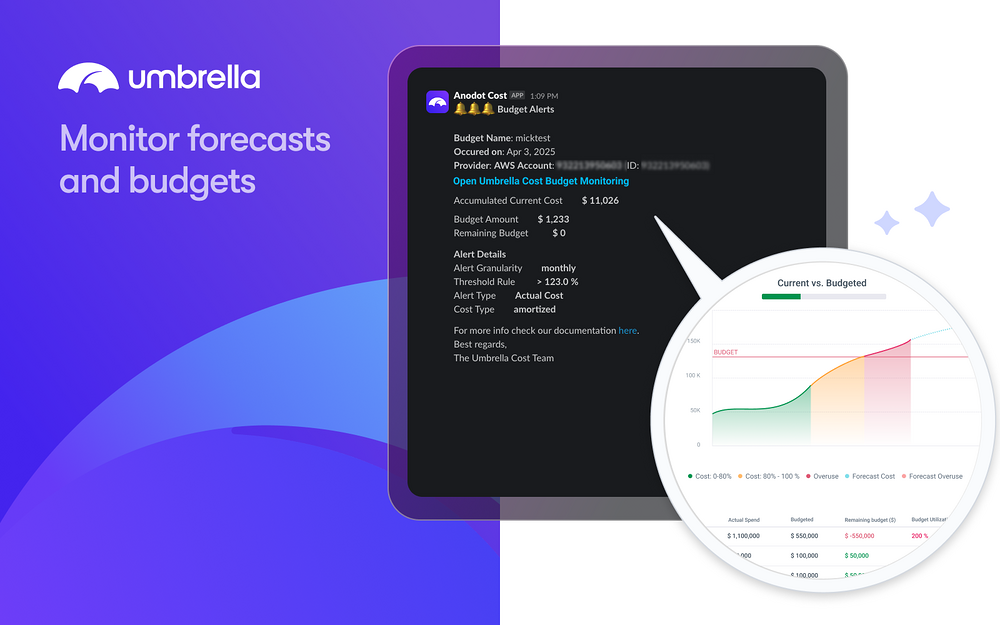
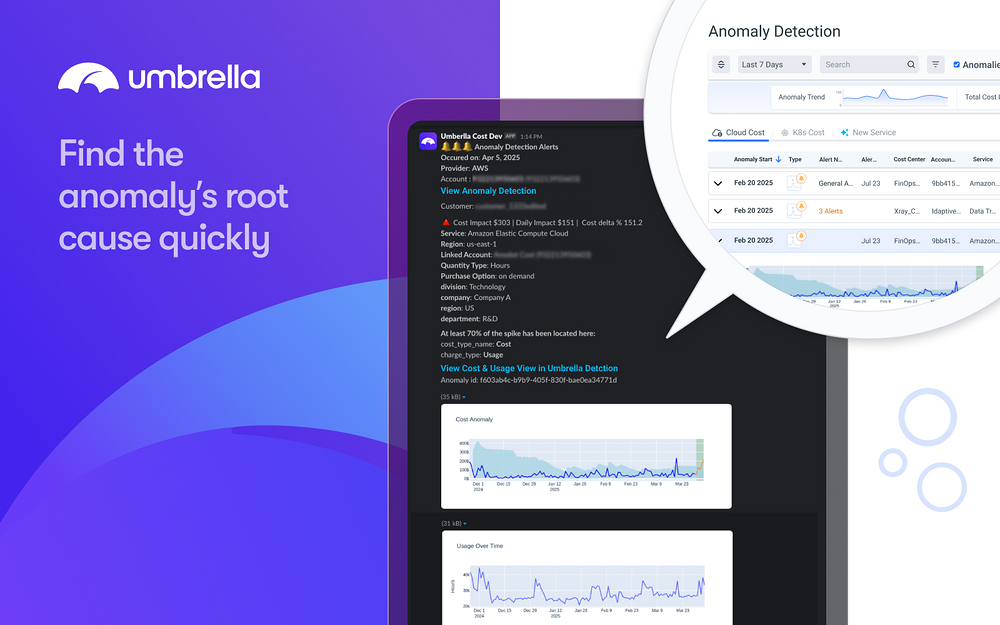
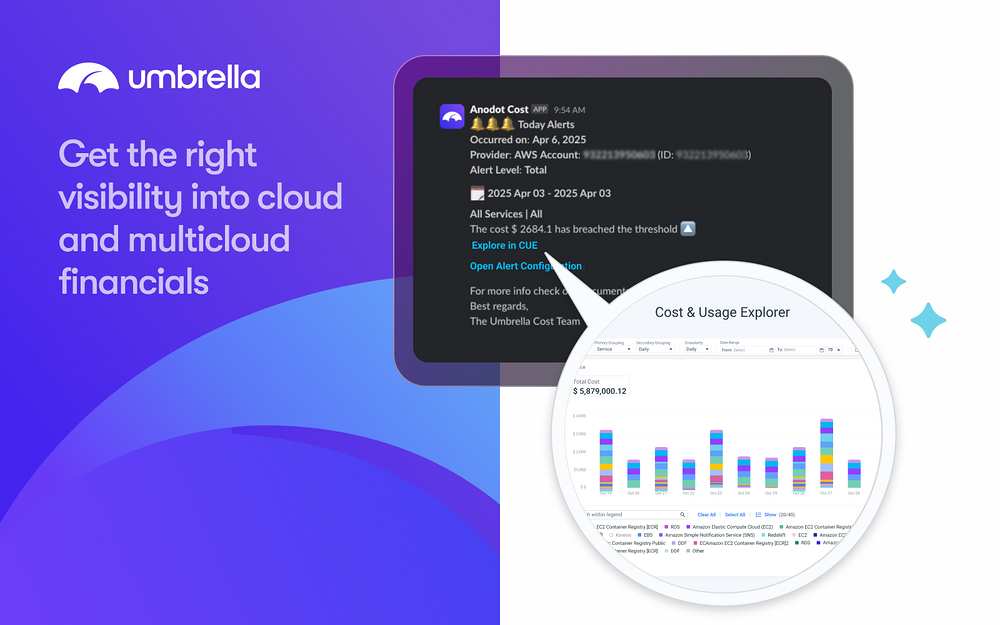
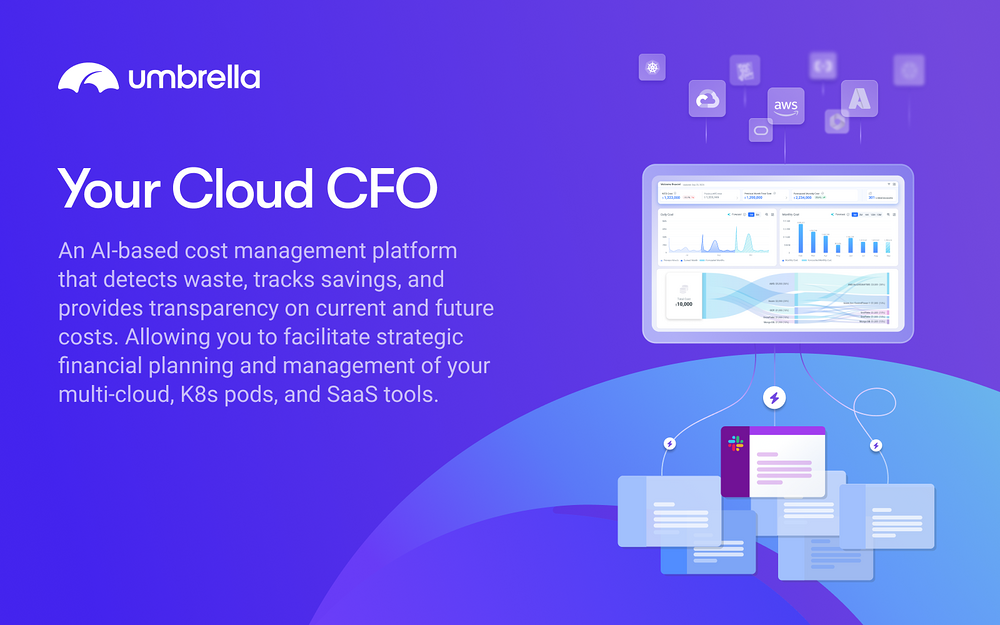
Umbrella Cost is a cloud cost monitoring that helps businesses track, analyze, and optimize their cloud and SaaS spending. Using AI-powered anomaly detection and predictive analytics, Umbrella Cost identifies unusual spending patterns, correlates costs with business KPIs, and provides actionable insights to ensure cost efficiency. With its scalable SaaS platform, Umbrella Cost enables teams across finance, DevOps, and engineering to collaborate on cost management in a unified system. With Umbrella Cost’s integration with Slack, you can: Receive cost alerts and reports directly in your Slack channels Easily configure Umbrella Cost to send scheduled reports, cost summaries, and anomaly alerts to designated Slack channels. Once the Umbrella Cost app is installed in your Slack workspace, simply invite it to a channel using /invite @Umbrella Cost.
Collaborate with your team on cost insights Discuss reports, alerts, and forecasts in real-time with your team. Engage in Slack threads to analyze specific cost trends, share insights, and take data-driven actions without leaving your workspace.
Screenshots
Category rankings
As of Aug 3, 2026- Analytics#100of 303Top 34%
- Developer Tools#217of 540Top 41%
See 90-day rank history for each category
Track daily rank changes, category shifts, and position volatility.
Competitors & alternatives
Umbrella Cost doesn't have curated competitor matchups yet. Other tracked analytics apps on Slack:


Where Umbrella Cost stands in the Analytics category
Umbrella Cost ranks #100 of 303 apps in the Analytics category, placing it in the top 34% of the listing.
Frequently asked questions
What is Umbrella Cost?
Umbrella Cost is an app for Slack. It is published on Slack Marketplace and tracked by AppRanks, and AppRanks has been tracking its public marketplace data on the refresh cadence published in our methodology. It is listed under the Analytics category on AppRanks, where you can see its current category position, review-velocity trend, and how it compares against the top alternatives in the same space.
Who uses Umbrella Cost?
Umbrella Cost is actively installed across Slack stores tracked by AppRanks. Its review base is still building, which usually maps to early-stage merchants and stores piloting a new workflow. It is part of the Analytics category on Slack.
Where does Umbrella Cost rank on Slack?
Umbrella Cost currently sits at position #100 in the Analytics category on Slack. That places it in the top 33% of 303 apps tracked in the same category. Category positions are read from the live marketplace ranking and refresh on each scrape, so the number you see here reflects the most recent crawl rather than a long-running average.