- Category rank
- #8 in Design
- Listing audit
- 62/100
Jam is the #8 ranked Design app on Slack, as of Oct 27, 2026.
AppRanks verdict
Generated from marketplace data as of Oct 27, 2026
Jam ranks #8 of 67 in Design on Slack.
Pros
- No standout positives in the measured data.
Cons
- −No declared third-party integrations on the listing — verify compatibility with your existing tools before installing
About Jam
How Jam works
Show full descriptionShow less
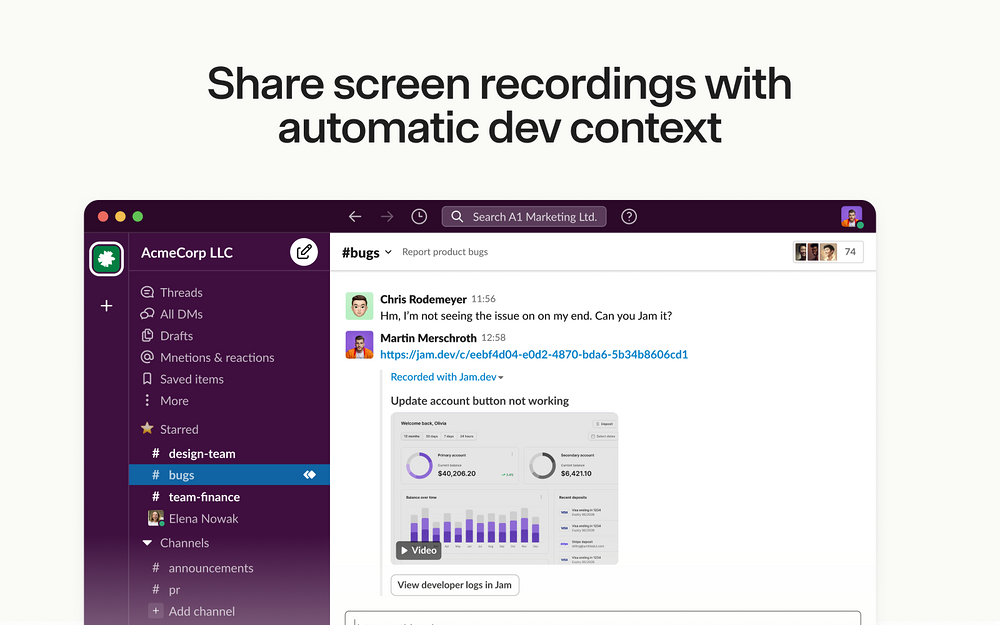
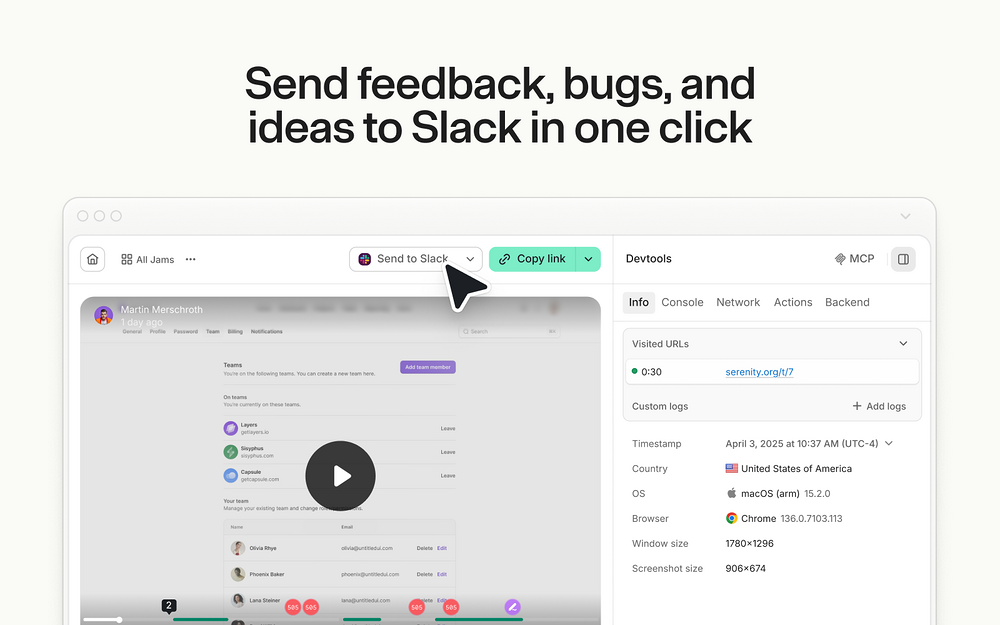
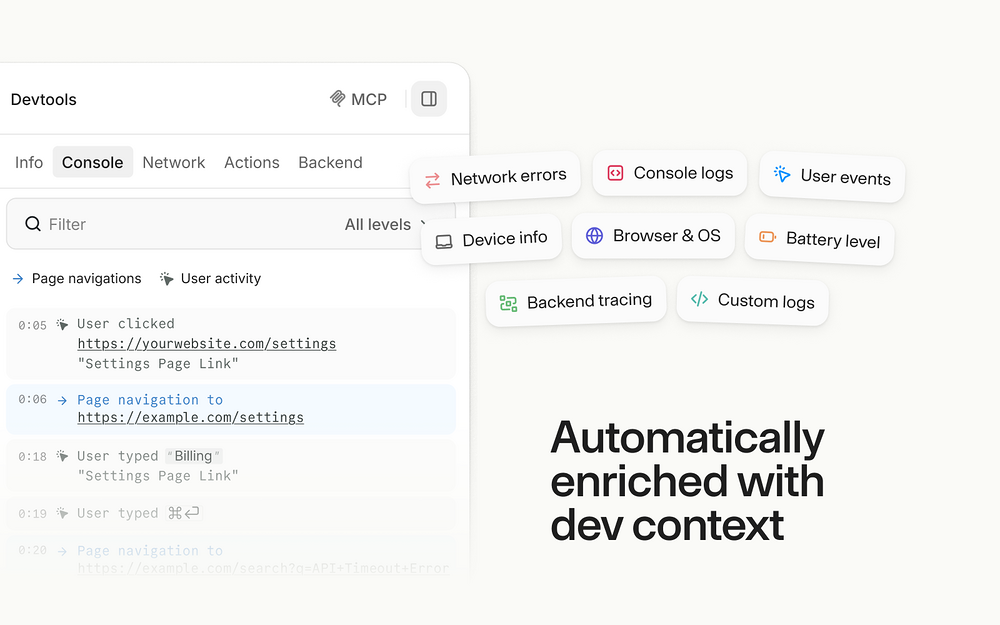
Jam is the smart screen recorder for software teams. Capture bugs, feedback, QA notes, and customer issues, then share the full context in Slack so teammates can watch, discuss, and act without switching tools. Every screen recording is automatically enriched with the technical context engineers and agents need to fix issues, like repro steps, console and network logs, user actions, device info, and more. How it works: With this integration, you can share screen recordings or screenshots from Jam to any Slack conversation. Send them to public channels, private channels, or direct messages. Sending a Jam to Slack is simple: 1. Find a bug and record it with Jam’s browser extension or iOS app 2. Click the Slack button in your recorded Jam 3. Choose where to share: public channel, private channel, or direct message 4. Get an embedded Jam recording that plays right in Slack Your team gets everything they need in Slack: - Watch screen recordings directly in Slack - View screenshots instantly in any conversation - See console logs, network errors, device info, and user actions - Keep all bug discussions and context in one place - Send the same Jam to an issue tracker or AI agent when it is time to follow up Connect Jam to Slack in three quick steps: 1. Install Jam's Chrome extension by visiting http://jam.dev/chrome 2. Open your Jam workspace settings 3. Turn on the Jam integration for Slack and authorize your Slack workspace After connecting, every Jam recording can be played and discussed right where your team already works.
Screenshots