
File To Inbox ‑ File Upload for Shopify App Store
By Yuhu Apps
File To Inbox ‑ File Upload is the #61 ranked custom file upload app on Shopify, with a 4.7 average rating from 5 reviews, with a free plan available, as of Sep 7, 2026.
File To Inbox ‑ File Upload is a Shopify App Store app by Yuhu Apps, launched June 2017. With a rating of 4.7★ from 5 reviews, it currently ranks #61 in the Custom file upload category.
AppRanks data: File To Inbox ‑ File Upload ranks #61 in Custom file upload on Shopify App Store, placing it in the top 31% of that category.
AppRanks verdict
Generated from live marketplace data — refreshed daily
File To Inbox ‑ File Upload is a highly rated Shopify app with a limited review volume. It is listed in the Custom file upload category on Shopify App Store, which AppRanks treats as the canonical taxonomy node for ranking and competitor comparison. 5 reviews put it in the early-traction tier — useful for early-stage stores willing to be on the leading edge. Early-traction review counts are sensitive to single launch periods or feature events, so a 30-day re-check before bigger commitments often resolves whether the trend is sustained. The free tier lets you trial the entry feature set without committing a payment method. AppRanks tracks rating, review count, pricing tier, and category position daily — the figures on this page reflect the most recent scrape from the canonical Shopify App Store listing.
Pros
- +High average rating (4.7★) signals consistent merchant satisfaction
- +Free tier available — no card required to evaluate
- +Published by Yuhu Apps — established developer track record
Cons
- −Limited review base (5) — ratings can shift significantly with new feedback
Looking to switch from File To Inbox ‑ File Upload?
See File To Inbox ‑ File Upload's alternatives ranked by audit score, rating, and review velocity.
About File To Inbox ‑ File Upload
How File To Inbox ‑ File Upload works
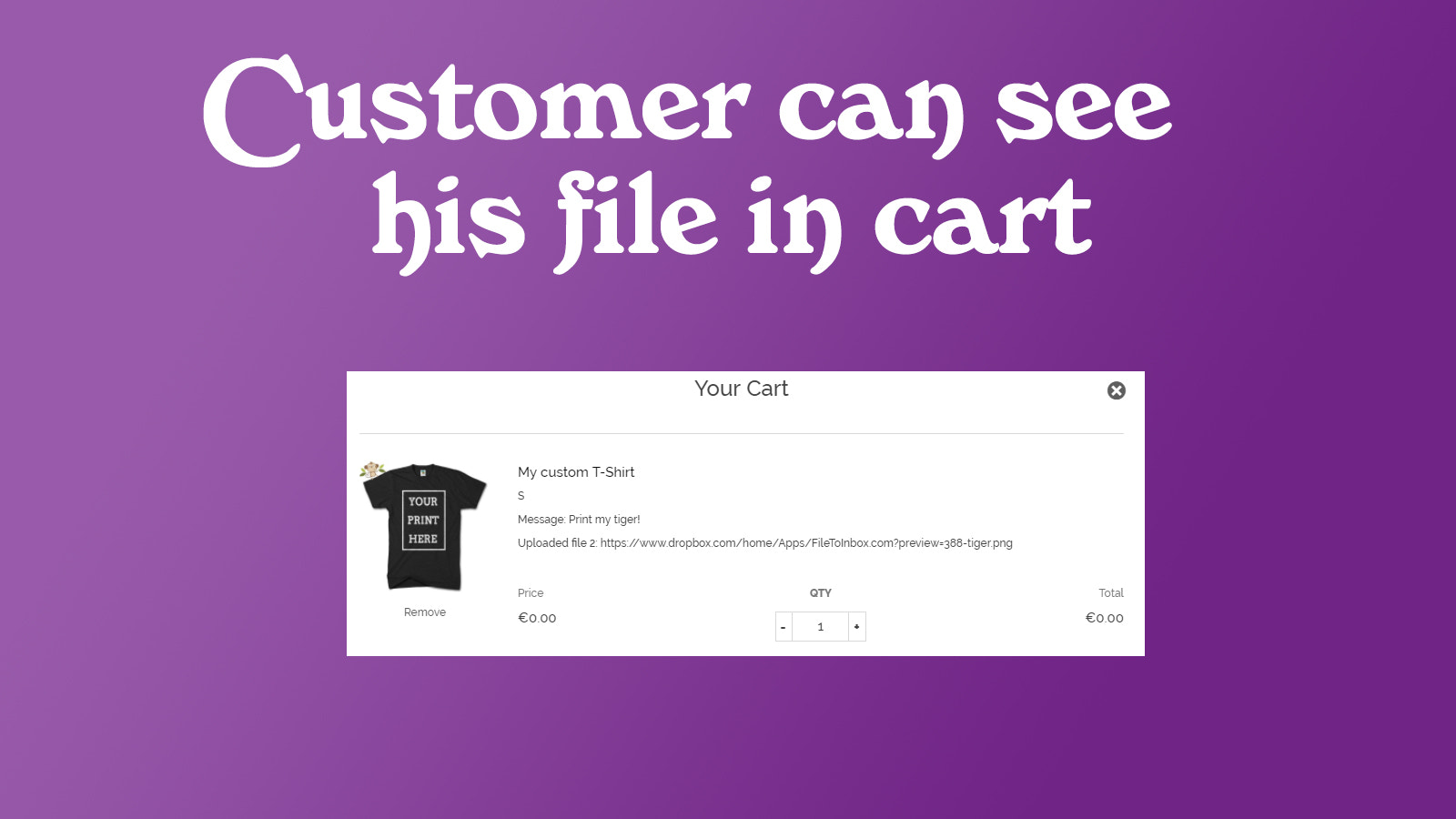
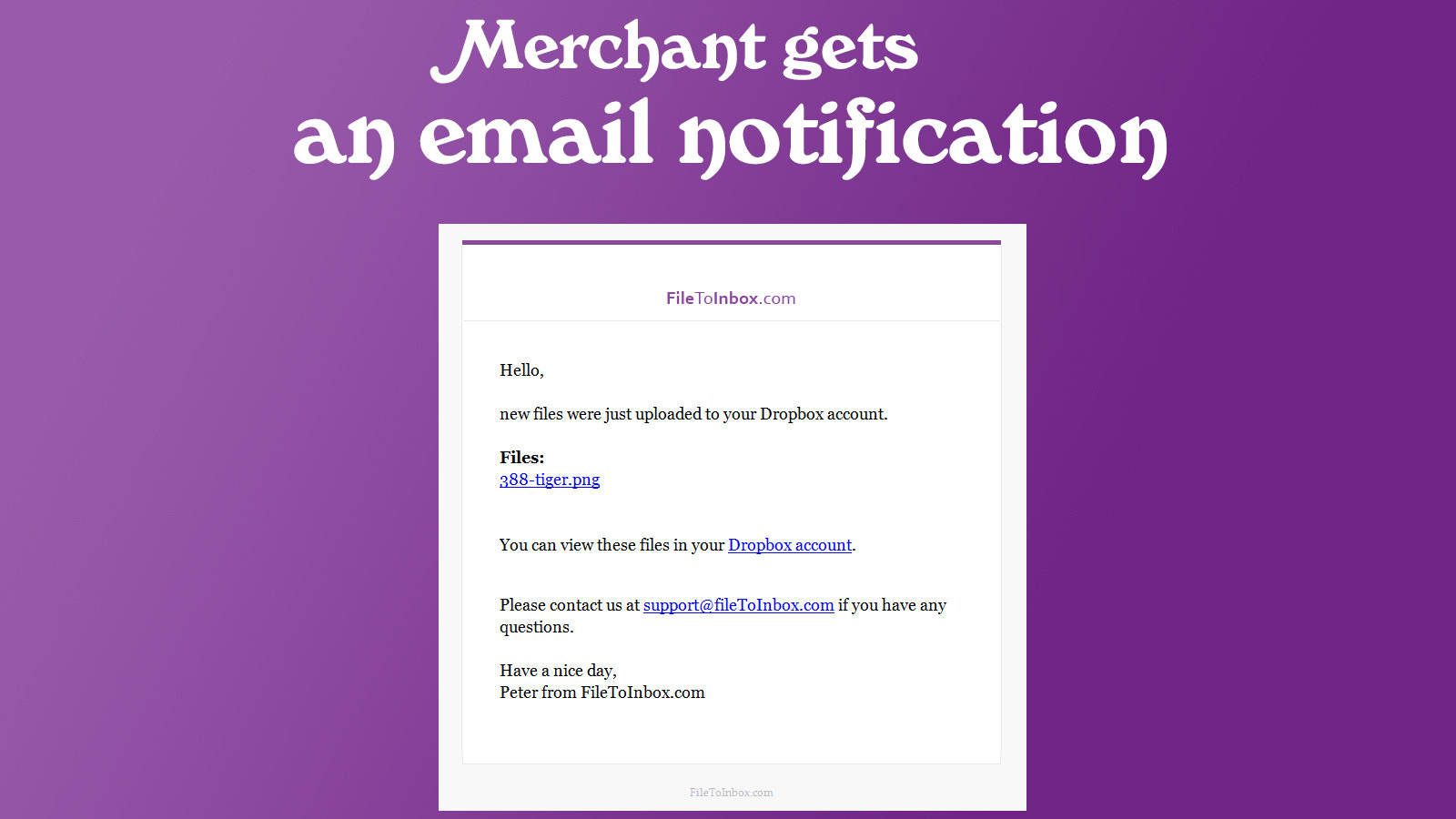
Designed for merchants selling custom products — printed t-shirts, engraved items, personalized signs — this app lets customers attach files and images directly to orders. Uploads are delivered to your own storage: Dropbox, Google Drive, OneDrive, Box, or SFTP — or to our built-in cloud storage with nothing to set up. Images, photos, videos, PDFs, Excel, PSD, ZIP and more. No upload limit per order, files up to 5 GB each, and files in your own storage stay yours even if you uninstall the app.
Screenshots


Key features
- Unlimited file and image uploads per order — every file type accepted
- Each uploaded photo, image, or file can be up to 5 GB
- Deliver uploads to your Dropbox, Google Drive, OneDrive, Box, or SFTP server
- Files land in your own storage and stay there even if you uninstall the app
- Customers personalize orders on mobile, tablet, and deskto
Standardized capabilities
Normalized capabilities detected for this app, comparable across the marketplace.
- Custom Rules ManagementCreate and manage custom rules for various store functionalities.common
- Dropbox IntegrationConnect and manage files directly from your Dropbox account.differentiator
- Excel IntegrationIntegrate and manage Excel files seamlessly in your processes.common
- Image ManagementEasily upload and organize images for your product listings.table-stakes
- JPEG Image SupportUpload and manage JPEG image files for your products.table-stakes
- PDF File SupportUpload and manage PDF files for your products or documents.table-stakes
- PNG Image SupportUpload and manage PNG image files for your products.table-stakes
- PSD SupportSupport for Photoshop Document files in your workflow.common
- Video Content ManagementManage and showcase videos effectively on your platform.differentiator
- ZIP File SupportUpload and manage ZIP files for compressed content delivery.common
- File Upload SupportEasily upload images and photos for your products.common
Pricing plans
Pro19/month
|
Business29/month
|
Category rankings
As of Sep 8, 2026- Custom file upload#61of 201Top 31%
- Custom product#275of 555Top 50%
See 90-day rank history for each category
Track daily rank changes, category shifts, and position volatility.
Keyword rankings
File To Inbox ‑ File Upload ranks for 2 keywords across Shopify App Store. Here are the top 2:
- Rank #32
- 2.inboxRank #16
Competitors & alternatives
File To Inbox ‑ File Upload doesn't have curated competitor matchups yet. Other tracked custom file upload apps on Shopify:






Frequently asked questions
What is File To Inbox ‑ File Upload?
File To Inbox ‑ File Upload is an app for Shopify. It currently holds a 4.7-star rating from 5 merchant reviews, and it has been listed on the marketplace since 2017. It is listed under the Custom file upload category on AppRanks, where you can see its current category position, review-velocity trend, and how it compares against the top alternatives in the same space. Developed by Yuhu Apps.
Is File To Inbox ‑ File Upload free?
File To Inbox ‑ File Upload does not offer a permanent free plan on Shopify. Pricing starts at 19, and the listed tiers are Pro, Business. Trial availability and exact billing terms are mirrored from the live Shopify listing and may change between refresh cycles, so always confirm the headline price on the source marketplace before installing.
Who uses File To Inbox ‑ File Upload?
File To Inbox ‑ File Upload is actively installed across Shopify stores tracked by AppRanks. Its review base is still building, which usually maps to early-stage merchants and stores piloting a new workflow. It is part of the Custom file upload category on Shopify.
Where does File To Inbox ‑ File Upload rank on Shopify?
File To Inbox ‑ File Upload currently sits at position #61 in the Custom file upload category on Shopify. That places it in the top 30% of 201 apps tracked in the same category. Category positions are read from the live marketplace ranking and refresh on each scrape, so the number you see here reflects the most recent crawl rather than a long-running average.
What does File To Inbox ‑ File Upload integrate with?
File To Inbox ‑ File Upload lists 7 integrations on its Shopify marketplace page. The most prominent are Shopify Admin, box, box.com, dropbox, google drive, one drive, plus 1 additional integration listed on the marketplace page. Integration data is mirrored from the live Shopify listing on each refresh, so the set above tracks whatever the developer has currently published — it does not reflect deeper compatibility AppRanks has not been able to verify from public data.